automatically depending on how you hold the phone.
NOTE: To enable or disable auto-rotate, slide down the status panel and
tap the Auto-rotate icon.
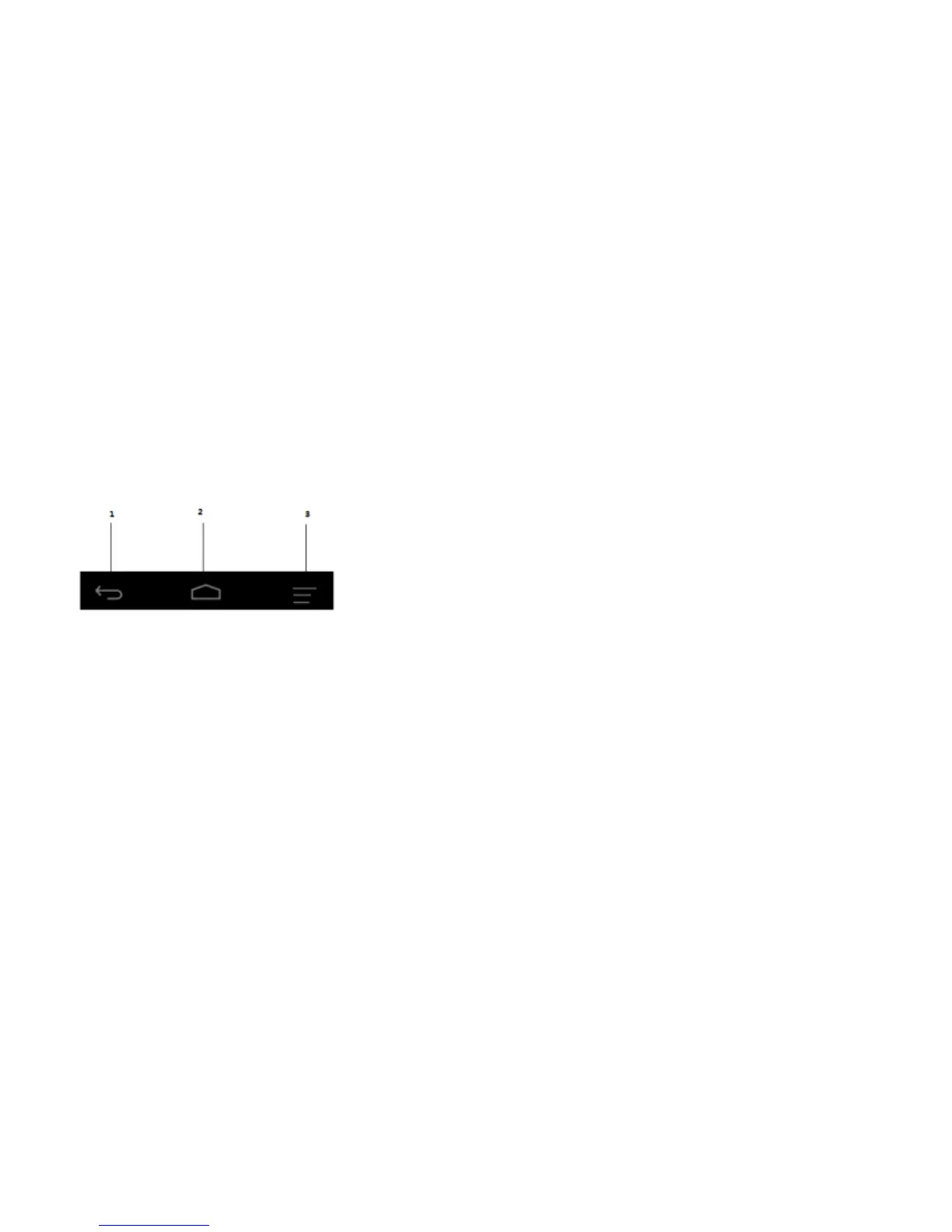
Keys and functions
1. Back key
Tap to return to the previous screen and exit the running application.
Tap to close the on-screen keyboard in text input mode.
2. Home key
Tap to return to the main screen.


 To Next Page
 Loading...