chemicals.
Do not sit on the phone: the touch screen can be damaged.
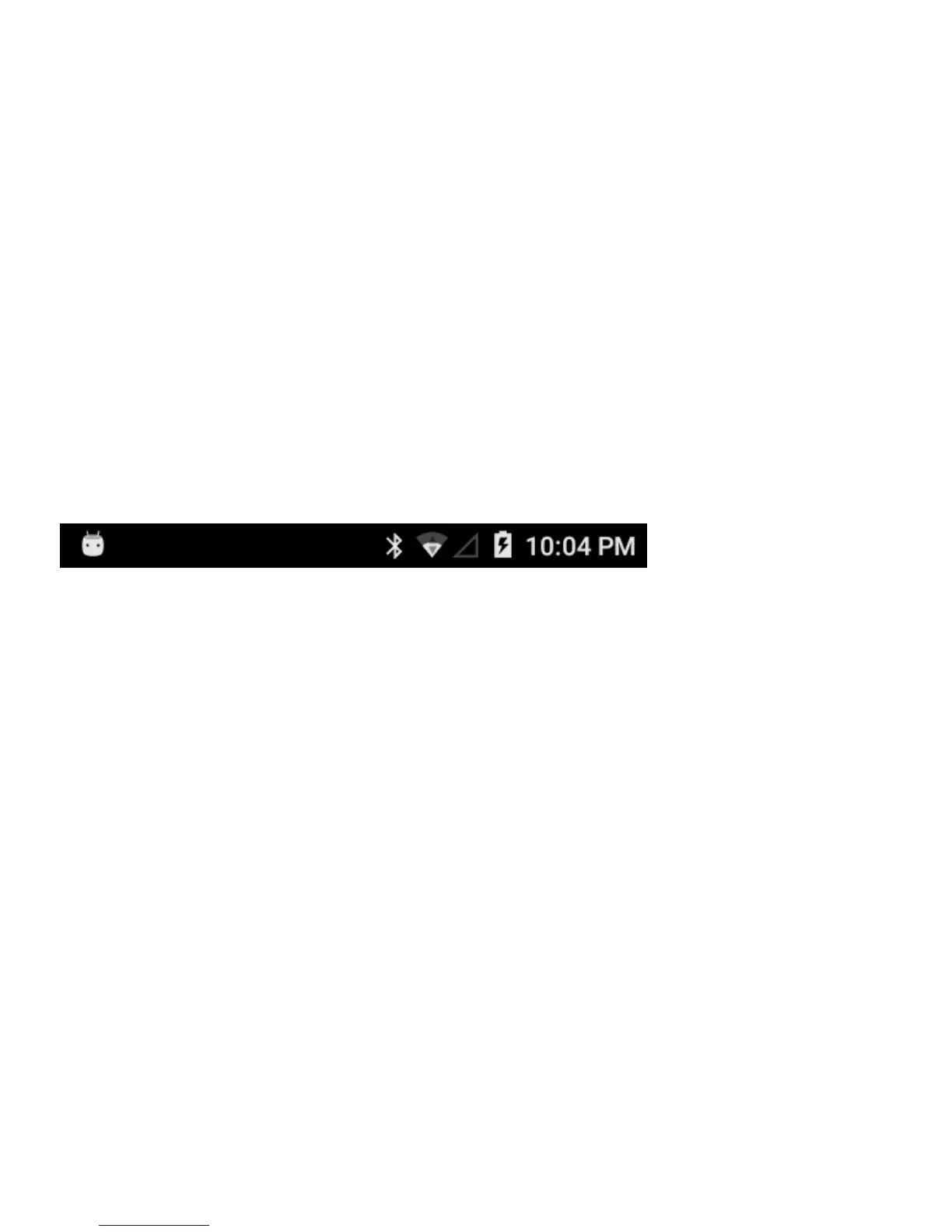
Status bar
The status bar at the top of the screen notifications from various apps,
time, and the states of various devices such as battery status, WLAN status, Signal status and so on.
1. Notification panel displays notification icons to inform you of new
Email, messages, and so on. Slide the panel down to view the
notifications and then tap a notification icon to view details of the
notification.


 To Next Page
 Loading...