Locking screen
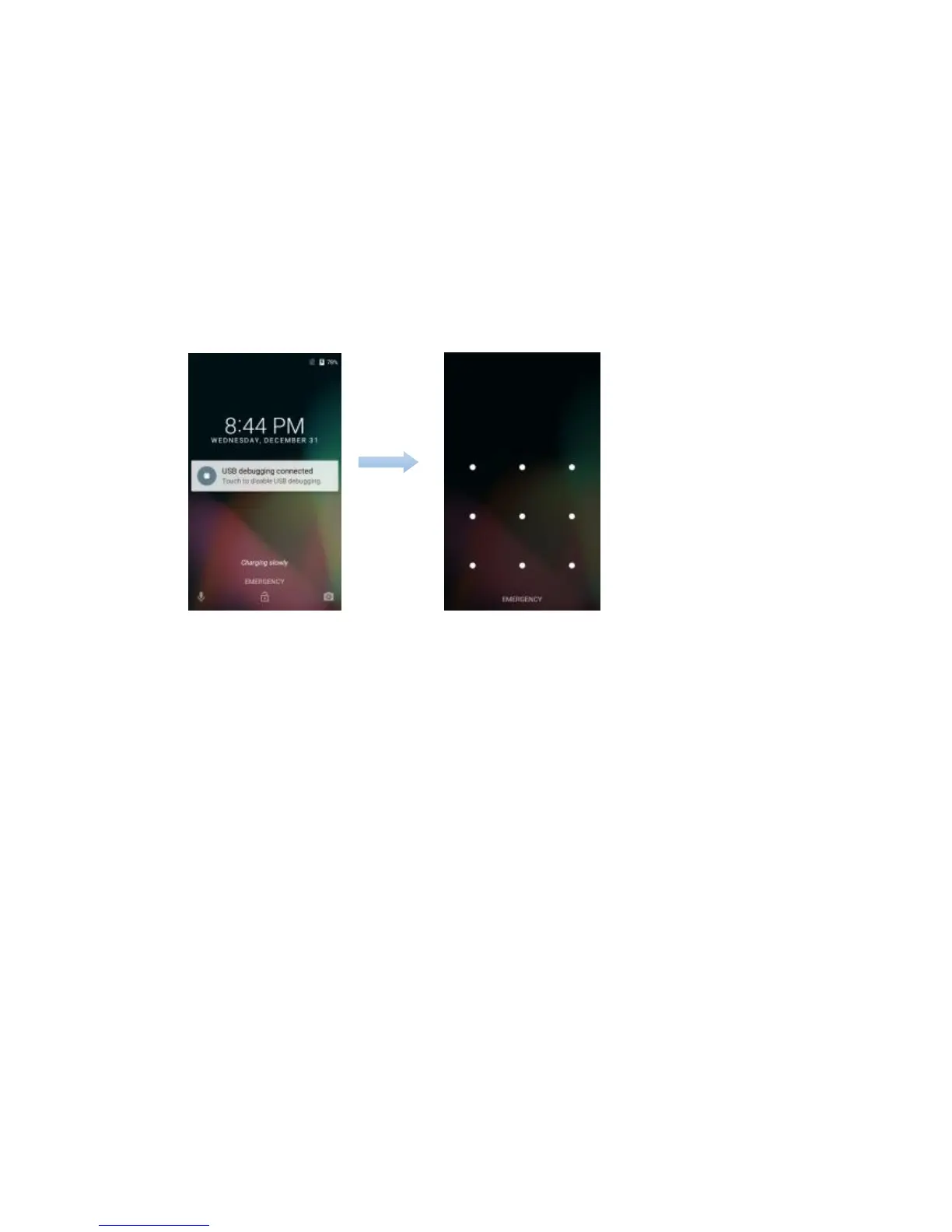
To lock the screen, press the PWR key. It is recommended to lock the screen to protect information in
the phone and reduce battery usage.
You can also configure your phone to automatically lock after a certain period of time. Tap → Settings
→ Display → Sleep to set the sleep time from 15 seconds, 30 seconds, 1 minute, 2 minutes, 5
minutes, 10 minutes, or 30 minutes.


 To Next Page
 Loading...