QED USER MANUAL 11
Tech Requirements
LAN Cable
(Ethernet)
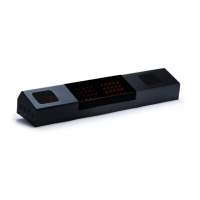
Sensor
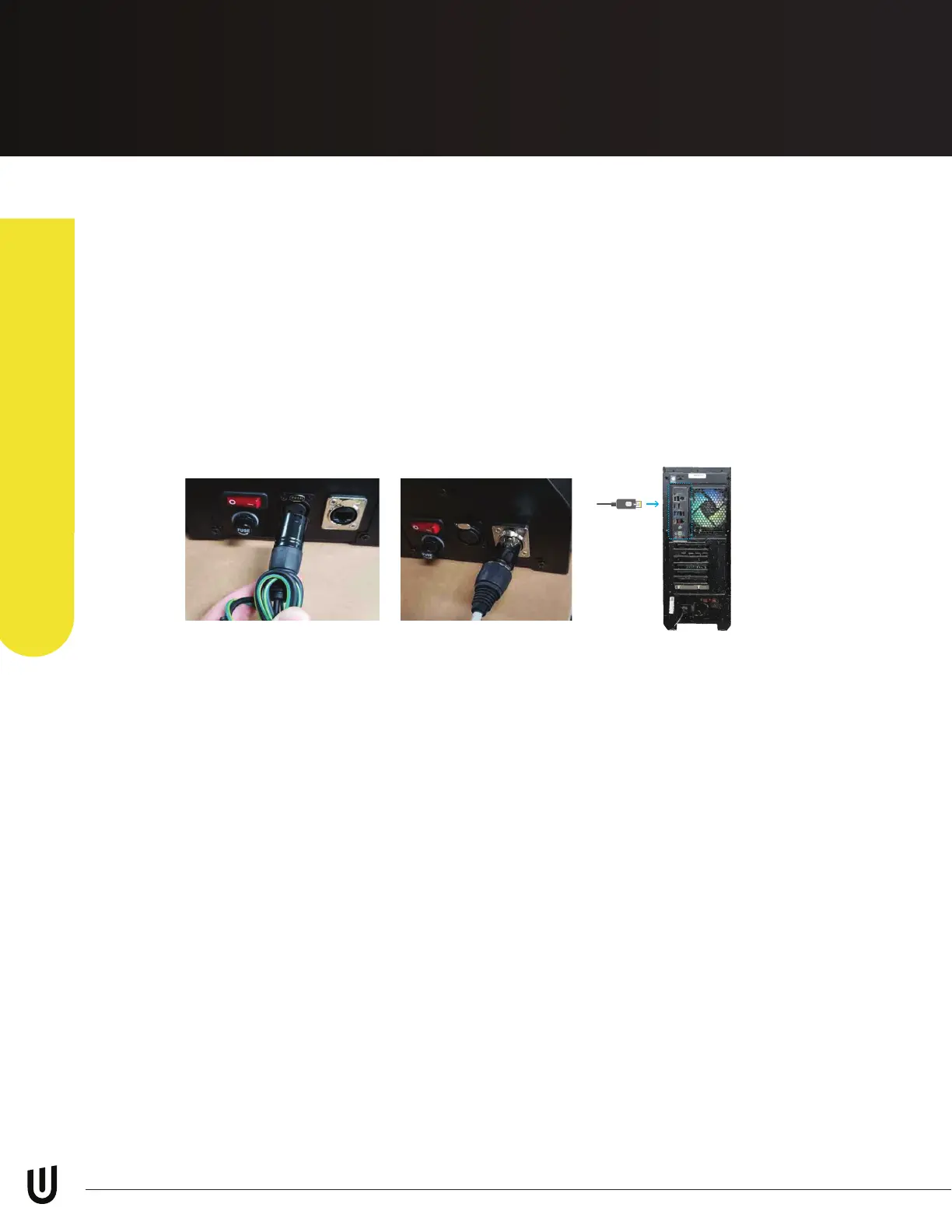
It is important before you start the network setup process, that you have
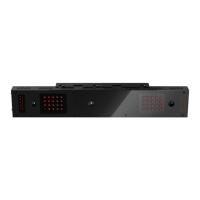
the sensor bar powered on and connected to your PC with the LAN cable
provided to you in the shipping box.
Make sure the LAN cable is DIRECTLY connected to your PC in the back
Ethernet port. Do NOT have it connected to the USB Adapter or a hub.
Hardware Install
Step 4: Connection Status
Page 14 Diagram 1 - EYE-MINI Manual Diagrams
*Not sure about this computer graphic...
we could buy a stock image or I can
make one if we want to replace it
PC


 To Next Page