09TRUCK COMPUTER (ATC)
32
•
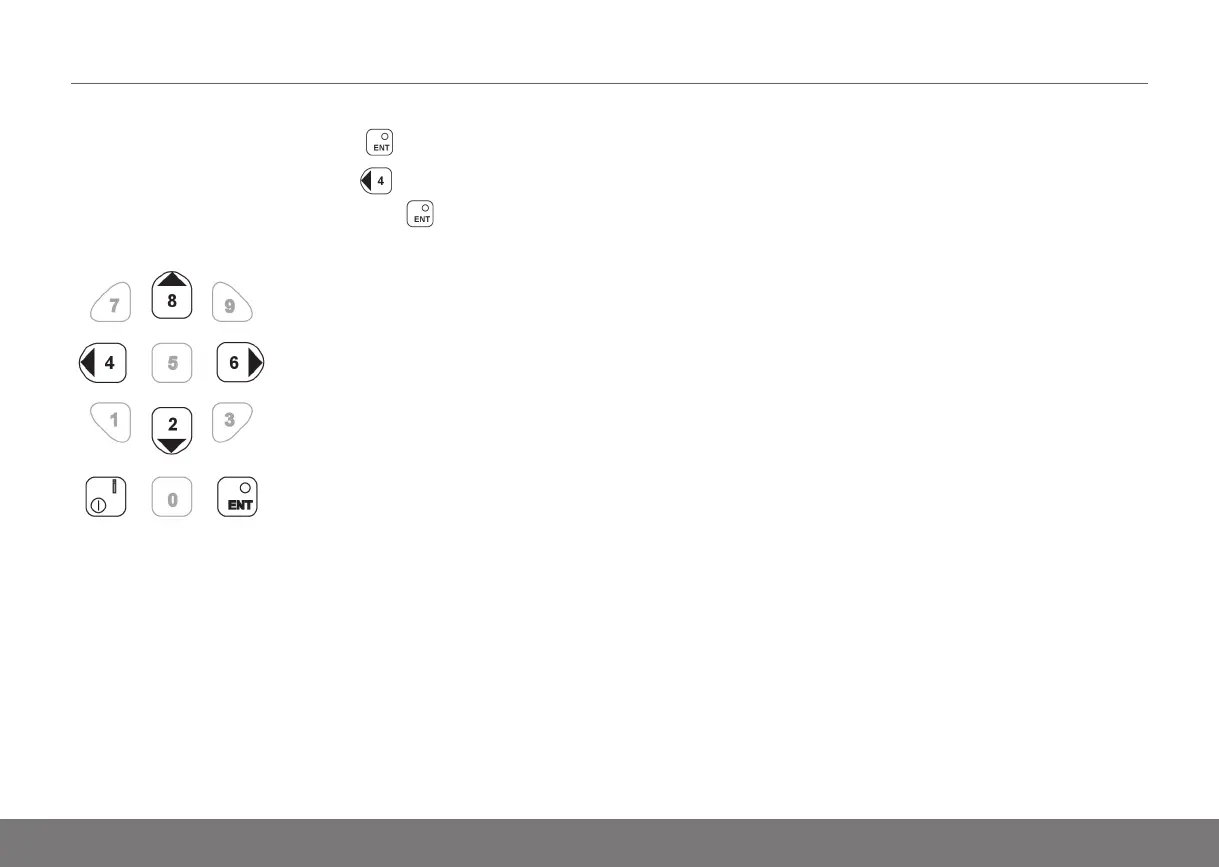
To enter into a menu: Press the button.
•
To exit a selected menu: Press . The horn button
serves as an "Esc button". Press the button when
"Exit" is shown in the display.
Instruction Handbook PLL, PLE, PSL, PSD, PS, PSH, PLP, TS — D002652, B, GBR, ForTranslation



 To Next Page