EasyManua.ls Logo

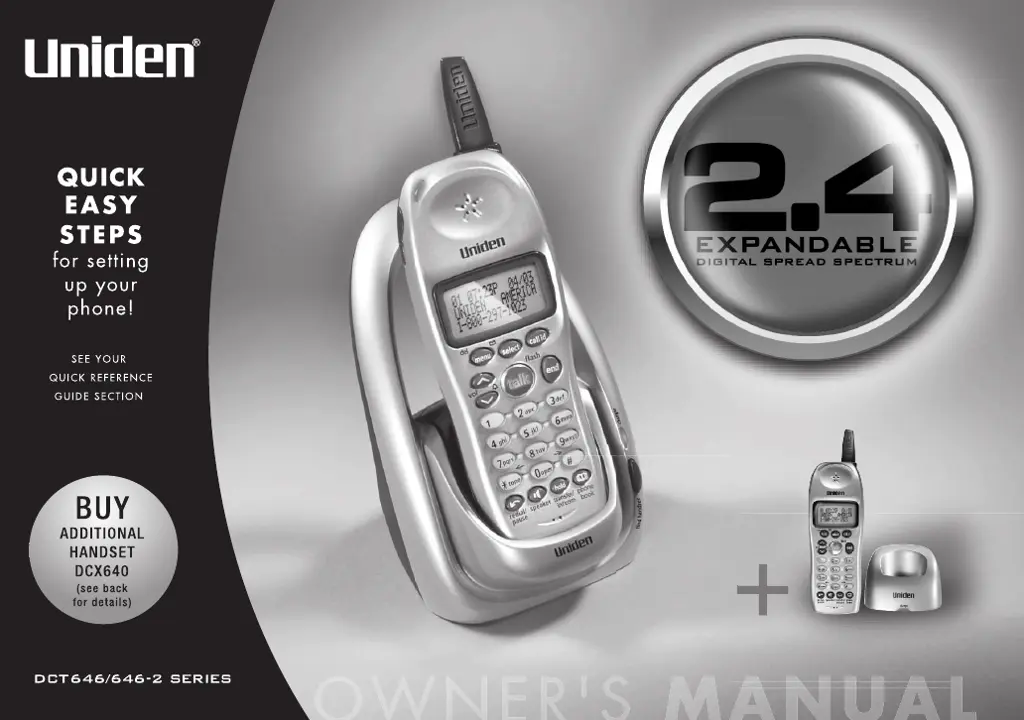
Uniden 2.4 - User Manual

Uniden 2.4
68 pages
Print Icon
To Next Page IconTo Next Page
Loading...

Table of Contents

Questions and Answers

Summary

QUICK EASY STEPS

Checking Package Contents

Verifies all items are included in the phone's packaging for setup.

Install and Charge Battery

Details the process of installing and charging the handset battery before first use.

Connect to Phone Line

Guides on connecting the phone base unit to the telephone line for operation.

Set Caller ID & Language Options

Explains how to configure Caller ID display and select the phone's language.

Welcome

Controls & Functions

GETTING STARTED

Setting up the Phone

Provides a step-by-step guide for initial phone setup, battery installation, and connections.

BASICS

Making and Receiving Calls

Covers the fundamental operations of making and answering phone calls.

PHONEBOOK

CALLER ID

EXPANDING YOUR PHONE

Troubleshooting

Common Issues and Solutions

Provides suggestions for common phone problems like LED not illuminating or weak audio.

Precautions & Warranty

Summary

QUICK EASY STEPS

Checking Package Contents

Verifies all items are included in the phone's packaging for setup.

Install and Charge Battery

Details the process of installing and charging the handset battery before first use.

Connect to Phone Line

Guides on connecting the phone base unit to the telephone line for operation.

Set Caller ID & Language Options

Explains how to configure Caller ID display and select the phone's language.

Welcome

Controls & Functions

GETTING STARTED

Setting up the Phone

Provides a step-by-step guide for initial phone setup, battery installation, and connections.

BASICS

Making and Receiving Calls

Covers the fundamental operations of making and answering phone calls.

PHONEBOOK

CALLER ID

EXPANDING YOUR PHONE

Troubleshooting

Common Issues and Solutions

Provides suggestions for common phone problems like LED not illuminating or weak audio.

Precautions & Warranty

Uniden 2.4 Specifications

General IconGeneral
Frequency2.4 GHz
Caller IDYes
HandsetsVaries depending on model
Answering MachineNo
ExpandableNo

Related product manuals