EasyManua.ls Logo

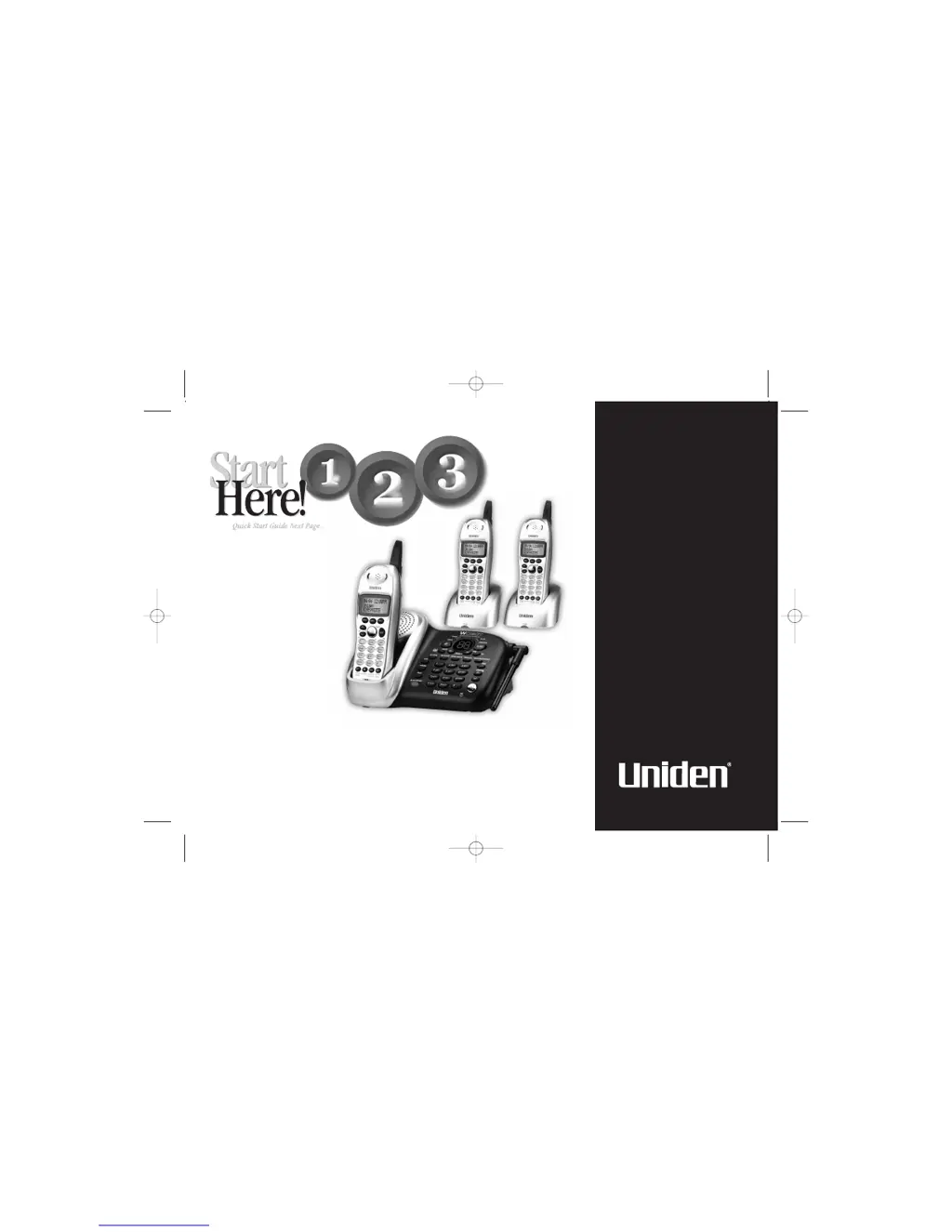
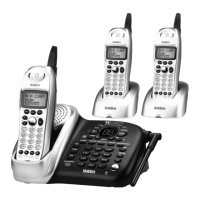
Uniden WDECT 2355+2 - User Manual

Uniden WDECT 2355+2
76 pages
Print Icon
To Next Page IconTo Next Page
Loading...
WDECT
2355
+
2
Wide Band Digital
Technology provides
the clearest sound
and the best privacy.
Guide
Quick Start
UP354BH(WDECT2355+2) OM 5/14/04 12:04 PM Page a

Table of Contents

Questions and Answers

  • W
    wmontesAug 18, 2025
    What to do if Uniden WDECT 2355+2 handset doesn't ring?
    • W
      wilcoxamberAug 19, 2025
      If the handset of your Uniden Cordless Telephone isn’t ringing or receiving a page, try the following: * Charge the batteries in the handset for 15-20 hours by placing the handset on the base or charging cradle. * Ensure the handset is not too far away from the base unit. * Place the base unit away from appliances or metal objects. * Consider removing the base ID and registering the handset again.
  • J
    Jordan MeyersAug 21, 2025
    How to fix charge LED not working on Uniden WDECT 2355+2 Cordless Telephone?
    • A
      Alexis BrooksAug 21, 2025
      If the charge LED on your Uniden Cordless Telephone doesn’t light up when the handset is in the cradle, ensure the AC adapter is correctly plugged into both the base and the wall outlet. Also, check that the handset is properly seated in the cradle and that the charging contacts on both the handset and cradle are clean.
  • J
    John BaileyAug 23, 2025
    Why does caller ID not display on my Uniden Cordless Telephone?
    • T
      Tina Moore DDSAug 25, 2025
      If the Caller ID isn't showing on your Uniden Cordless Telephone, it could be due to a few reasons. First, ensure that you're not picking up the handset before the second ring. Also, the call might be coming through a switchboard, which can interfere with Caller ID. If neither of these is the case, contact your local telephone company to confirm that your Caller ID service is active and current.
  • C
    Connie ArroyoAug 26, 2025
    Why can't I make or receive calls on my Uniden Cordless Telephone?
    • J
      Jennifer BartonAug 26, 2025
      If you're having trouble making or receiving calls on your Uniden Cordless Telephone, there are several things you can check: * Ensure both ends of the base telephone line cord are properly connected. * Verify the AC adapter is plugged into both the base and the wall outlet. * Try disconnecting the AC adapter for a few minutes and then reconnecting it. * Make sure you are not too far from the base. * If another outside call is already in progress, you might not be able to make another one. * Consider removing the base ID and registering the handset again.
  • J
    James WoodsAug 28, 2025
    How to reduce noise interference on Uniden WDECT 2355+2 Cordless Telephone?
    • D
      Darius SmithAug 28, 2025
      If you are experiencing severe noise interference with your Uniden Cordless Telephone, try these steps: * Keep the handset away from potential sources of interference such as microwave ovens, computers, remote control toys, wireless microphones, alarm systems, intercoms, room monitors, fluorescent lights, and electrical appliances. * Try moving to a different location or turning off the source of the interference.
  • K
    Kevin MontoyaAug 30, 2025
    Why is the answering system not working on my Uniden WDECT 2355+2 Cordless Telephone?
    • D
      Donna CamachoAug 30, 2025
      If the answering system on your Uniden Cordless Telephone isn't working, check the following: * Make sure the base unit is properly plugged in. * Confirm that the answering system is turned on. * Ensure the message record time is not set to 'Announce only'.
  • C
    Crystal MaldonadoSep 1, 2025
    Why are messages incomplete on my Uniden WDECT 2355+2 Cordless Telephone answering machine?
    • A
      Austin SweeneySep 1, 2025
      If messages are incomplete on your Uniden Cordless Telephone, it could be due to long incoming messages. Remind callers to keep their messages brief. Also, the memory might be full, so try deleting some or all of the saved messages.
  • D
    David GibsonSep 4, 2025
    How to improve audio quality on Uniden WDECT 2355+2?
    • H
      hwilliamsSep 4, 2025
      If the audio on your Uniden Cordless Telephone sounds weak or scratchy, try moving the handset and/or base to a different location, away from metal objects or appliances. Also, make sure you're not too far from the base.
  • P
    Pamela LeeSep 6, 2025
    Why won't my Uniden Cordless Telephone handset communicate with other handsets?
    • A
      Andrew BlackSep 6, 2025
      If the handset isn’t communicating with other handsets on your Uniden Cordless Telephone, try removing the base ID and registering the handset. Also, ensure that you have registered all handsets.
  • D
    Destiny ChurchSep 8, 2025
    Why can't I access remote features on my Uniden WDECT 2355+2 Cordless Telephone?
    • S
      Stanley GarciaSep 8, 2025
      If you cannot access remote call-in features from another touch-tone phone with your Uniden Cordless Telephone, first, make sure you are using the correct PIN number. Also, ensure that the touch-tone phone you’re using can transmit the tone for at least two seconds. If it cannot, you may have to use another phone.

Summary

Quick Start Guide

Base Unit Installation

Connects the AC adapter and telephone line to the base unit.

Battery Installation and Charging

Insert the battery pack and charge the handset for initial use.

Installation and Safety

Safety Guidelines and Placement

Crucial safety warnings and ideal placement advice for the phone.

Wall Mounting the Base Unit

Step-by-step guide for securely mounting the base unit.

Product Overview and Controls

Controls and Functions

Identifies and explains handset, base, and charger buttons and indicators.

Key Product Features

Highlights the main capabilities and advanced features of the phone.

Package Contents and Terminology

Lists items in the package and defines key terms used in the manual.

Setup and Configuration

Menu Navigation and Handset Setup

Guides users through handset settings like ringers and AutoTalk.

Answering System Setup

Configures PIN, ring time, record time, and call screening.

Global and System Settings

Manages time, name tags, dial mode, and system reset.

Daily Operations

Making and Receiving Calls

Explains how to initiate, answer, and end phone calls.

Call Management Features

Covers keypad lock, call hold, redial, DND, and mute functions.

Volume, Ringer, and Dialing Features

Adjusts audio levels, ringers, and tone dialing settings.

Advanced Features

Phonebook Management

Storing, viewing, editing, and dialing contacts.

Caller ID Features

Understanding and utilizing Caller ID information and lists.

Integrated Answering System

Setup, usage, recording messages, and remote operation.

System Expansion and Support

Expanding Your Phone System

Adding handsets, DirectLink, Room Monitor, and conferencing.

Troubleshooting Guide

Solutions for common phone problems and issues.

Warranty Information

Details the limited warranty terms, duration, and claim procedures.

Remote Operation Card

A quick reference card for remote access to the answering system.

Accessory Information

Additional Handset & Charger Details

Information about the WDECT2305 handset and charger.

Uniden WDECT 2355+2 Specifications

General IconGeneral
BrandUniden
ModelWDECT 2355+2
CategoryCordless Telephone
LanguageEnglish

Related product manuals