EasyManua.ls Logo

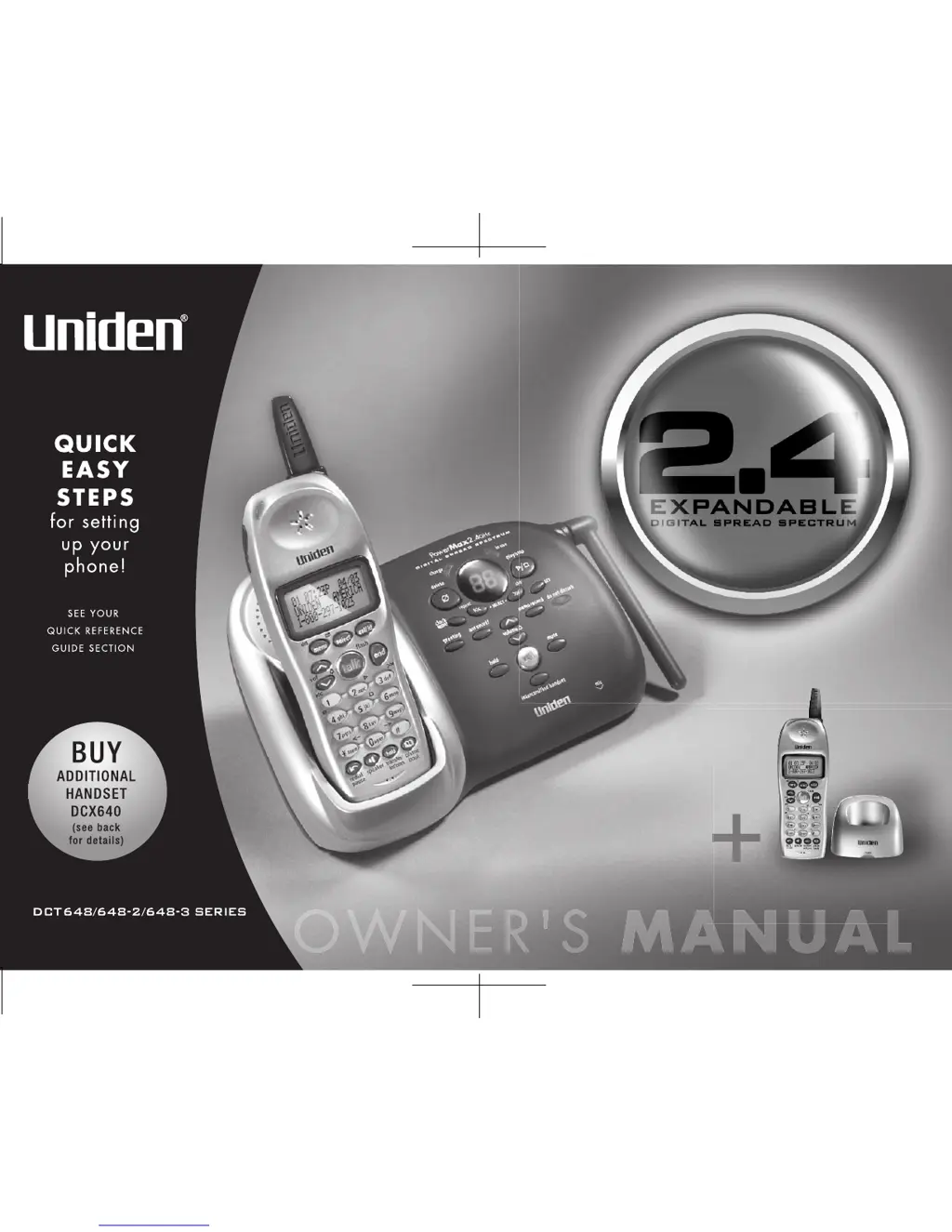
Uniden DCT648-2 Series - User Manual

Uniden DCT648-2 Series
88 pages
Print Icon
To Next Page IconTo Next Page
Loading...

Table of Contents

Questions and Answers

  • T
    Todd WilliamsJul 26, 2025
    What to do if my Uniden DCT648-2 can't make or receive calls?
    • D
      Douglas SmithJul 26, 2025
      If your Uniden Cordless Telephone is unable to make or receive calls, check the following: * Ensure both ends of the base telephone line cord are properly connected. * Verify the AC adapter is plugged securely into both the base and the wall outlet. * Try disconnecting the AC adapter for a few minutes, then reconnect it. * Make sure that you are not too far from the base. * If an outside call is already in progress, you cannot initiate another one.
  • D
    Danny FreemanAug 1, 2025
    What to do if the charge LED won't illuminate on my Uniden Cordless Telephone?
    • G
      George ScottAug 1, 2025
      If the charge LED on your Uniden Cordless Telephone does not light up when the handset is in the cradle: * Ensure the AC adapter is correctly plugged into both the base (or charger for specific models) and the wall outlet. * Make sure the handset is properly seated in the cradle. * Ensure the charging contacts on both the handset and the base (or charger for specific models) are clean.
  • J
    Jacqueline GarnerAug 7, 2025
    Why is there severe noise interference on my Uniden DCT648-2 Cordless Telephone?
    • J
      Jennifer FergusonAug 7, 2025
      Severe noise interference on your Uniden Cordless Telephone can be caused by nearby electronic devices. To resolve this: * Keep the handset away from microwave ovens, computers, remote control toys, wireless microphones, alarm systems, intercoms, room monitors, fluorescent lights, and other electrical appliances. * Try moving to another location or turning off the source of interference.
  • A
    Alyssa SchneiderAug 13, 2025
    Why is the audio weak on my Uniden DCT648-2 Cordless Telephone?
    • J
      Joseph DiazAug 14, 2025
      Weak audio on your Uniden Cordless Telephone may be due to the following: * Try moving the handset and/or base to a different location, away from metal objects or appliances. * Make sure that you are not too far from the base.
  • B
    Brent PierceAug 19, 2025
    How to access remote call-in features from another touch-tone phone on my Uniden Cordless Telephone?
    • B
      Brenda RivasSep 12, 2025
      To access remote call-in features on your Uniden Cordless Telephone from another touch-tone phone: * Make sure you are using the correct PIN number. * Ensure the touch-tone phone you're using can transmit the tone for at least two seconds. If it cannot, you may need to use another phone.

Summary

Controls and Functions

Getting Started

Initial Phone Setup

Step-by-step instructions for initial phone setup.

Handset Battery Installation and Charging

How to install and initially charge the handset battery pack.

Base Unit Connection

Instructions for connecting the AC adapter and telephone line to the base.

Phonebook Management

Storing and Editing Entries

Steps to store phone numbers, names, and speed dials in memory.

Caller ID Features

Caller ID and CIDCW

How Caller ID and Caller ID on Call Waiting features work.

Integrated Answering System

Remote Operation

Accessing answering system functions remotely via phone or handset.

Expanding Your Phone System

Registering New Handsets

Step-by-step guide to pairing new handsets with the base.

Troubleshooting

Common Issues and Solutions

Table of common problems like no charge LED, weak audio, or no calls.

Answering System and Remote Access Problems

Troubleshooting answering system and remote access failures.

Precautions and Safety

Uniden DCT648-2 Series Specifications

General IconGeneral
BrandUniden
ModelDCT648-2 Series
CategoryCordless Telephone
LanguageEnglish

Related product manuals