EasyManua.ls Logo

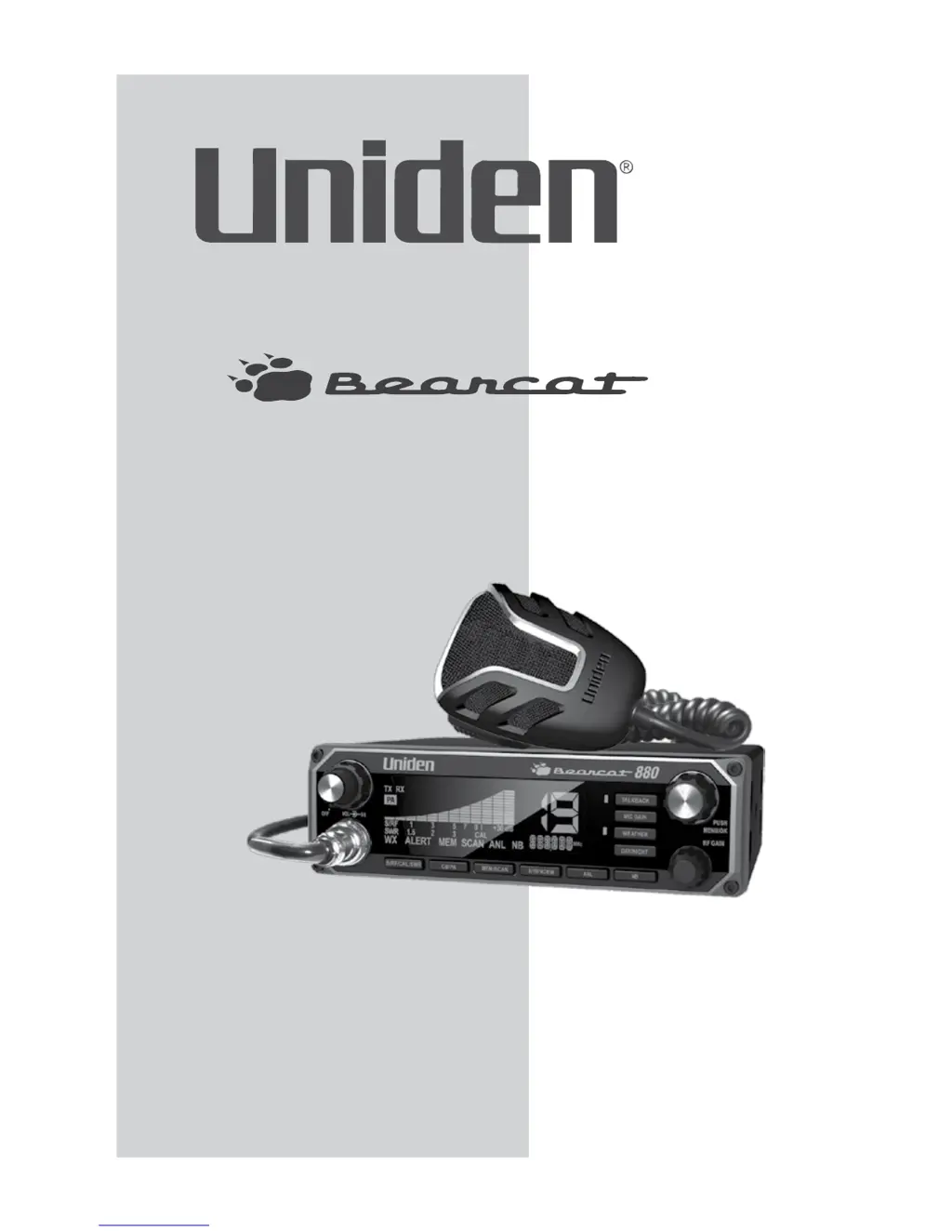
Uniden BEARCAT 880 - User Manual

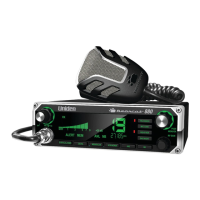
Uniden BEARCAT 880
22 pages
Print Icon
To Next Page IconTo Next Page
Loading...
Owners Manual
Printed in China
U01UT390ZZZ(0)
®
880

Questions and Answers

  • J
    Joshua BatesAug 15, 2025
    What to do if my Uniden BEARCAT 880 Radio has no reception?
    • J
      John CraigAug 16, 2025
      If your Uniden Radio has no reception, check the microphone connection, set the CB/PA switch to CB, and verify the VOLUME and SQUELCH settings. Inspect the antenna and its connection, and adjust the RF Gain.
  • G
    grace67Aug 18, 2025
    Why is the reception on my Uniden BEARCAT 880 so poor?
    • J
      jonathan30Aug 19, 2025
      If your Uniden Radio has poor reception, verify the VOLUME and SQUELCH settings. Ensure that the antenna SWR is normal, and adjust the RF Gain.
  • D
    Dylan WilsonAug 21, 2025
    Why does my Uniden BEARCAT 880 have no transmission?
    • L
      Lori HendrixAug 22, 2025
      If your Uniden Radio has no transmission, set the CB/PA switch to CB, check the microphone connection, and adjust the MIC Gain.
  • B
    brandonestradaAug 25, 2025
    How to fix a Uniden BEARCAT 880 that does not power up?
    • K
      Kevin MartinezAug 26, 2025
      If your Uniden Radio unit isn't powering up, verify the power cord connections, inspect the fuse, and check the vehicle's electrical system.
  • J
    jacobsondonaldAug 27, 2025
    How to fix low transmission on Uniden BEARCAT 880 Radio?
    • D
      Derek HendersonAug 27, 2025
      If your Uniden Radio has low transmission, you should adjust the MIC Gain.
  • B
    brettgarnerAug 31, 2025
    What to do if Uniden Radio battery check returns FAILLO FAILHI error?
    • M
      Monica BennettAug 31, 2025
      If your Uniden Radio's battery power check returns FAILLO FAILHI or ., ensure your power wires have a solid connection. Verify that your battery is fully charged, as lower voltage can cause this failure. Also, check your alternator.
  • K
    kevinjacobsSep 2, 2025
    What to do if Uniden BEARCAT 880 Radio RF power diagnosis check FAIL?
    • R
      richardsondavidSep 2, 2025
      If your Uniden Radio RF power diagnosis check fails, make sure your antenna ground is good, inspect your antenna for any damage, and check the antenna connection on the back of the radio to ensure it's tight.
  • L
    Lisa RobertsSep 5, 2025
    What to do if Uniden BEARCAT 880 Radio antenna check FAIL?
    • C
      Carly LewisSep 5, 2025
      If your Uniden Radio antenna check fails, ensure your antenna ground is properly connected. Check the antenna for any signs of damage. Have the SWRs checked at a CB shop, as high SWRs can damage the radio.
  • A
    Abigail SmithSep 8, 2025
    What to do if Uniden BEARCAT 880 Radio does not work as well as previously?
    • A
      Adam VargasSep 9, 2025
      If your Uniden Radio unit isn't working as well as it used to, try turning the power off and then back on. This will reset the channels.
  • E
    Elizabeth PerezSep 12, 2025
    Why MEM/SCAN does not access channels in memory on Uniden BEARCAT 880 Radio?
    • D
      Dr. Andrew Spence Jr.Sep 12, 2025
      If using MEM/SCAN does not access channels in memory on your Uniden Radio, verify that you have saved channels into the memory.

Summary

Unpacking and Description

Unpacking Bearcat 880 Contents

Lists all items included in the Bearcat 880 package.

Product Description

Overview of the Bearcat 880's capabilities in the Citizens Band Radio Service.

Emergency Operation Procedure

Steps to use Channel 9 for emergency broadcasts.

Controls and Functions Overview

Volume Control and Power

Controls radio power and audio volume.

Squelch Adjustment

Reduces background noise during no signal reception.

S;RF;CAL;SWR Meter

Displays signal strength, RF power, and SWR.

Channel Number Display

Shows the current selected CB channel.

Operation Buttons and LEDs

Details functions of buttons like Talkback, MIC Gain, Weather, Day/Night.

Channel Selector and Menu Operations

Navigates channels and menu options.

Microphone Socket and Indicators

Connects microphone and shows function status.

Mode and Channel Selection Buttons

Selects CB/PA mode, scanning, and emergency channels.

Display and Noise Reduction Features

Shows frequency and activates ANL/NB noise filters.

RF Gain Control

Adjusts reception sensitivity in strong signal areas.

Installation Guide

Mobile Installation Preparation

Guide to planning and preparing for transceiver installation in a vehicle.

Mobile Antenna Guidance

Importance of antenna quality for maximum performance.

Connecting Power Cords

Instructions for connecting the DC power supply to the vehicle.

Grounding Procedures

Details for connecting the negative ground system of the vehicle.

6-Pin to 4-Pin Adapter Installation

How to connect a 4-pin microphone to the 6-pin radio.

Marine Installation Considerations

Advice for marine installation, emphasizing grounding and electrolysis.

Using Your Bearcat 880

CB Mode Basic Settings

Initial setup for volume, channel selection, and noise limits in CB mode.

All Channel Scan Feature

How to scan all CB channels for incoming signals.

Weather Mode Operations

Using the Weather radio and alert system.

Set Weather Scan Mode

Configure automatic scanning of weather channels.

Set Weather Alert Mode

Activate alert tone for severe weather broadcasts.

Memory Mode Operations

Storing and scanning favorite CB channels.

Save Channels Into Memory

Procedure to store selected channels into memory.

Scan Channels in Memory

Scan only the channels stored in memory.

Listen to Channels in Memory

Recall and listen to saved channels.

Clear Channels from Memory

Remove channels from memory storage.

Menus Navigation and Settings

Accessing and cycling through device settings menus.

Set LCD Contrast

Adjust the clarity of the LCD screen display.

Set LCD Brightness

Adjust the brightness of the LCD display.

Diagnostic Menus

Access system checks for battery, antenna, and RF power.

Battery Voltage Check

Verify DC power levels for proper operation.

Antenna Mismatch Check

Diagnose reception issues caused by antenna problems.

RF Power Output Check

Verify transmission levels are within acceptable limits.

Exit Menu Procedure

How to exit device settings menus and return to normal operation.

Other Features

S;RF;CAL;SWR Meter Usage

Monitor signal strength, RF power, and SWR.

Calibrate Standing Wave Ratio (SWR)

Procedure to calibrate the SWR meter for accurate readings.

Maintenance and Troubleshooting

Replacing a Blown Fuse

Steps to safely replace the fuse in the DC power cord.

Troubleshooting Common Problems

Solutions for issues like no power, no reception, or poor transmission.

Servicing, Specifications, and Warranty

Servicing Your Transceiver

Guidance on professional servicing and FCC regulations.

General Specifications

Details on channel count, frequency range, and control.

Transmitter Specifications

Technical details for output power, emission type, and modulation.

Receiver Specifications

Technical details for sensitivity, squelch, and audio output.

Two-Year Extended Warranty

Information on warranty coverage, limitations, and claims procedure.

Radio Code Definitions

Common CB Radio 10-Codes

List of common '10-Codes' for CB radio communication.

Uniden BEARCAT 880 Specifications

General IconGeneral
Maximum range- m
Operating frequency- MHz
Weight and Dimensions IconWeight and Dimensions
Weight2267 g
Dimensions (WxDxH)177 x 177 x 50 mm

Related product manuals