EasyManua.ls Logo

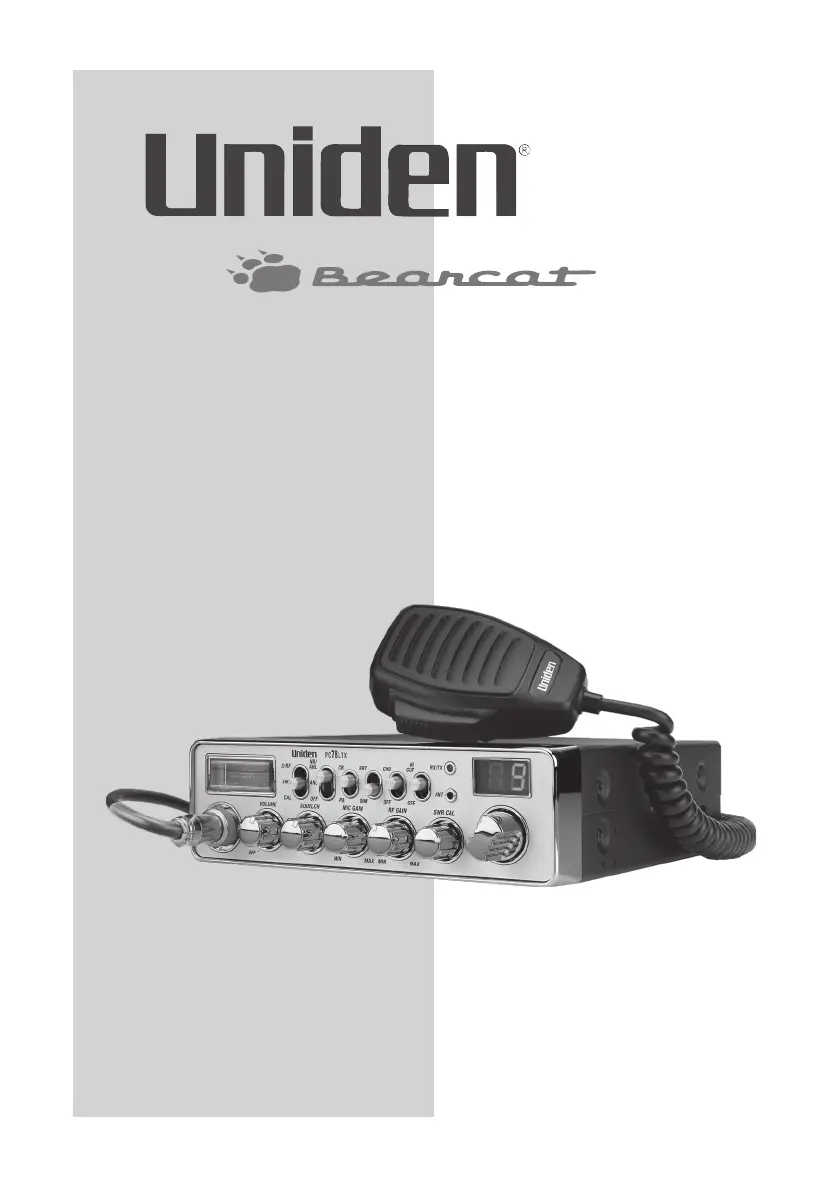
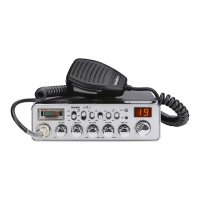
Uniden Bearcat PC78LTX - User Manual

Uniden Bearcat PC78LTX
20 pages
Print Icon
To Next Page IconTo Next Page
Loading...
Owners Manual
Printed in Vietnam
U01UT407AZZ (0)
®
PC78LTX

Questions and Answers

  • P
    Patrick ThompsonJul 28, 2025
    What to do if my Uniden Bearcat PC78LTX Radio has no reception?
    • L
      lloydamandaJul 28, 2025
      If your Uniden Radio has no reception, verify the microphone connection, ensure the CB/PA switch is set to CB, and check the VOLUME and SQUELCH settings. Also, inspect the antenna and its connection, and adjust the RF Gain.
  • C
    Chelsea WrightAug 2, 2025
    What to do if my Uniden Bearcat PC78LTX has no transmission?
    • F
      flaneAug 2, 2025
      If your Uniden Radio has no transmission, ensure that the CB/PA switch is set to CB and verify the microphone connection. You may also need to adjust the MIC Gain.
  • G
    George HahnAug 7, 2025
    How to fix poor reception on a Uniden Bearcat PC78LTX Radio?
    • L
      lindajohnsonAug 7, 2025
      If you are experiencing poor reception on your Uniden Radio, check the VOL and SQ settings. Also, ensure the antenna SWR is normal and adjust the RF Gain.
  • E
    Eric BartlettAug 12, 2025
    How to increase low transmission on Uniden Radio?
    • D
      Daniel HillAug 12, 2025
      If your Uniden Radio has low transmission, make sure the antenna SWR is normal and adjust the MIC Gain.
  • L
    Leslie PhillipsAug 17, 2025
    Why my Uniden Bearcat PC78LTX does not power up?
    • M
      Megan MillsAug 17, 2025
      If your Uniden Radio unit does not power up, check the ignition key position, power cord connections, and the fuse. Also, inspect the vehicle's electrical system.
  • M
    mooredavidAug 22, 2025
    What to do if calibration does not move the meter needle to the left side on Uniden Bearcat PC78LTX?
    • K
      Kelly Delgado MDAug 22, 2025
      If the calibration does not move the meter needle to the left side on your Uniden Radio, adjust the antenna length and check all antenna connections.

Summary

CUSTOMER CARE

DESCRIPTION

EMERGENCY OPERATIONS

How to use the radio for emergency communications on Channel 9.

WHATS IN THE BOX

Lists the items included with the PC78LTX CB radio package.

FRONT VIEW

REAR VIEW

INSTALLATION

MOBILE INSTALLATION

Steps for installing the transceiver and microphone bracket in a vehicle.

Mobile Antenna

Guidelines and warnings for selecting and installing the radio's antenna.

Connecting the Power Cords

Instructions for connecting the radio's power supply to the vehicle's electrical system.

Ground Information

Details on vehicle ground system polarity and connection procedures.

USING YOUR PC78 LTX

TURN PC78 LTX ON;OFF

Procedure for powering the radio unit on and off using the volume knob.

CB MODE

Steps for setting up and using the radio in Citizen's Band (CB) mode.

PA MODE

Instructions for using the Public Address (PA) system with an external speaker.

HI CUT;OFF

Explanation and use of the Hi Cut function to reduce high frequencies.

TO TRANSMIT;RECEIVE

Steps for transmitting and receiving communications using the microphone and PTT.

MULTI-FUNCTION METER

How to use the meter to measure SWR, RF output, and signal strength.

PREVENTIVE MAINTENANCE

MAINTENANCE

Information on basic maintenance, including fuse replacement procedures.

TROUBLESHOOTING

SPECIFICATIONS

RADIO CODE DEFINITIONS

10-CODES

Common 10-codes used for faster communication and understanding on CB radio.

FCC PART 15;IC INFORMATION

FCC COMPLIANCE

Statement regarding the device's compliance with FCC rules and regulations.

IC COMPLIANCE

Statement regarding the device's compliance with Industry Canada standards.

ONE-YEAR EXTENDED WARRANTY

Uniden Bearcat PC78LTX Specifications

General IconGeneral
BrandUniden
ModelBearcat PC78LTX
CategoryRadio
LanguageEnglish

Related product manuals