EasyManua.ls Logo

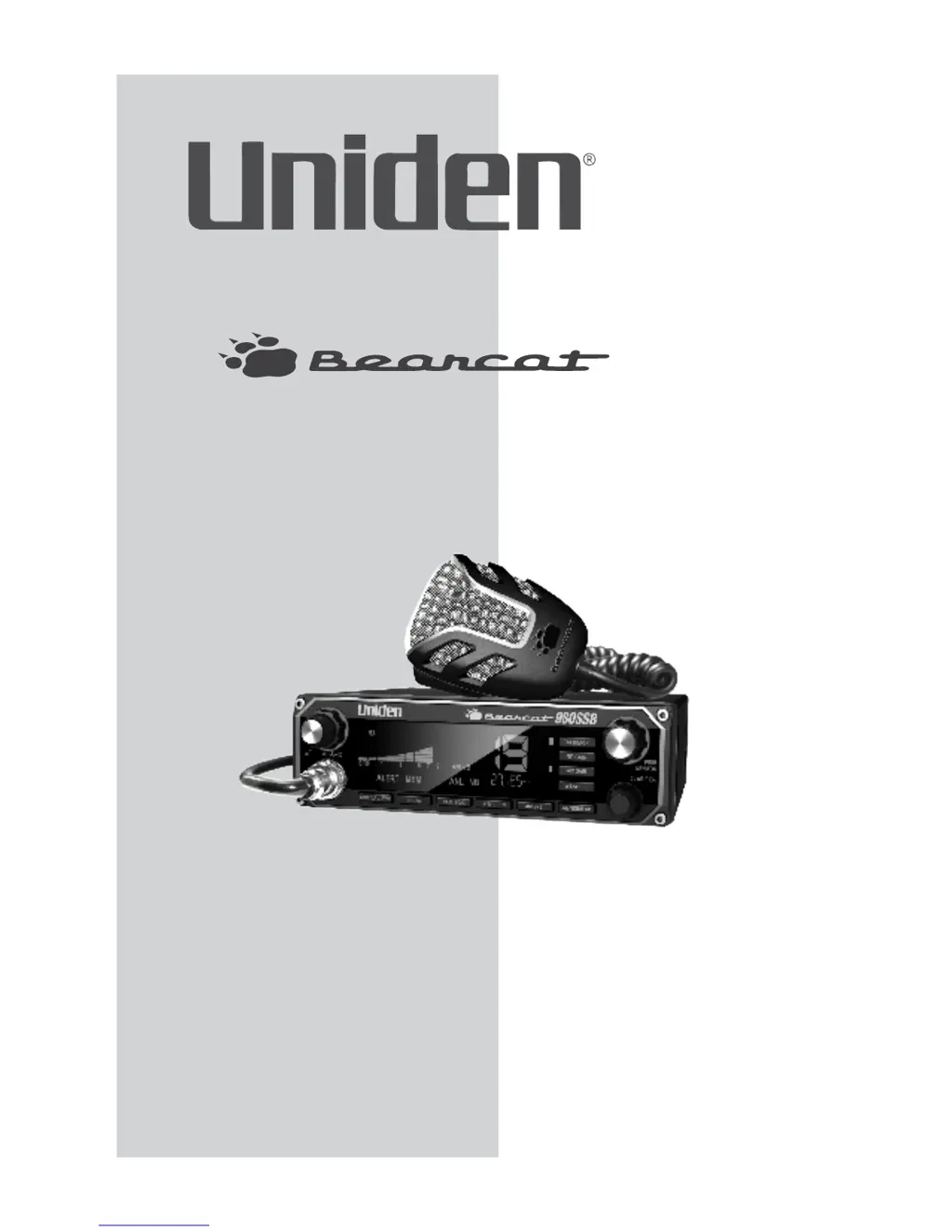
Uniden BEARCAT 980 - User Manual

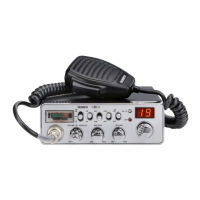
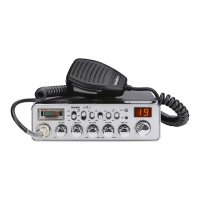
Uniden BEARCAT 980
22 pages
Print Icon
To Next Page IconTo Next Page
Loading...
Owners Manual
Printed in China
U01UT561ZZZ(0)
®
980 SSB

Other manuals for Uniden BEARCAT 980

Questions and Answers

  • S
    steve94Aug 13, 2025
    What to do if my Uniden BEARCAT 980 has no reception?
    • I
      iansampsonAug 13, 2025
      If your Uniden Radio has no reception, verify the microphone connection, ensure the CB/PA switch is set to CB, check the VOLUME and SQUELCH settings, inspect the antenna and its connection, and adjust the RF Gain.
  • A
    Angela HarrisonAug 16, 2025
    Why does my Uniden BEARCAT 980 have no transmission?
    • T
      Teresa WrightAug 16, 2025
      If your Uniden Radio has no transmission, ensure the CB/PA switch is set to CB. Check the microphone connection and adjust the MIC Gain.
  • M
    millersamanthaAug 20, 2025
    Why does my Uniden Radio have poor reception?
    • M
      Marcia PetersenAug 20, 2025
      If your Uniden Radio has poor reception, check the VOLUME and SQUELCH levels. Ensure that the antenna SWR is normal and adjust the RF Gain.
  • Q
    qnavarroAug 23, 2025
    How to fix low transmission on Uniden BEARCAT 980?
    • C
      Charles WebbAug 25, 2025
      To fix low transmission on your Uniden Radio, adjust the MIC Gain.
  • A
    Ashley McclureAug 27, 2025
    What to do if my Uniden BEARCAT 980 Radio unit does not power up?
    • J
      Joshua AdamsAug 27, 2025
      If your Uniden Radio unit does not power up, check the power cord connections, inspect the fuse, and verify the vehicle's electrical system.
  • P
    Paul SchneiderAug 31, 2025
    What to do if my Uniden BEARCAT 980 battery power check returned FAILLO FAILHI or .?
    • A
      Adam MontgomeryAug 31, 2025
      If the Uniden Radio battery power check returns FAILLO FAILHI, ensure the power wires have a solid connection. Check the battery charge, as it needs to be fully charged; lower voltage will cause a failure. Also, check the alternator.
  • K
    Keith CraneSep 4, 2025
    What to do if my Uniden Radio RF power diagnosis check FAIL returned .?
    • O
      Olivia MillerSep 4, 2025
      If the Uniden Radio's RF power diagnosis check returns FAIL, ensure the antenna ground is good. Check for any damage to your antenna and make sure the antenna connection on the back of the radio is tight.
  • L
    Larry EvansSep 7, 2025
    What to do if my Uniden Radio FAIL Antenna check returned .?
    • S
      shirleylutzSep 8, 2025
      If the Uniden Radio FAIL Antenna check returned, make sure your antenna ground is good. Check for damage to the antenna. Check the SWRs at a CB shop. High SWRs will damage the radio.

Summary

Emergency Procedures

Controls and Functions Overview

Main Controls and Display Features

Details Volume, Squelch, Channel Selector, Channel Display, and S/RF/CAL/SWR Meter.

Operation Buttons and Mode Controls

Explains Talkback, RF Gain, MIC Gain, S/RF/CAL/SWR, and CB/PA buttons.

Controls and Functions Overview

Scan and Mode Switching Buttons

Explains MEM/SCAN and 9/19/NORM button functions for scanning and mode switching.

Controls and Functions Overview

Frequency, Mode, and Noise Reduction Settings

Covers Frequency Display, ANL/NB, AM/USB/LSB, and Clarifier functions.

Installation Guide

Mobile Installation and Mounting

Guides on selecting a location and mounting the transceiver and microphone bracket.

Using Your Bearcat 980 SSB

Basic CB Mode Settings

Outlines basic operation like setting volume, channel, ANL/NB, and squelch.

Using Your Bearcat 980 SSB

Weather Mode and Alert System

Describes using Weather Mode, selecting channels, and Weather Alert functionality.

Using Your Bearcat 980 SSB

Memory Mode Channel Management

Explains saving, scanning, listening, and clearing channels in memory.

Menu System Navigation

Performing Diagnostic Checks

Explains performing Battery, Antenna Mismatch, and RF Power checks.

Additional Features

Preventive Maintenance

Maintenance Procedures

Troubleshooting Guide

Troubleshooting Common Issues

Provides a table of common issues and suggested fixes for the radio.

Troubleshooting Guide

Advanced Troubleshooting Steps

Covers issues with unit performance, battery checks, and antenna/RF power failures.

Product Specifications

Product Specifications

Two-Year Extended Warranty

Uniden BEARCAT 980 Specifications

General IconGeneral
Radio typePersonal
Tuner typeDigital
PLL synthesizer-
Supported radio bandsAM
Preset stations quantity40
RMS rated power- W
Built-in displayYes
Headphone outputs0
MP3 playbackNo
Product colorBlack
Volume controlRotary
Apple docking compatibilityNot supported
Power consumption (typical)4 W
Weight and Dimensions IconWeight and Dimensions
Depth101 mm
Width381 mm
Height228 mm
Weight2041 g

Related product manuals