EasyManua.ls Logo

Uniden Bearcat UBC 248CLT - User Manual

Uniden Bearcat UBC 248CLT
40 pages
Print Icon
To Next Page IconTo Next Page
Loading...
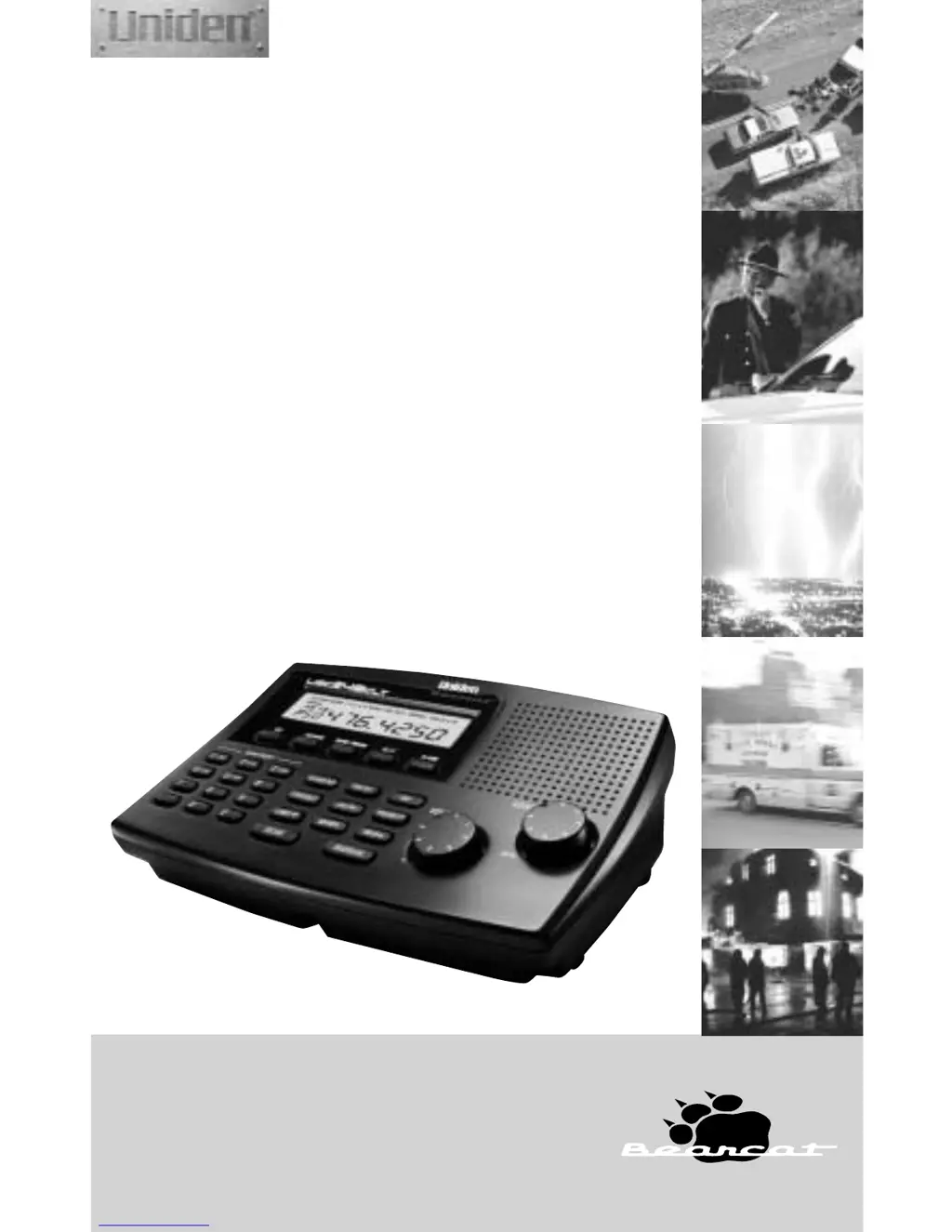
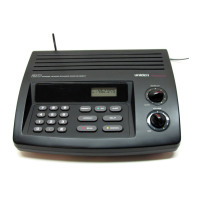
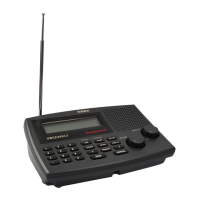
UBC 248CLT
• FULLY PROGRAMMABLE
• FULL FREQUENCY LCD READOUT
• ALARM CLOCK
• AM/FM RADIO
• CHANNEL LOCKOUT
• PRIORITY CHANNEL
• SCAN DELAY
• MEMORY BACKUP
• FREQUENCY SEARCH
8 BAND, 50 CHANNEL SCANNER with AM/FM RADIO
Reference Guide

Questions and Answers

  • N
    nelsonheatherJul 30, 2025
    Why won’t my Uniden Radio power up?
    • D
      Dana HillJul 30, 2025
      If your Uniden Radio won’t power up, first check the connections at both ends of the AC adapter. Ensure the wall switch in your room is turned on. If it still doesn't work, try moving the AC adapter to another wall outlet.
  • E
    Eric YoungAug 9, 2025
    How to improve poor reception on Uniden Radio?
    • V
      Valerie HebertAug 9, 2025
      Poor reception on your Uniden Radio can often be improved by checking the antenna connection and trying to move the antenna to a different location. If you are using a frequency higher than 406MHz, a shorter antenna may help. Relocating the scanner itself might also improve reception. In some cases, an optional multi-band antenna may be needed.
  • S
    savagelanceAug 20, 2025
    What to do if the scan won’t start on Uniden Radio?
    • D
      David JordanAug 20, 2025
      If your Uniden Radio scan won’t start, try pressing the SCAN key again. You might also need to adjust the Squelch control. Also, check if you have locked out 50 channels; if so, unlock channels as needed.

Summary

Precautions

Warnings and Cautions

Safety notes regarding water exposure and product modifications.

Introduction

Getting Started

Installing the UBC248 CLT

Step-by-step guide for connecting power, antenna, and accessories.

Operation

Controls and Functions

Identifies and describes all buttons, keys, and display elements of the scanner.

Scanning Overview

Explains how the scanner cycles through programmed channels.

Using the Scanner

Set the Squelch

Adjusting the squelch control for optimal reception and noise reduction.

Programming Tips for Scanner

Advice and best practices for efficiently programming scanner channels.

Programming Scanner Frequencies

Step-by-step instructions to enter frequencies into scanner channels.

Deleting a Scanner Frequency

How to remove a stored frequency from a scanner channel.

Priority Scanning

Monitoring a designated channel while scanning others.

To Set the Priority Channel

Configuring a specific channel to be the priority channel.

Additional Features

Troubleshooting

Technical Specifications

Uniden Bearcat UBC 248CLT Specifications

General IconGeneral
TypeHandheld Scanner
Priority ChannelsYes
DisplayLCD
Frequency Range806-960 MHz
ModulationAM, FM, NFM
BandsVHF, UHF
Scan Rate100 channels per second
Search Rate100 steps per second
Power SupplyAC Adapter

Related product manuals