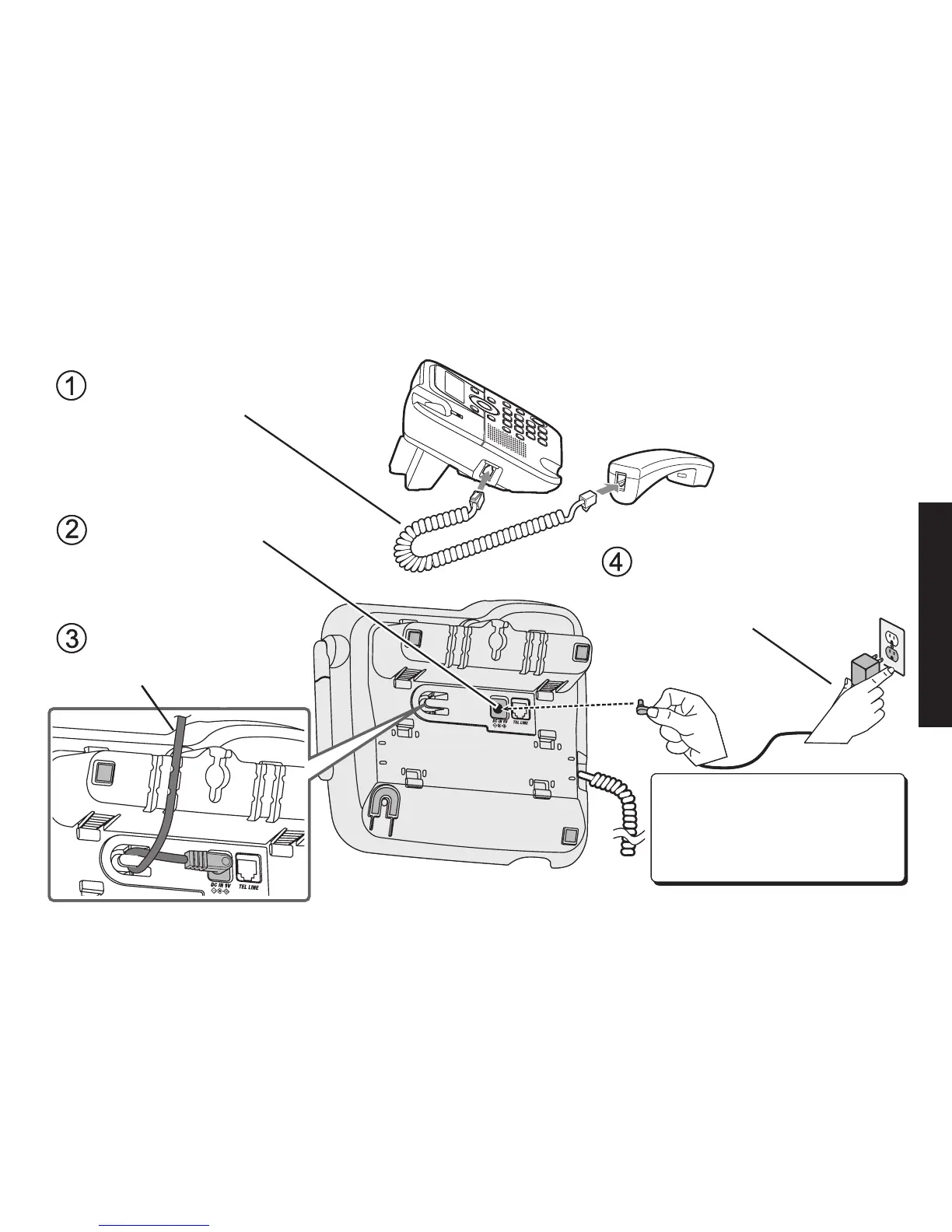
Route the cord
through the molded
wiring channel.
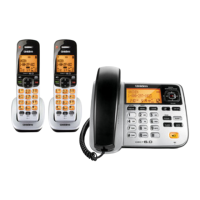
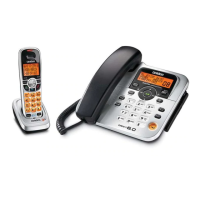
Connect the coiled cord to the left
side of the phone and the base
corded handset.
Connect the AC adapter
to the DC IN 9V jack.
Connect the AC adapter to a
standard 120V AC wall outlet.
DO NOT use an AC outlet
controlled by a wall switch.
Don’t put any power cord where
it people might trip over it or step
on it. If a power cord becomes
chafed or worn out, it can create
a fire or electrical hazard.
Route the cord
through the molded
wiring channel.
Connect the coiled cord to the left
side of the phone and the base
corded handset.
Connect the AC adapter
to the DC IN 9V jack.
Connect the AC adapter to a
standard 120V AC wall outlet.
DO NOT use an AC outlet
controlled by a wall switch.
Don’t put any power cord where
it people might trip over it or step
on it. If a power cord becomes
chafed or worn out, it can create
a fire or electrical hazard.


 To Next Page