38
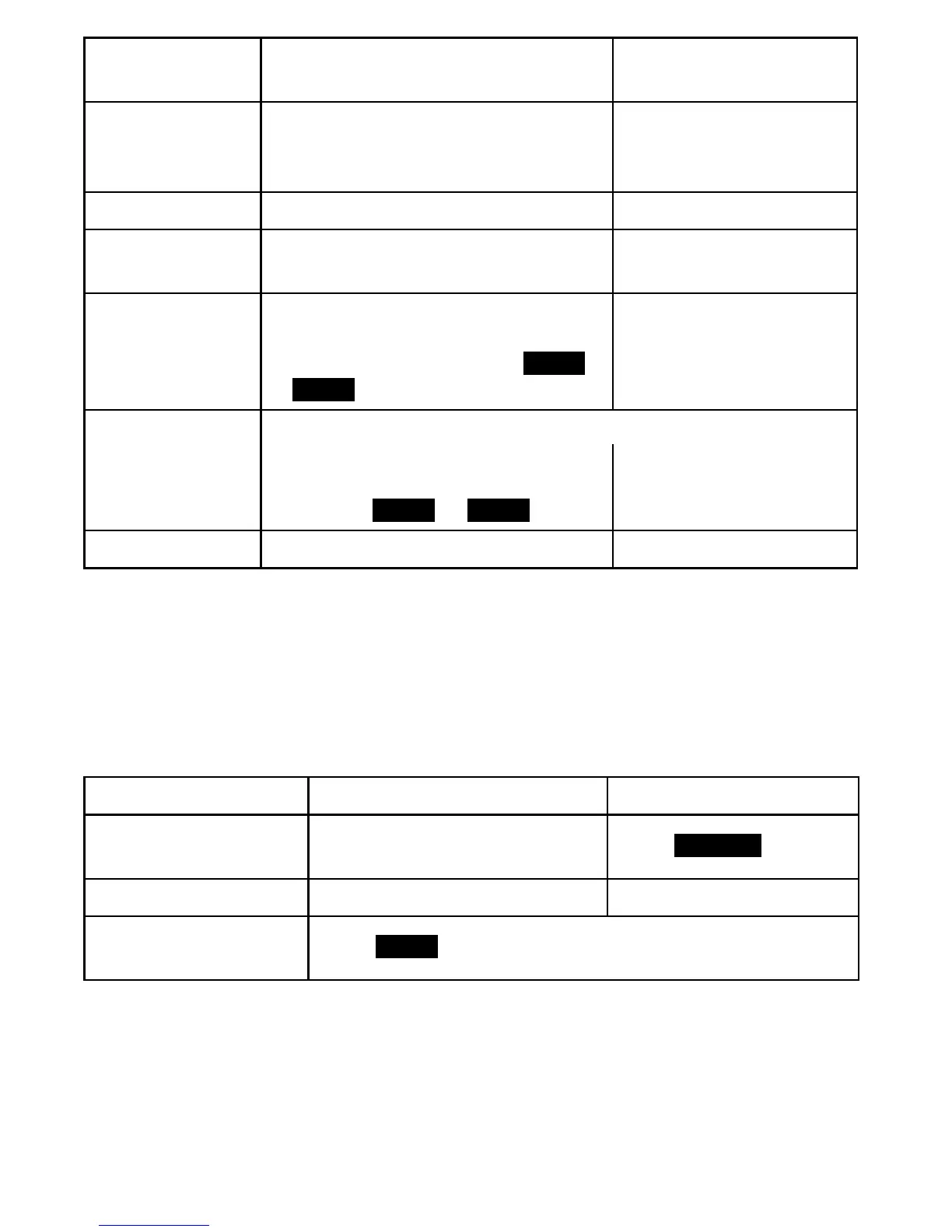
To... From the base
From a handset (during
remote operation)
replay previous
messages
Press
PHONEBOOK/LEFT
repeatedly
until you hear the message you
want to replay.
Press
1
repeatedly until
you hear the message
you want to replay.
skip a message Press
CALLER ID/RIGHT
. Press
3
.
delete a
message
While the message is playing,
press
DELETE
.
While the message is
playing, press
4
.
delete all of your
messages
With the phone in standby, press
DELETE
. When the system prompts
you to select a line, press
LINE1
or
LINE2
.
Not available.
play old
messages
After the system plays the new messages,
press
PLAY/STOP
again. When the
system prompts you to select a
line, press
LINE1
or
LINE2
.
press
2
.
exit the system Press
PLAY/STOP
. Press
END
.
Screening Your Calls
Another feature your answering system gives you is call screening.
While the system is taking a message, you can hear the caller on the
base speaker (if you turn on
Call Screen)
or from a handset.
To... From the base From a handset
hear the caller
leaving a message
Just listen to the caller over
the speaker.
Press
SCREEN
.
answer the call Press
SPEAKER
. Press
TALK/FLASH
.
mute the call screen
without answering
Press
MUTE
.
If you mute the call screen, the system continues taking the
message: it just stops playing through the speaker.
Up to four handsets at a time can screen calls. If a fifth handset
tries to screen the call, the handset sounds an error tone and
displays a
System Busy
message.















 To Next Page