EasyManua.ls Logo

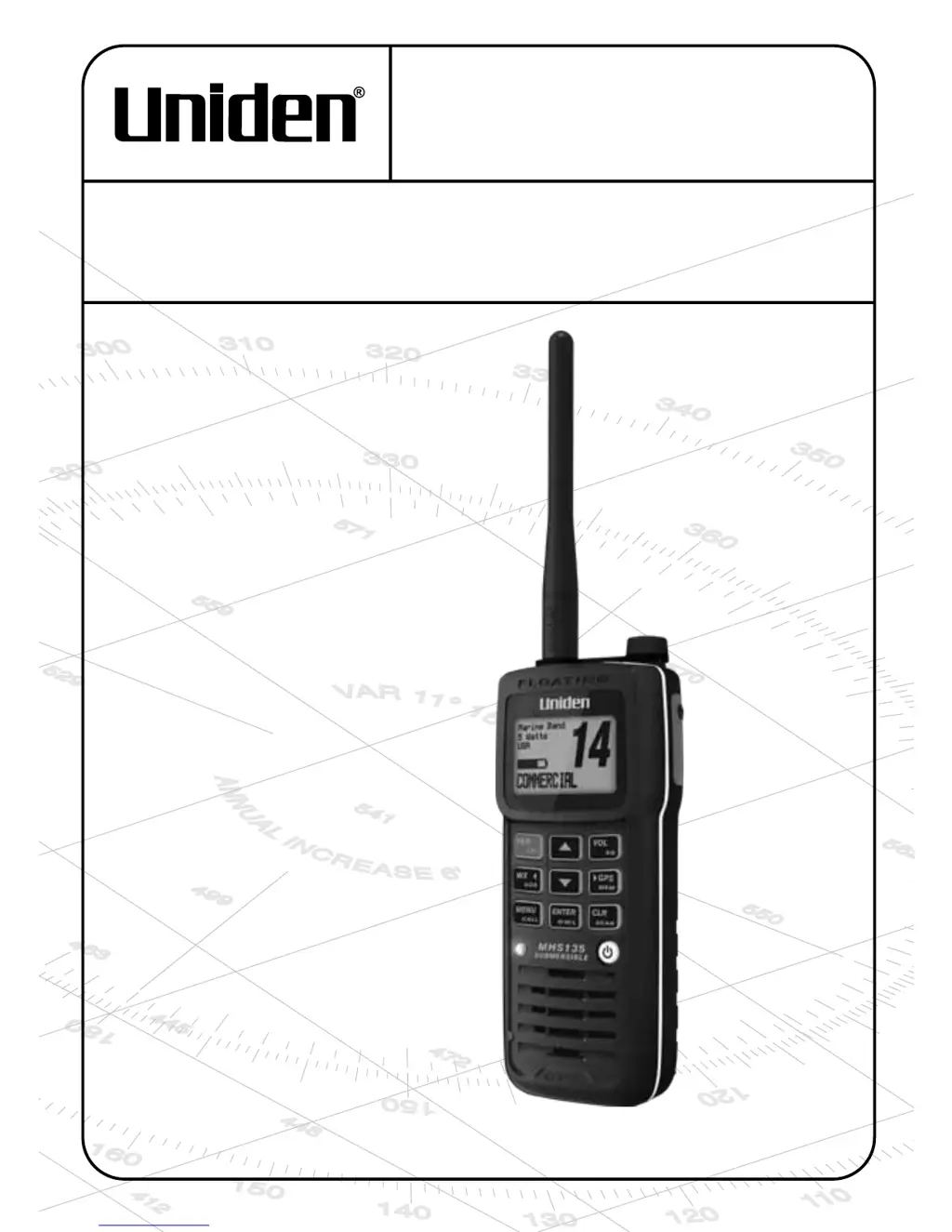
Uniden MHS135 - User Manual

Uniden MHS135
68 pages
Print Icon
To Next Page IconTo Next Page
Loading...
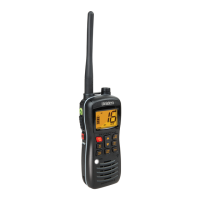
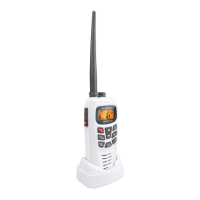
MHS135
RADIO VHF MARITIME FLOTTANTE
GUIDE DUTILISATION
FLOATING VHF MARINE RADIO
OWNER’S MANUAL

Table of Contents

Questions and Answers

  • J
    Jeffery RobinsonAug 11, 2025
    What to do if Uniden MHS135 won't transmit?
    • T
      Tyrone JonesAug 11, 2025
      If your Uniden Marine Radio won't transmit, first ensure that you are not in Weather or Scan mode. Also, verify that you are not attempting to transmit on a receive-only channel or using the incorrect power level for the channel. Check the battery level and charge it if it's low before attempting to transmit. Finally, make sure each transmission is less than 5 minutes in duration.
  • M
    Michelle HurstAug 16, 2025
    Why is my Uniden Marine Radio display flashing?
    • E
      elijah87Aug 16, 2025
      If your Uniden Marine Radio display is flashing, the radio is likely in a watch or scan mode. To resolve this, turn off scanning, Weather Alert Watch, Triple Watch, or Dual Watch.
  • S
    Scott StewartAug 23, 2025
    How to fix static noise on Uniden Marine Radio?
    • A
      Alex DavisAug 23, 2025
      If noise constantly comes out of the Uniden Marine Radio speaker, the squelch level is probably too low. Try adjusting the squelch level.
  • J
    Joshua AllenAug 29, 2025
    Why can I transmit, but no one can hear me on Uniden Marine Radio?
    • S
      Samuel HolmesAug 29, 2025
      If you can transmit with your Uniden Marine Radio, but no one can hear you, the area you are in might use different channel assignments. Check your UIC channel settings.
  • B
    Brandon DouglasSep 4, 2025
    What to do if Uniden Marine Radio charger power LED doesn't turn on?
    • H
      howardkatieSep 4, 2025
      If the power LED on the Uniden Marine Radio charger doesn’t turn on, make sure the charging contacts on the radio and charger are clean. Also, replace the battery.

Uniden MHS135 Specifications

General IconGeneral
Frequency Range156.000 - 163.500 MHz
Waterproof RatingIPX7
DisplayLCD
NOAA Weather ChannelsYes
TypeHandheld
ChannelsUSA, Canada, International
Battery TypeRechargeable Lithium-ion
Power Output1W / 5W

Related product manuals