EasyManua.ls Logo

Uniden PRO401HH - User Manual

Uniden PRO401HH
14 pages
Print Icon
To Next Page IconTo Next Page
Loading...
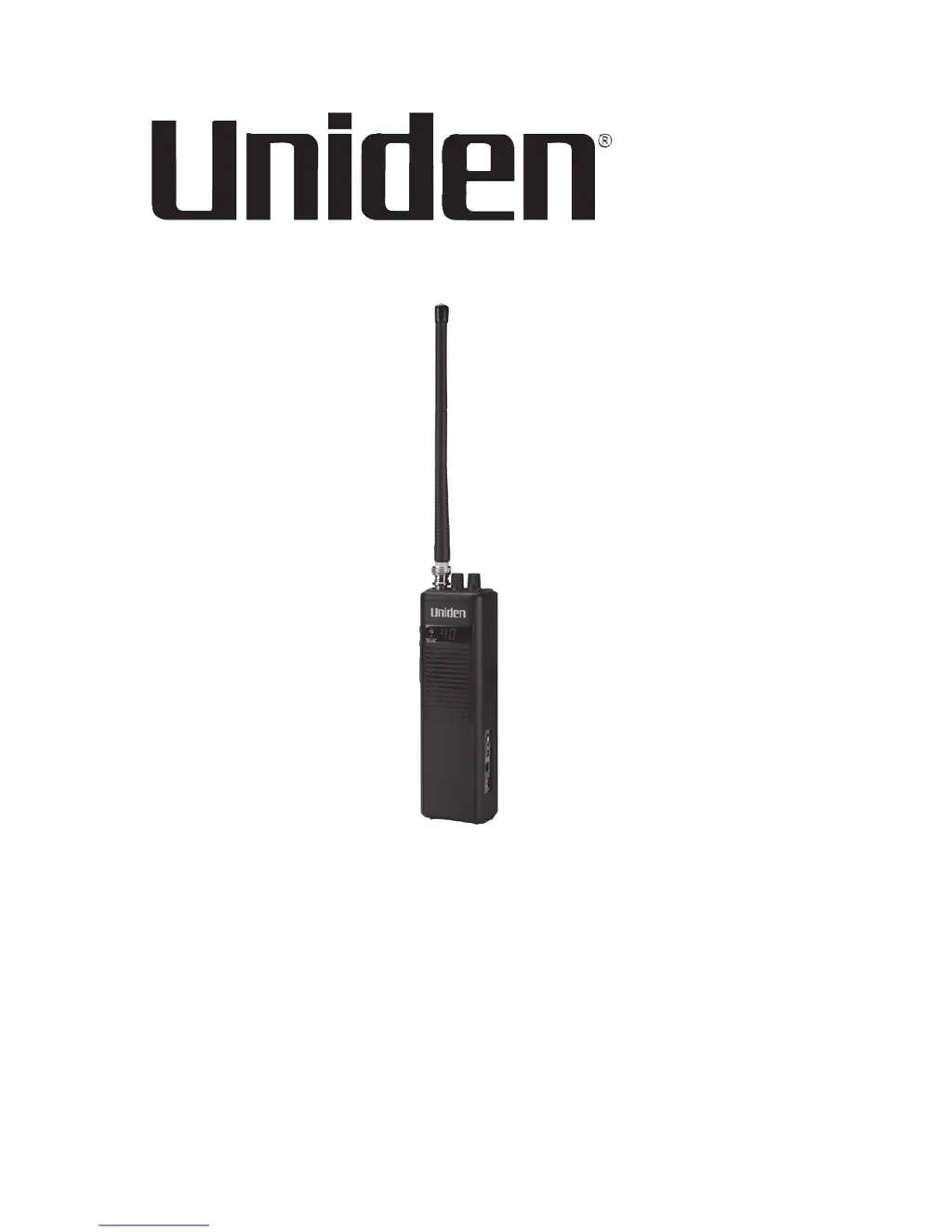
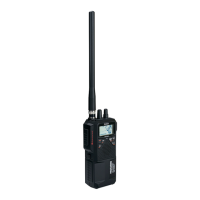
PRO401HH
Handheld CB Radio
Printed in Vietnam
U01UT401ZZC(0)
© 2015 Uniden America Corp.
Irving, Texas

Other manuals for Uniden PRO401HH

Questions and Answers

  • G
    Gary DavisAug 13, 2025
    Why won't my Uniden PRO401HH turn on?
    • T
      Tommy PatelAug 13, 2025
      If your Uniden Radio won’t turn on, here are a few things to check: * Examine the radio’s power cord and all connections to ensure they are secure. * Inspect the fuse in the radio’s power cord. * Verify your vehicle’s electrical system is functioning correctly.
  • C
    Crystal WilsonAug 17, 2025
    What to do if Uniden Radio has poor reception?
    • E
      emily22Aug 17, 2025
      If your Uniden Radio is experiencing poor reception, try these steps: First, adjust the squelch level. Then, inspect the antenna, cable, and connectors for any issues.
  • P
    Patrick LambAug 20, 2025
    How to fix weak transmission on Uniden PRO401HH Radio?
    • C
      Cynthia AndersonAug 20, 2025
      To troubleshoot weak transmission on your Uniden Radio, you should: 1. Check the antenna, cable, and connectors. 2. Verify the antenna grounding. 3. Inspect the connectors for corrosion.
  • J
    Jessica JohnsonAug 25, 2025
    How to reduce background noise on Uniden Radio?
    • A
      Audrey PattersonAug 25, 2025
      To reduce background noise on your Uniden Radio, try adjusting the squelch level.
  • K
    Kelly DoyleAug 28, 2025
    How to fix poor reception on Uniden Portable Radio?
    • C
      Christopher GallegosAug 28, 2025
      If your Uniden Portable Radio has poor reception, try these steps: adjust the squelch level and check the antenna, cable, and connectors.
  • V
    vbookerSep 1, 2025
    What to do if Uniden Portable Radio has weak transmission?
    • J
      Jennifer HarrisSep 1, 2025
      If your Uniden Portable Radio has a weak transmission, check the antenna, cable, and connectors. Also, check the antenna grounding and inspect the connectors for corrosion.
  • E
    elliottadamSep 4, 2025
    How to reduce background noise on Uniden Portable Radio?
    • K
      Kimberly AtkinsonSep 5, 2025
      If you are experiencing background noise on your Uniden Portable Radio, try adjusting the squelch level.
  • A
    Anthony SmithSep 8, 2025
    Why my Uniden Portable Radio won’t turn on?
    • S
      Sharon ThomasSep 8, 2025
      If your Uniden Portable Radio won’t turn on, check the radio’s power cord and all connections. Also, check the fuse in the radio’s power cord and your vehicle’s electrical system.

Summary

INTRODUCTION

FEATURES

Lists key features of the PRO401HH radio.

SAFETY NOTICE

Provides essential safety warnings for using the radio, including handling and battery use.

UNIDEN CONTACT INFORMATION

INCLUDED IN YOUR PACKAGE

PARTS OF THE RADIO

Belt Clip

Component for attaching the radio to a belt.

Battery Compartment

Details the compartment for batteries and its internal switch.

Channel UP;DOWN

Button for selecting transmit/receive channels on the radio.

Push to Talk

Button used to initiate radio transmission.

Antenna Jack

Port for connecting the detachable radio antenna.

Squelch Knob

Control to adjust signal reception threshold and reduce background noise.

Volume Control

Knob for powering the radio on/off and adjusting audio volume.

Microphone

Integrated component for speaking during radio transmission.

Wrist Strap Slot

Slot for connecting a wrist strap to the belt clip.

Speaker Jack

Port for connecting an external speaker to the radio.

Microphone Jack

Port for connecting an external microphone to the radio.

13.8 V DC External Power Jack

Jack for connecting external power sources or a charger.

Transmit Power Switch (HI;LOW)

Switch to select transmission power output level (High or Low).

SET UP

INSTALL ANTENNA

Instructions for attaching the radio's antenna.

CONNECTING TO POWER

Explains how to connect the radio to DC power or batteries.

LED Display

Information on the radio's LED display behavior and power saving.

Low Power Indication

Describes the indicator for low battery power.

OPERATION AND MAINTENANCE

BASIC OPERATION

Guide to the fundamental operations of turning the radio on/off and transmitting.

CB COMMUNICATION CODES

Lists common "10" codes for efficient radio communication.

MAINTENANCE

TROUBLESHOOTING

SERVICE AND REPAIR INFORMATION

Guidance on obtaining service, repair, and warranty proof.

SPECIFICATIONS

GENERAL

Provides general technical specifications for the radio.

TRANSMITTER

Details the technical specifications of the radio's transmitter.

RECEIVER

Details the technical specifications of the radio's receiver.

FCC PART 15 & IC COMPLIANCE

ONE-YEAR LIMITED WARRANTY

PROCEDURE FOR OBTAINING PERFORMANCE OF WARRANTY

Steps to follow for obtaining warranty service or repairs.

Uniden PRO401HH Specifications

General IconGeneral
BrandUniden
ModelPRO401HH
CategoryRadio
LanguageEnglish

Related product manuals