EasyManua.ls Logo

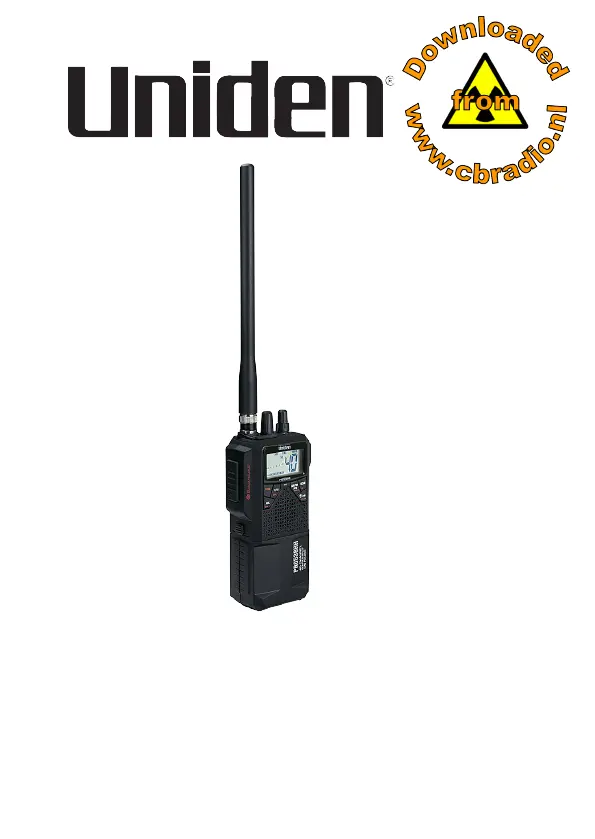
Uniden PRO538HHFM - User Manual

Uniden PRO538HHFM
35 pages
Print Icon
To Next Page IconTo Next Page
Loading...
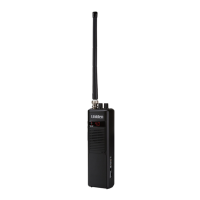
PRO538HHFM
Handheld CB Radio
Printed in Vietnam
U01UT433ZZA(0)
© 2022 Uniden America Corp.
Irving, Texas

Questions and Answers

  • K
    Kenneth SanchezJul 30, 2025
    Why is my Uniden PRO538HHFM reception so poor?
    • M
      Michelle YoungJul 30, 2025
      Poor reception can occur if the transmitting and receiving radios do not match (AM-AM or FM-FM). When using the radio in a car, ensure you use an external antenna mounted on the outside. Also, CB radio waves are significantly weakened in a car, so Uniden does not recommend using the whip (rubber) antenna in the car. Check the RF Gain setting. CB radios can pick up noise from computer-related equipment and power lines, so keep the radio as far away from these objects as possible.
  • D
    Daniel McdowellAug 6, 2025
    How to fix Uniden Radio when it won’t turn on?
    • J
      John ThompsonAug 6, 2025
      If your Uniden Radio won’t turn on, verify the polarity of the batteries in the battery case. Also, check the fuse in the cigarette plug. When installing the In-Vehicle adapter, be sure the side latch is locked.
  • A
    Amanda SilvaAug 14, 2025
    What to do if Uniden PRO538HHFM Radio transmission is weak?
    • M
      Megan CaldwellAug 14, 2025
      Weak transmission can occur if the whip antenna and the outside antenna are connected simultaneously. Check the transmission power settings.
  • J
    Jacob BryantAug 21, 2025
    How to reduce background noise on Uniden PRO538HHFM Radio?
    • K
      kaylasanchezAug 21, 2025
      To reduce background noise on your Uniden Radio, try turning on ANL. This might slightly reduce the audio level but can attenuate the noise.

Summary

Introduction to the PRO538 HHFM Radio

Safety Notice

Uniden Contact Information

Included in Your Package

Radio Component Identification

Technical Definitions

LCD Display Guide

Radio Setup and Installation

Antenna Installation

Instructions for attaching the rubber or external antenna.

Powering the Radio

Radio Operation Guide

Basic Radio Usage

Step-by-step guide to basic radio functions.

Emergency Channel Operation

Dual Channel Monitoring

Setting Up Dual Watch

Steps to set up monitoring two channels simultaneously.

Automatic Noise Limiter (ANL)

Weather Channel Reception

Radio Maintenance

Troubleshooting Common Issues

Service and Repair Procedures

Channel Frequency Information

CB Channel Frequency Table

Table of CB channel numbers and their frequencies.

Technical Specifications Overview

General Radio Specifications

General specifications like channels, mode, and frequency range.

Transmitter Specifications

Receiver Specifications

FCC and ISED Compliance

FCC and ISED RF Exposure Statement

FCC 20 cm Exposure Statement

ISED Antenna Approval Statement

One-Year Limited Warranty Details

Uniden PRO538HHFM Specifications

General IconGeneral
BrandUniden
ModelPRO538HHFM
CategoryRadio
LanguageEnglish

Related product manuals