EasyManua.ls Logo

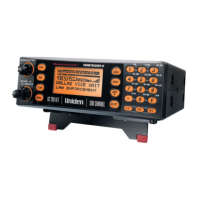
Uniden UBC800XLT - User Manual

Uniden UBC800XLT
144 pages
Print Icon
To Next Page IconTo Next Page
Loading...
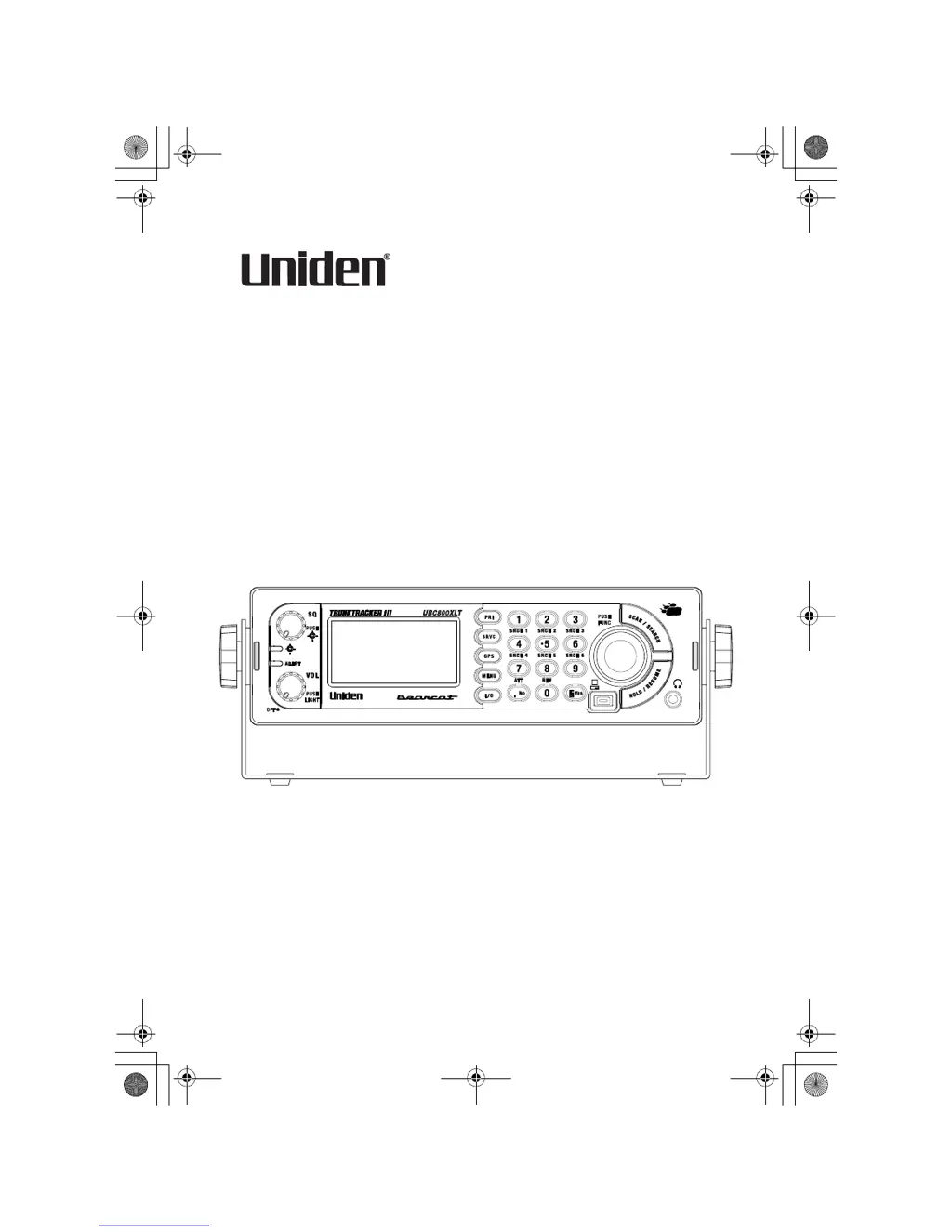
OWNER’S MANUAL
UBC800XLT
C
230-E
OWNER’S MANUAL
UB356ZH.fm Page 1 Wednesday, December 19, 2007 11:28 AM

Table of Contents

Questions and Answers

  • J
    joseph11Jul 31, 2025
    What to do if Scan won’t start on my Uniden Scanner?
    • J
      jasoncastroJul 31, 2025
      If the scan function isn't starting on your Uniden Scanner, first, make sure you press the [SCAN/SEARCH] button to initiate scanning. Also, the squelch might need adjustment. Furthermore, ensure that the channels you want to scan are not locked out and check the antenna connection.
  • J
    jacksonmarkAug 6, 2025
    How to improve the reception on my Uniden UBC800XLT?
    • C
      Christopher Allen DDSAug 6, 2025
      To improve reception on your Uniden Scanner, start by checking the antenna connection and try moving or repositioning the antenna. Additionally, try moving the scanner to a different location. If you are in a remote area, you might need to use an optional multi-band antenna.
  • C
    Connie WintersAug 12, 2025
    What to do if Uniden UBC800XLT won’t acquire the data channel?
    • A
      Andrea GonzalesAug 12, 2025
      If your Uniden Scanner won’t acquire the data channel, the squelch might need to be adjusted. Also, the frequency used for the data channel might be missing, so check your frequency list for the data channel.
  • A
    Anthony ClarkAug 17, 2025
    Why Uniden UBC800XLT won’t track a trunked system?
    • G
      Garrett ObrienAug 17, 2025
      Your Uniden Scanner might not be tracking a trunked system because the system might not be one your scanner can scan, so try changing to another system. Also, the data frequency might be missing, so enter the data frequency. No ID’s may have been programmed, so program one or more ID’s or use the ID Search mode. Finally, the ID’s you have stored may not be active, so wait for the ID’s to become active or scan another system.
  • M
    markgriffinAug 25, 2025
    What causes missing replies to conversations on Uniden UBC800XLT?
    • R
      Richard CookAug 25, 2025
      Missing replies to conversations on your Uniden Scanner can be caused by several factors. The fleet map might be incorrect, so try another preset fleet map or program your own fleet map. Also, one or more of the system’s frequencies might not be entered, so make sure all the system’s frequencies have been entered.

Summary

OWNER’S MANUAL

Precautions

Essential safety and operational guidelines before using the scanner.

Understanding Scanning and the UBC800 XLT

Feature Summary

Overview of the scanner's key features and capabilities.

GPS Features

How the scanner integrates with GPS for location-based features.

Search Functions

Introduction to the various search functions available.

PC Control and Cloning

Connecting to a PC and transferring data between scanners.

Trunk Tracking Basics

Explains trunk tracking and supported system types.

Setting Up Your Scanner

Base Station Setup

Guidance on setting up the scanner as a base station.

Vehicle Installation

Procedures for mounting the scanner in a vehicle.

Mounting Using the DIN-E Sleeve

Instructions for installing the scanner with an optional DIN-E sleeve.

Controls, Keys, and Functions

Scroll Control Operation

How to use the scroll control for navigation and mode selection.

[MENU] Key Function

Operation of the MENU key to access scanner settings.

Operation

Turning On and Setting Squelch

Initial steps for powering on and adjusting squelch.

Startup Key Operation

Configuring startup keys for system preferences.

Scanning Systems

How to initiate and manage system scanning.

Locking;Unlocking Systems

Managing which systems are included or excluded from scanning.

Using the Menu

Programming Your Scanner

System Settings

Configuration options for defining scanner systems.

Programming Conventional Systems

Step-by-step guide for setting up conventional systems.

Programming Trunked Radio Systems

Detailed instructions for programming trunked systems.

Programming Channel Groups

Creating and managing groups of channels.

Editing Frequencies

How to input and modify channel frequencies.

Selecting CTCSS;DCS Tones

Setting CTCSS/DCS tones for channel access control.

Setting Channel Priority

Designating channels for priority scanning.

Searching and Storing

Service Search

Searching predefined frequency bands.

Custom Search

Programming and searching user-defined frequency ranges.

Auto Search and Store

Automatically finding and saving new frequencies.

Using the Close Call Feature

Setting Close Call Options

Configuring Close Call detection parameters.

Set CC Bands

Selecting frequency bands for Close Call scanning.

Search and Close Call Options

Priority Scan

Configuring the scanner to check priority channels.

Fire Tone-Out

Setting Up Tone-Out

Programming the parameters for detecting tone-outs.

Using the UBC800 XLT with a GPS

Location-Based (GPS) Scanning

Enabling/disabling systems based on geographic location.

Non-Radio Location Based GPS Features

GPS alerts for POIs, roads, and intersections.

Setting the Options

Configuring GPS alert settings and parameters.

Care and Maintenance

Cleaning

Instructions for safely cleaning the scanner.

Troubleshooting

Other Specifications

Reference

Preset Fleet Maps

Tables of predefined fleet map configurations.

User Defined Fleet Maps

Information on creating custom fleet maps.

Appendix

SERVICE SEARCH RANGES

Lists of frequencies for service searches across different bands.

Uniden UBC800XLT Specifications

General IconGeneral
TypeHandheld Scanner
Frequency Range25-1300 MHz
Modulation TypesAM, FM, WFM
Channel Memory1000 Channels
Channels1000
Banks10
DisplayLCD
PC ConnectivityUSB
Power SupplyAC adapter, battery
Battery TypeAA (4)
AntennaTelescopic Antenna

Related product manuals