EasyManua.ls Logo

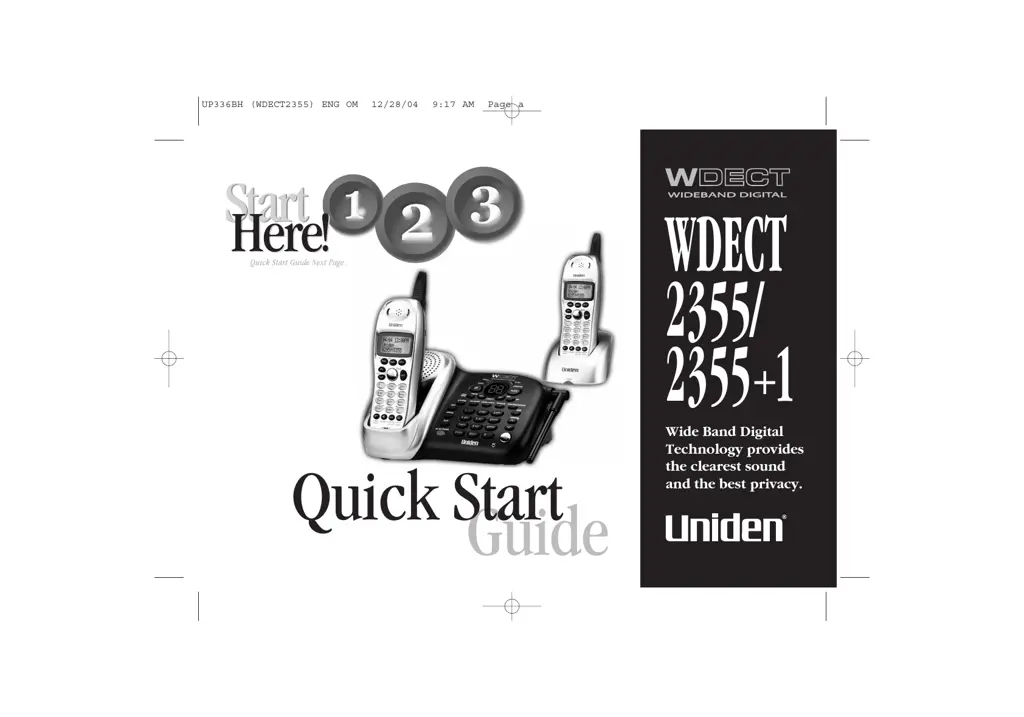
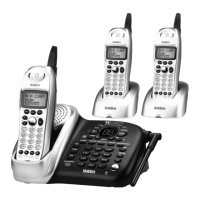
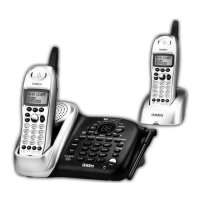
Uniden WDECT 2355 - User Manual

Uniden WDECT 2355
76 pages
Print Icon
To Next Page IconTo Next Page
Loading...
Guide
Quick Start
WDECT
2355/
2355
+
1
Wide Band Digital
Technology provides
the clearest sound
and the best privacy.
UP336BH (WDECT2355) ENG OM 12/28/04 9:17 AM Page a
All manuals and user guides at all-guides.com

Table of Contents

Questions and Answers

  • B
    Brandy JonesAug 19, 2025
    What to do if my Uniden Handsets doesn’t ring or receive a page?
    • A
      Alice ZavalaAug 19, 2025
      If your Uniden Handsets doesn’t ring or receive a page, charge the batteries in the handset for 15-20 hours by placing the handset on the base or charging cradle. Make sure the handset is not too far away from the base unit and that the base unit is away from appliances or metal objects. If the issue persists, remove the base ID and register the handset.
  • G
    Grant GallegosAug 21, 2025
    Why does the Caller ID not display on my Uniden Handsets?
    • A
      Andrew MorseAug 21, 2025
      If the Caller ID does not display on your Uniden Handsets, it may be because the handset was picked up before the second ring or the call was placed through a switchboard. Call your local telephone company to verify your Caller ID service is current.
  • K
    Keith ParkerAug 23, 2025
    What to do if I cannot register the handset at the base of my Uniden Handsets?
    • W
      William WellsAug 23, 2025
      If you cannot register the handset at the base of your Uniden Handsets, charge the battery pack for 15-20 hours. If that doesn't work, remove the base ID and register the handset to the base.
  • M
    Misty SharpAug 26, 2025
    Why does the audio sound weak and scratchy on my Uniden Handsets?
    • R
      Ryan FarmerAug 26, 2025
      If the audio from your Uniden Handsets sounds weak or scratchy, try moving the handset and/or base to a different location, ensuring it's away from metal objects or appliances. Also, make sure you are not too far from the base unit.
  • A
    Aaron BrownAug 27, 2025
    What to do if my Uniden Handsets can’t make or receive calls?
    • K
      Kristen MillerAug 27, 2025
      If your Uniden Handsets can’t make or receive calls, check both ends of the base telephone line cord and ensure the AC adapter is plugged into the base and wall outlet. Try disconnecting the AC adapter for a few minutes, then reconnect it. You might also need to remove the base ID and register the handset. Ensure that you are not too far from the base. If an outside call is already established, you may not be able to make another outside call.
  • L
    lwilsonAug 29, 2025
    How to fix charge LED that won’t illuminate when handset is placed in the cradle for Uniden Handsets?
    • B
      Brandon PooleAug 29, 2025
      If the charge LED on your Uniden Handsets won’t illuminate when the handset is placed in the cradle, make sure the AC adapter is properly connected to both the base and the wall outlet. Ensure the handset is correctly seated in the cradle and that the charging contacts on the handset cradle are clean.
  • J
    Jason SteeleAug 31, 2025
    How to stop severe noise interference on Uniden Handsets?
    • C
      Charles AllenAug 31, 2025
      If you're experiencing severe noise interference with your Uniden Handsets, keep the handset away from microwave ovens, computers, remote control toys, wireless microphones, alarm systems, intercoms, room monitors, fluorescent lights, and electrical appliances. Alternatively, try moving to another location or turning off the source of interference.
  • B
    Benjamin WellsSep 2, 2025
    What to do if my Uniden Handsets doesn’t communicate with another handsets?
    • E
      Elizabeth StevensSep 2, 2025
      If your Uniden Handsets doesn’t communicate with another handsets, remove the base ID and register the handset. Also, ensure that you have registered all handsets.
  • C
    christie78Sep 4, 2025
    Why can’t an extra handset join the conversation on my Uniden Handsets?
    • J
      Jeremy JacksonSep 5, 2025
      If an extra handset can’t join the conversation on your Uniden Handsets, make sure there are not already 2 handsets using the 3-way conference feature.
  • J
    Jeremy PerrySep 6, 2025
    Why can’t the handset or the base join the conversation on my Uniden Handsets?
    • L
      Loretta CabreraSep 6, 2025
      If the handset or the base can’t join the conversation on your Uniden Handsets, make sure that more than 2 handsets are not in use. Also, when recording a conversation, the 2nd handset (or the base) cannot join the conversation.

Uniden WDECT 2355 Specifications

General IconGeneral
BrandUniden
ModelWDECT 2355
CategoryIP Phone
LanguageEnglish

Related product manuals