EasyManua.ls Logo

UNIS CUBE II - User Manual

Default Icon
16 pages
Print Icon
To Next Page IconTo Next Page
Loading...
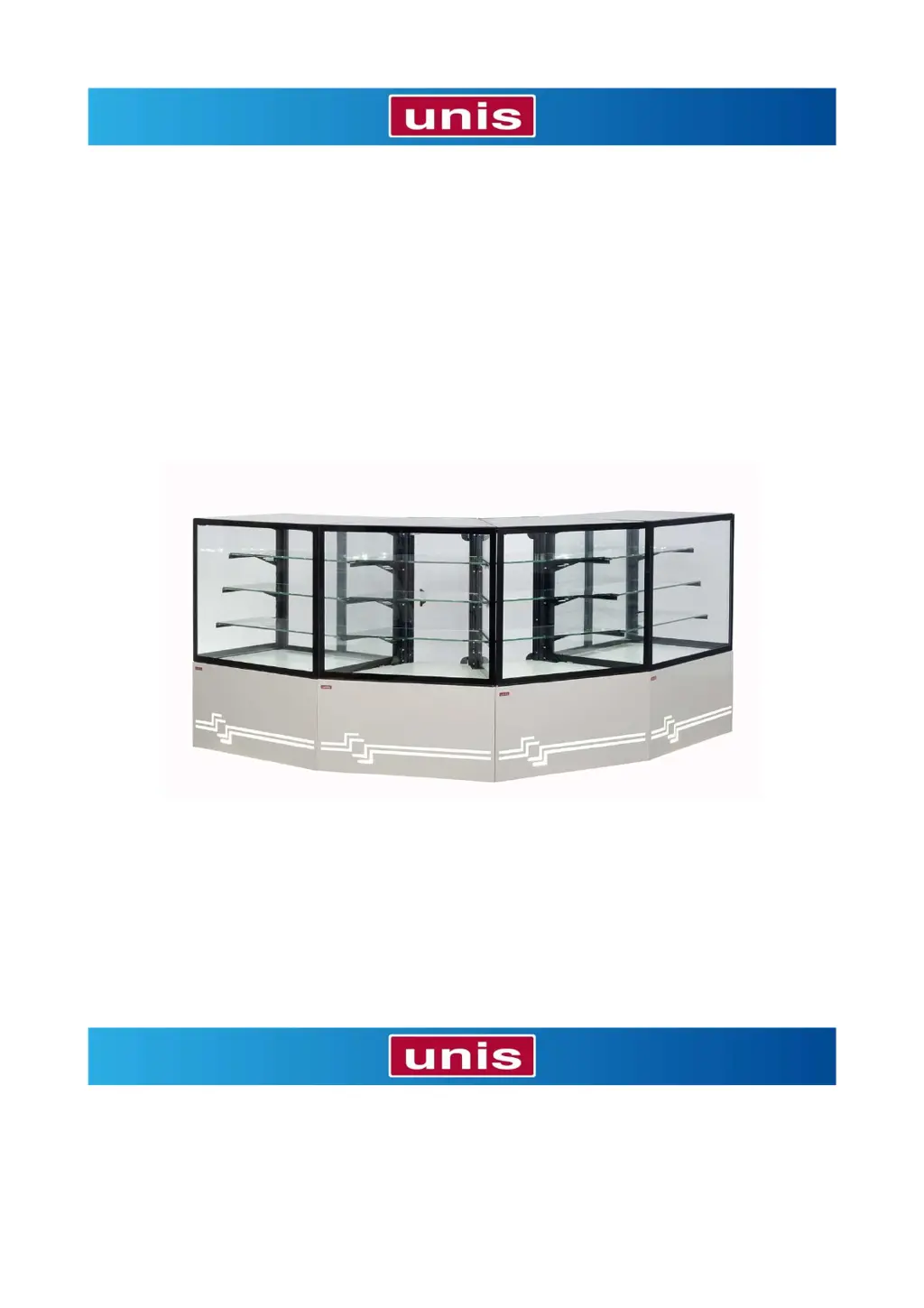
Refrigerated showcase
CUBE II
Operating manual

Questions and Answers

Summary

DELIVERY

Packaging and Content Delivery

Details on how the showcase parts are packed and delivered, including removal of doors and shelves.

Transport to the installation site

Recommendations for transporting the showcase to its installation location, including visual checks.

Storage

Conditions for storing the showcase if not unpacked immediately after delivery.

Unpacking

Steps and precautions for unpacking the showcase and its components.

INTRODUCTION

Using of the showcase

Overview of the showcase's purpose, ideal applications, and design variations (serve over/self-service).

Improper use

Defines inappropriate uses of the showcase, such as chilling merchandise or permanent storage.

The main parts of the case

Description of the showcase's key components and features, including lighting, doors, and cooling system.

Dimensions

CUBE II 600;1000;1500 Dimensions

Technical dimensions for the standard CUBE II models.

CUBE II 45° CORNER Dimensions

Technical dimensions for the CUBE II 45° corner model.

Versions

Standard (serve over) Version

Description of the 'serve over' version of the showcase.

Self-service Version

Description of the 'self-service' version of the showcase.

45° neutral corner Version

Description of the '45° neutral corner' version of the showcase.

OPERATION

3.1 Place of operation

Specifies the recommended environmental conditions for correct showcase operation.

3.2 Assembling

Step-by-step instructions for assembling the showcase, including doors and shelves.

3.3 Connection to the electric power

Details on how to connect the showcase to the electrical power supply, including voltage and fuse requirements.

3.4 Before first turn-on

Initial steps to perform before turning on the showcase for the first time.

SAFETY IN USE

4.1. In general

General safety guidelines for operating the showcase, including authorized personnel and intended use.

4.2. While using the showcase

Safety precautions to follow during the operation of the showcase.

4.3. After working with a showcase

Safety instructions for cleaning and after operation of the showcase.

4.4. Electrical safety

Specific safety measures related to the electrical components and connections of the showcase.

OPERATION

5.1 Control panel

Overview and identification of the buttons and display on the control panel.

5.2 Turn on

Instructions on how to turn on the showcase and its initial operation.

5.3 Setting

Instructions on how to adjust temperature settings and perform manual defrosting.

5.4 Placing of goods in the display case

Guidelines for properly placing goods on shelves, including weight and spacing limits.

5.5 Turn off

Steps required to safely turn off and disconnect the showcase.

MAINTENANCE

Plan of maintenance

Overview of the maintenance schedule (daily, monthly, quarterly, regularly) for different parts.

6.1. Daily maintenance

Detailed instructions for daily cleaning of the exhibition space and glass.

6.2. Monthly maintenance

Instructions for monthly cleaning of the condenser to ensure efficient heat exchange.

6.3. Quarterly maintenance

Procedure for quarterly cleaning of the evaporator and bottom tub area.

6.4. Regular maintenace

Instructions for regular checks of the power cable's condition.

Troubleshooting and Errors

6.5. Troubleshooting

Lists common issues like unit not cooling, noise, condensation, and light failures with checks.

Power failure behavior

Note that the showcase restarts automatically after a power failure.

6.6. Errors

Explains error codes (AL, AH, PR1, PR2) and provides correction guidance.

SPARE PARTS AND WARRANTY

7.1 Spare parts

Information on how to obtain spare parts for the showcase.

7.2 Warranty

Details on what the warranty covers and what is excluded.

DISPOSAL

Disposal procedure

Instructions for the proper disposal of the showcase and its components at the end of its service life.

TECHNICAL INFORMATION

9.1 Technical data

Presents technical specifications and dimensions for different CUBE II models.

9.2 Production plate

Explanation of the information found on the product's production plate and company contact details.

UNIS CUBE II Specifications

General IconGeneral
BrandUNIS
ModelCUBE II
CategoryCommercial Food Equipment
LanguageEnglish

Related product manuals