9
© 2022 Unitech Electronics Co., Ltd. All rights reserved.
Unitech is a registered trademark of Unitech Electronics Co., Ltd.
All product and company names are trademarks, service marks, or registered trademarks of their respective owners
Chapter 2 – Command Setting
2.1 Scanner Type
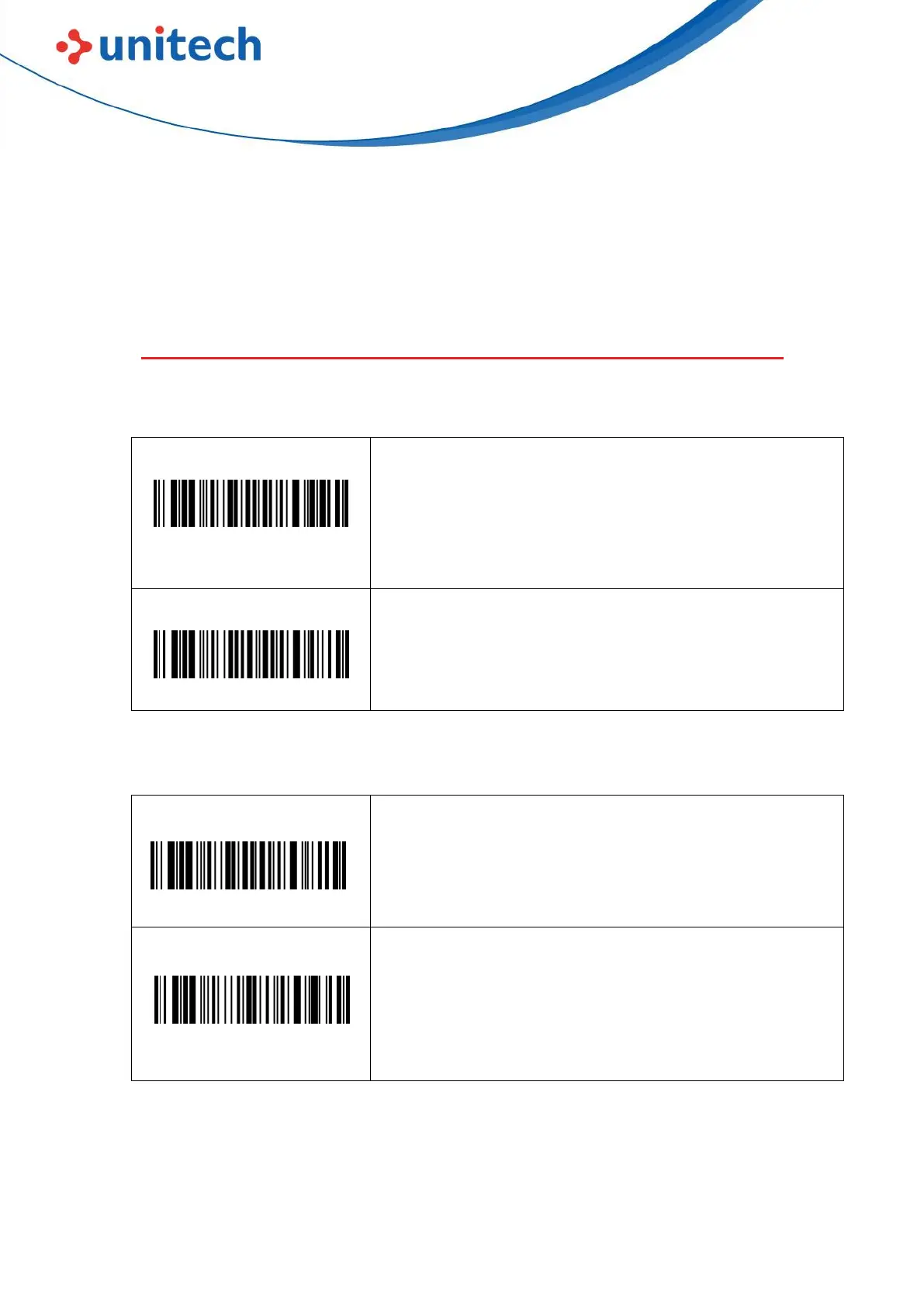
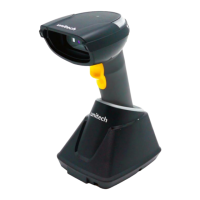
2.1.1 Wireless 2.4G Setting
Note: Scanner will enter one minute auto-pairing mode
by scanning the “Pairing with Cradle” barcode (LED
flash), take out the scanner from the cradle and insert
again to pair, you will hear one beep if success.
2.1.2 Wireless Communication Mode
Note: By scanning the Bluetooth pairing mode,
Bluetooth can be searched by other Bluetooth devices.
Default is 2.4G mode, if you want to enter Bluetooth
mode after factory default, scan the barcode again to
finish setting.


 To Next Page