EasyManua.ls Logo

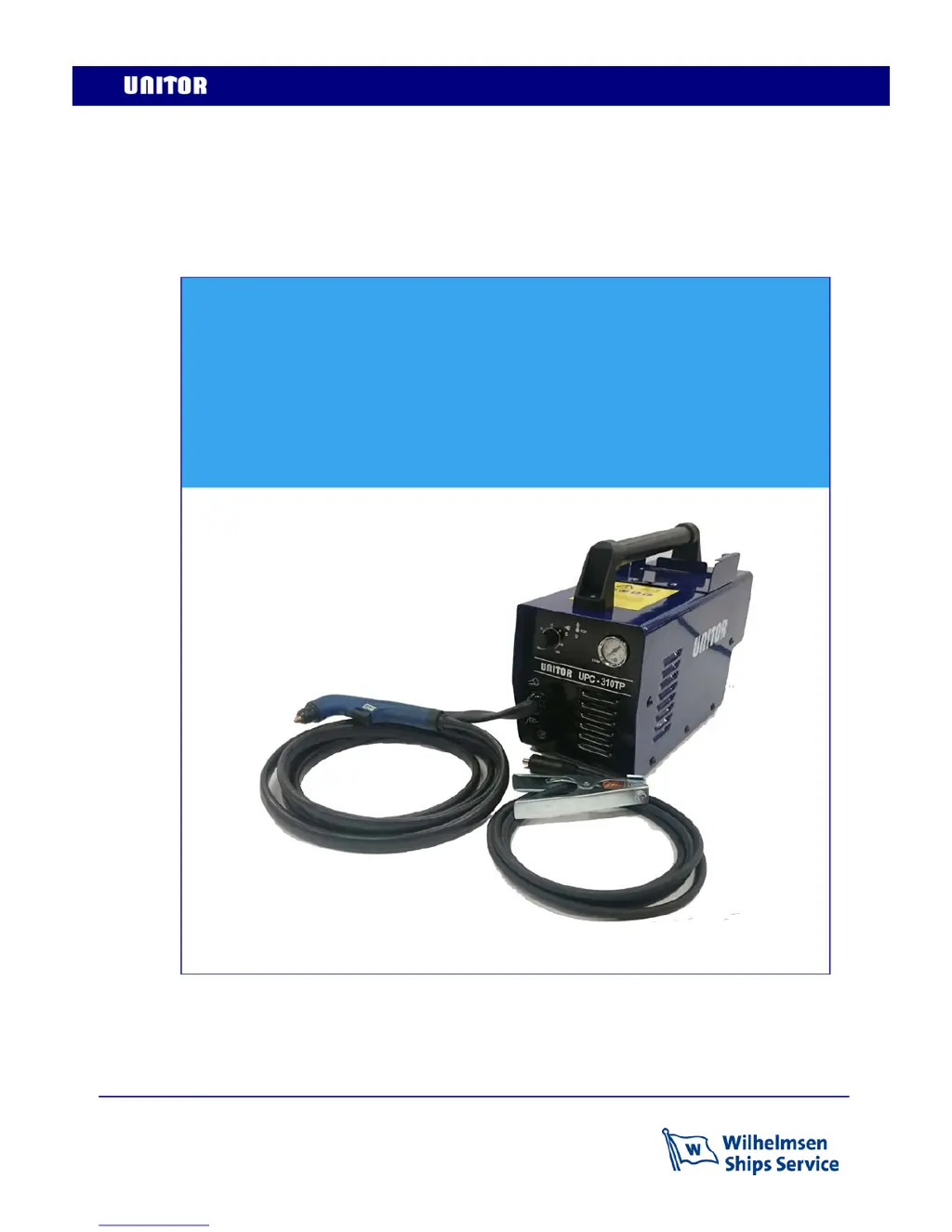
Unitor UPC-310 TP - User Manual

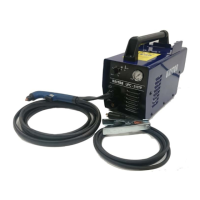
Unitor UPC-310 TP
28 pages
Print Icon
To Next Page IconTo Next Page
Loading...
Revision date: 15-08-10 Page 1 of 28
Instruction manual
UPC-310 TP
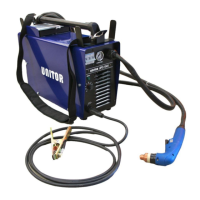
Air Plasma Cutter

Questions and Answers

  • E
    Elizabeth CardenasAug 14, 2025
    What to do if the Unitor UPC-310 TP delivers no power and the yellow thermal protection indicator blinks quickly?
    • J
      Jeffrey ButlerAug 14, 2025
      If your Unitor Welding System isn't delivering power and the yellow thermal protection indicator is blinking rapidly, the issue might be with your torch or air pressure. First, inspect your torch and consumables for any defects and ensure they are correctly installed. Then, verify that your inlet air pressure is adequate. After checking these, switch the machine off and on to reset it.
  • M
    marcus73Aug 17, 2025
    Why does my Unitor UPC-310 TP fan and compressed air continue after switching it off?
    • H
      hahnlisaAug 17, 2025
      It's normal for the fan and compressed air to continue running after you switch off the Unitor Welding System. This indicates that the torch is in its cooling phase. Simply wait for the cooling phase to complete.
  • J
    Jason PerezAug 21, 2025
    What to do if the Unitor UPC-310 TP Welding System delivers no power and the yellow thermal protection indicator blinks 2 times then lights off?
    • J
      Jamie MendezAug 21, 2025
      If your Unitor Welding System isn't delivering power and the yellow thermal protection indicator blinks twice before turning off, it could be due to the input voltage being outside the acceptable range of 85-265V. Check the electrical connection to ensure it's within these limits. Then, switch the machine off and on to reset it.
  • M
    Maureen MedinaAug 25, 2025
    How to troubleshoot inferior performance or cutting quality in Unitor UPC-310 TP Welding System?
    • D
      Dr. Timothy MillerAug 25, 2025
      If you're experiencing subpar performance or cutting quality with your Unitor Welding System, consider the following: * Check the consumables for wear or damage. * Inspect the torch body and hose assembly for any signs of damage. * Ensure the return clamp connection is secure.
  • M
    Michael Harris DDSAug 27, 2025
    What to do if pilot arc does not strike on Unitor UPC-310 TP?
    • C
      christinejohnsonAug 27, 2025
      If the pilot arc does not strike on your Unitor Welding System, try changing the nozzle, electrode, and swirl ring. Also, check and adjust the inlet air pressure on the rear of the machine to 3.5 bar if necessary.
  • G
    griffithjessicaAug 31, 2025
    What to do if the pilot arc is not stable in Unitor Welding System?
    • G
      Gary RasmussenAug 31, 2025
      If the pilot arc is not stable in your Unitor Welding System, it might be due to too high gas flow. Adjust the inlet pressure to 3.5 bar.
  • D
    David MartinSep 3, 2025
    Why does the Unitor Welding System arc go out after approximately 5 seconds?
    • H
      Holly HenrySep 3, 2025
      If the arc on your Unitor Welding System cuts out after about 5 seconds, the issue might be with the ground clamp. Check the electrical connection on the ground clamp to ensure it's properly connected.
  • P
    Pamela CarterSep 7, 2025
    What to do if Unitor Welding System delivers no power and the thermal protection indicator is continuously on?
    • J
      John ColemanSep 7, 2025
      If your Unitor Welding System isn't delivering power and the thermal protection indicator remains continuously on, it means the thermal protection of the welding unit is active. Wait for the cooling phase to complete.
  • D
    David HarrisSep 10, 2025
    What to do if there is no pilot arc when pressing the trigger on the Unitor Welding System, but the air flows?
    • M
      Mrs. Bianca SmithSep 10, 2025
      If you're experiencing no pilot arc when pressing the trigger on your Unitor Welding System, but air is flowing, the consumables might be damaged. Replace the consumables.

Unitor UPC-310 TP Specifications

General IconGeneral
CategoryWelding System
ModelUPC-310 TP
Input Frequency50/60 Hz
Duty Cycle60%
Protection ClassIP21S
Input Voltage380V
Cooling MethodAir Cooling

Related product manuals