EasyManua.ls Logo

Unitor UWW-161 TP - User Manual

Unitor UWW-161 TP
32 pages
Print Icon
To Next Page IconTo Next Page
Loading...
Revision date: 23 09 2014 Page 1 of 32
Instruction manual
& spare parts list
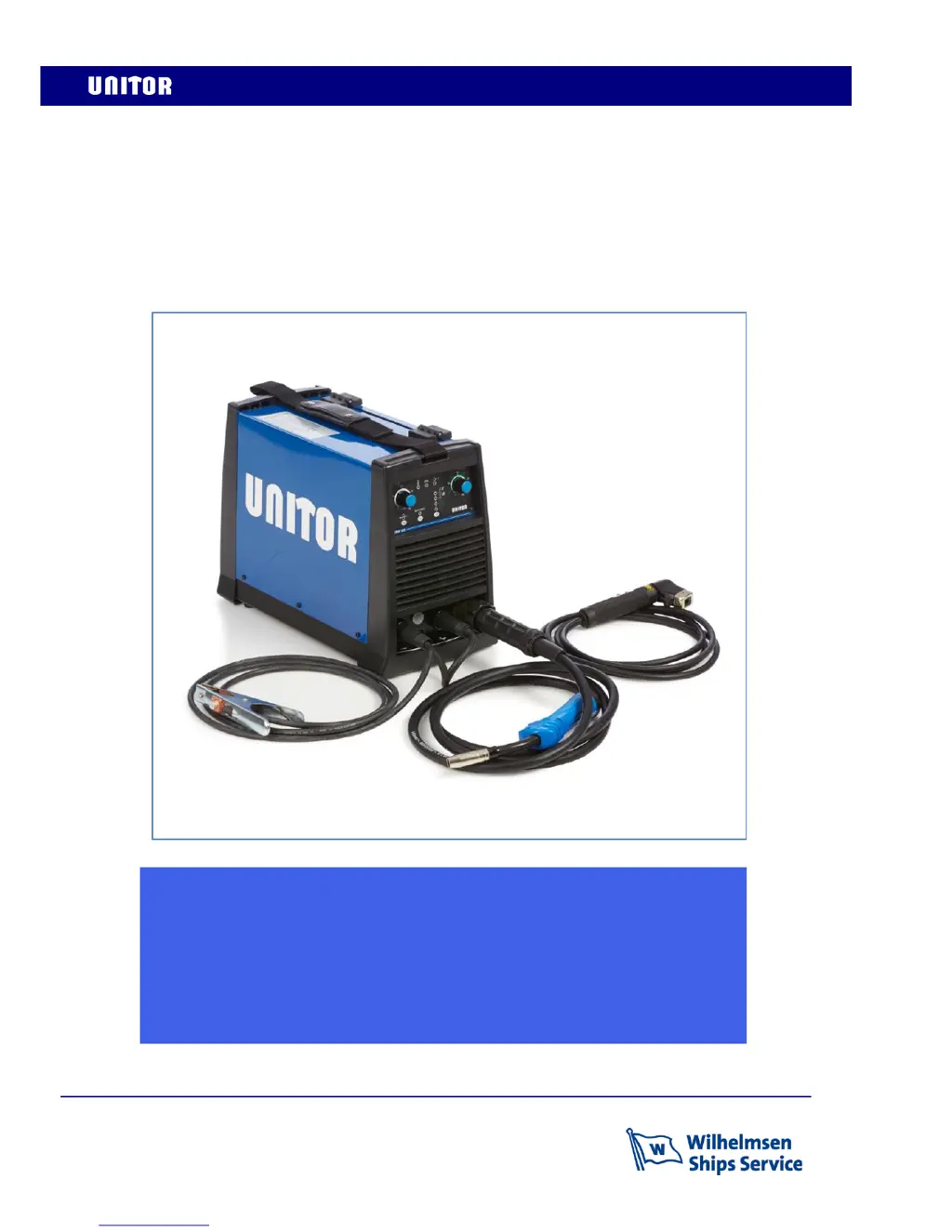
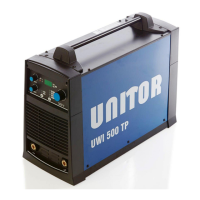
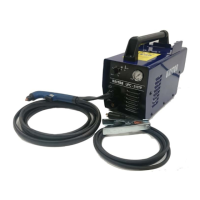
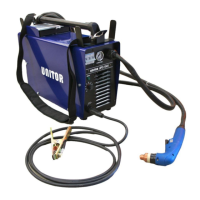
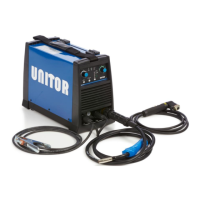
Unitor Welding Inverter
UWW-161 TP
Multi Process MIG-MAG-MMA-TIG
TP (total protection) version, from serial number 111194

Questions and Answers

  • D
    Debra CampbellAug 19, 2025
    What to do if my Unitor Welding System machine does not start?
    • R
      Rickey WhiteAug 19, 2025
      If your Unitor Welding System machine isn't starting, first ensure the power socket is working and the power supply cable is intact. If voltage reaches the machine switch but doesn't continue past the contacts, unplug the machine and check for contact between the input and output when switched on. Also, verify the varistor isn't broken, as the power board may need replacement. If voltage passes the switch, inspect the switching power supply unit's MOSFET on the power board.
  • M
    mary26Aug 21, 2025
    Why do the line fuses blow when I switch on my Unitor Welding System?
    • R
      Rodney EvansAug 21, 2025
      If the line fuses blow when you activate the switch on your Unitor Welding System, it could be due to a damaged primary cable or plug. Ensure the power socket provides power and the power supply cable is intact. Alternatively, a damaged inverter could be the cause. Check the varistors, inverter, input bridge rectifier, and switching power supply unit. If any of these components are damaged, replace the power board.
  • H
    Heather AndrewsAug 25, 2025
    What to do if my Unitor Welding System always welds at maximum current?
    • D
      danielbrownAug 25, 2025
      If your Unitor Welding System consistently welds at maximum current, the front panel or the power board might be damaged and need replacement. Also, inspect the shunt wires for damage or incorrect insertion, and connect or replace them as necessary.
  • M
    Melinda LewisAug 26, 2025
    How to troubleshoot non-optimal welding with Unitor Welding System?
    • B
      Breanna LopezAug 26, 2025
      To troubleshoot non-optimal welding with your Unitor Welding System, consider these points: * For spattering, ensure the welding polarity is correct. * If there's porosity in the deposit, decrease the voltage and check the gas emission from the torch. * For a too narrow welding seam (“dry arc”), increase the wire speed and/or voltage. * If the welding seam is too wide (“too hot weldpool”), decrease the wire speed and/or voltage.
  • H
    hmillerAug 28, 2025
    What to do if there is no gas from the solenoid valve on Unitor Welding System?
    • A
      Andrew CaseyAug 28, 2025
      If there's no gas flow from the solenoid valve of your Unitor Welding System, first reduce the gas flow setting in case of excessive gas pressure. Then, unplug the machine and inspect the solenoid valve wiring for any breaks, repairing them as needed, and ensure the wiring contacts are correctly inserted in the connectors. If these steps don't resolve the issue, the solenoid valve control relay on the front panel or the solenoid valve itself may be damaged and require replacement.
  • J
    Joseph RyanAug 30, 2025
    How to fix Unitor Welding System if the front panel is not activated?
    • Z
      Zachary HarrisAug 30, 2025
      If the front panel of your Unitor Welding System is not activating, and the fan is working, unplug the machine and ensure the flat cable connecting the front panel to the power board is correctly inserted. If it is, the front panel may need replacement. If neither the fan nor the front panel works, a switching power supply unit output is likely broken, necessitating replacement of the power board. Check the MOSFET of the switching power supply unit on the power board, replacing it if damaged.
  • B
    bellshaneSep 1, 2025
    What to do if the torch button does not work on my Unitor Welding System?
    • T
      Tracy BrownSep 1, 2025
      If the torch button on your Unitor Welding System isn't working, the amphenol board cable might be broken and require replacement. Also, check the connection between the Euro-connector and pin 1/2 of the Amphenol connector. If these are intact, the logic front panel may be damaged, requiring replacement.
  • W
    williamduncanSep 3, 2025
    What does it mean if my Unitor Welding System is dead except for a lit LED warning light?
    • D
      David CohenSep 4, 2025
      If your Unitor Welding System is unresponsive except for a lit LED warning light on the back panel, it indicates that the input voltage exceeds 285V, activating the total protection (TP) function. The nominal input voltage should be 230V. Welding power will automatically resume once the input voltage is corrected.
  • T
    Terry NicholsSep 6, 2025
    Why does my Unitor Welding System stop welding and emit an acoustic signal?
    • R
      richardwalkerSep 6, 2025
      If your Unitor Welding System stops welding and emits an acoustic signal, it means the maximum current that can be supplied by the machine has been exceeded. Decrease the value of the welding parameters.
  • T
    thomasrosarioSep 7, 2025
    What to do if the wire feeding unit motor doesn't work on Unitor Welding System?
    • T
      Timothy LeeSep 7, 2025
      If the wire feeding unit motor on your Unitor Welding System isn't working, first unplug the machine and check the delayed fuse 5x20 800 mA on the back, replacing it if damaged. Then, check the motor feeding wire connection on the front panel and the continuity between the front panel and the amphenol connector. Also, inspect connections between the front panel and the white 4-pin connector; if connections are not interrupted, replace the front panel. If these steps don't resolve the issue, the motor board may be damaged and require replacement.

Summary

Identify Components

Technical Data

Installation Guide

Selecting a Suitable Location

Guidance on choosing an appropriate and safe location for operating the welding machine.

Assembly Procedure

Step-by-step instructions for assembling the welding machine and connecting accessories.

Front Panel Overview

Spool Compartment

Wire Loading Procedure

Operating Instructions

Wire Welding Consumable Spares

Maintenance

Power Source and Wire Feed Maintenance

Instructions for cleaning and maintaining the power source compartment and wire feed system.

Torch Maintenance

Guidelines for checking and maintaining the welding torch, including contact tips and nozzles.

Troubleshooting Guide

Machine Start-up and Power Issues

Troubleshooting steps for when the machine does not start, fuses blow, or the front panel is inactive.

Welding Output and Thermal Protection Issues

Solutions for low output voltage, no welding, or activation of thermal protection devices.

No Output Voltage and Fuse Problems

Troubleshooting steps for absent output voltage and primary fuses blowing.

Wiring Diagram

Components and Spares

Safety Instructions

Arc Welding Hazards and Electric Shock

Information on risks associated with arc welding, including electric shock and handling the equipment safely.

Fumes, Gases, and Flying Metal Hazards

Precautions regarding welding fumes, gases, flying metal, hot parts, magnetic fields, noise, and cylinder safety.

Installation, Operation, and Interference Precautions

Additional safety measures for installation, operation, and minimizing electromagnetic interference.

Unitor UWW-161 TP Specifications

General IconGeneral
Frequency50/60 Hz
Wire Diameter0.6-1.0 mm
Welding MethodMIG/MAG
Duty Cycle60%
Protection ClassIP21

Related product manuals