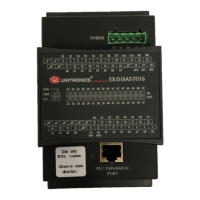
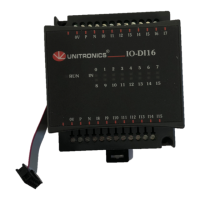
V200-18-E3XBW Snap-in I/O Module
6 Unitronics
Analog / PT100 / TC Inputs
Each input may be set as either analog, RTD, or thermocouple. To set an input:
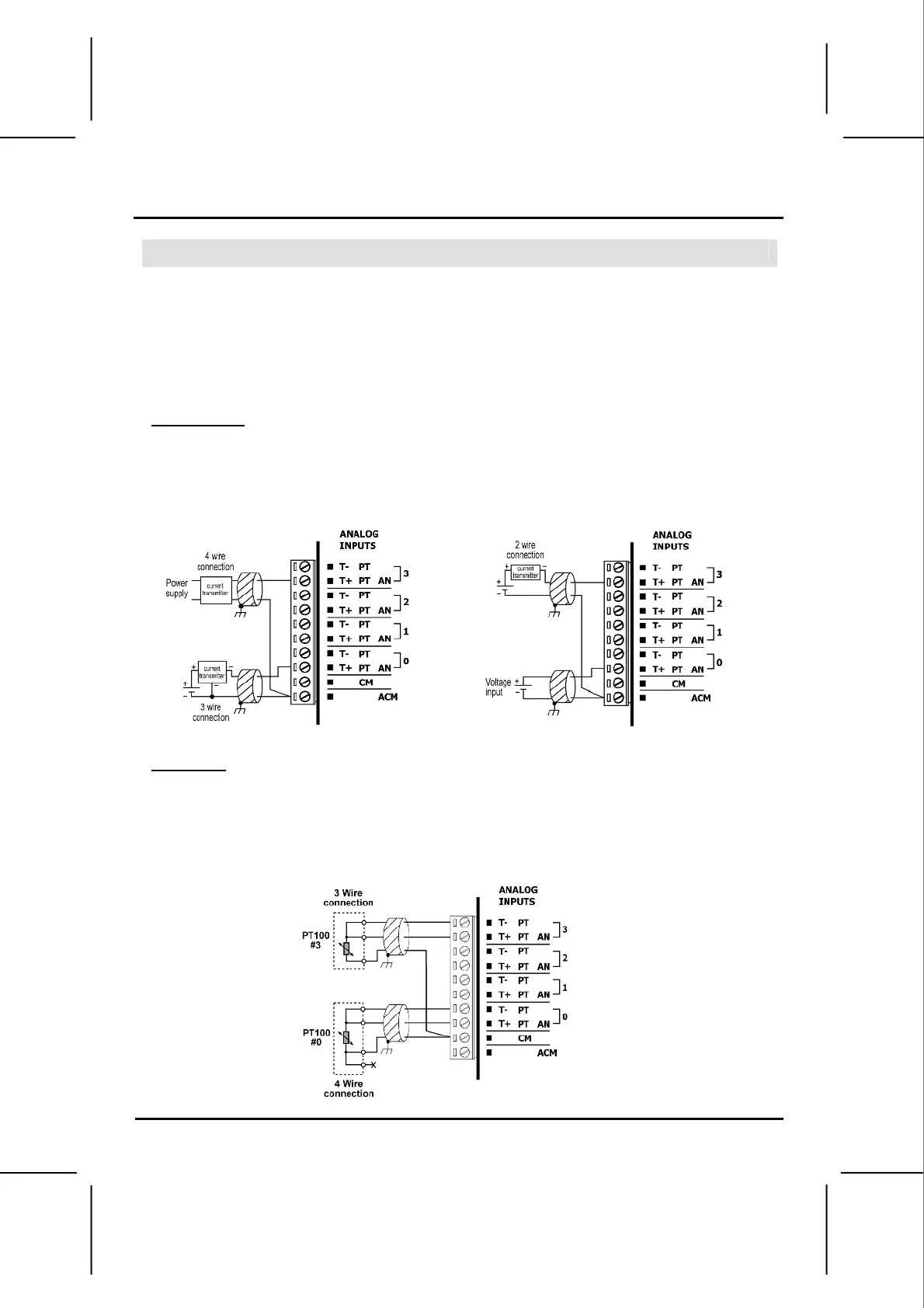
- Use the appropriate wiring as shown below.
- Open the device and set the jumpers according to the instructions beginning on page 8.
Shields should be connected at the signal source.
In order to function correctly, the analog power supplies must be wired as shown on page 5.
To ensure proper performance, a warm-up period of a half an hour is recommended.
Analog Inputs
Inputs may be wired to work with either current or voltage.
When set to current/voltage, all inputs share a common ACM signal.
current current/voltage
RTD Inputs
1. Wire one lead of each RTD input to the common signal (CM) as shown below.
4 wire PT100 can be used by leaving one of the sensor leads unconnected.
PT100



 To Next Page