&
&
&
&
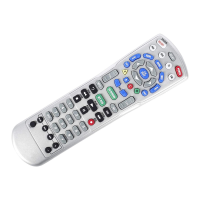
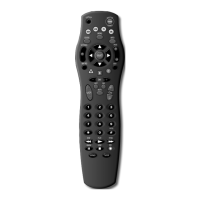
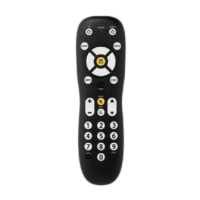
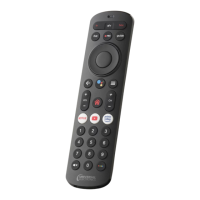
Atlas&DVR&1056&
SEARCHING FOR YOUR CODE
1. Turn on your TV.
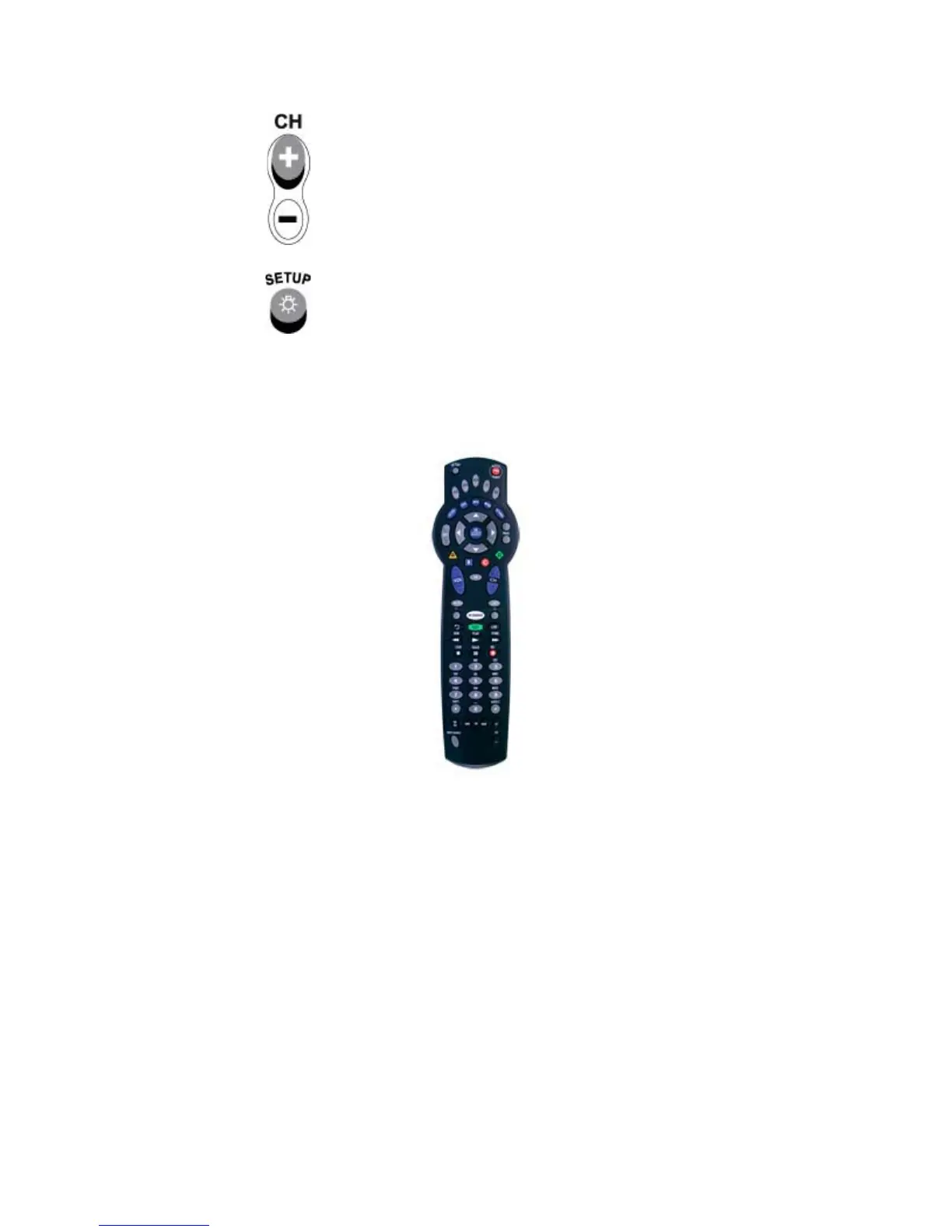
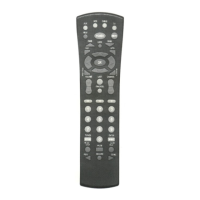
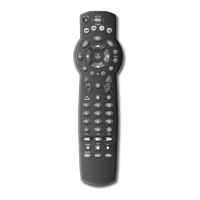
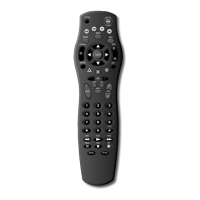
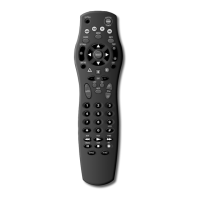
2. On the remote control, press TV once; it blinks once. Then press and hold SET UP until the TV key blinks twice.
3. ENTER 9-9-1. The TV key blinks twice.
4. Press 1 (the device code digit for your TV). The TV key blinks twice. Aim the remote control at the TV and press PWR
once.
5. Press and release the CH+ key continuously, then stop when the TV turns off.
NOTE: In the search mode, the remote control sends IR codes from its library to the selected device, starting with the
most popular code first.




 To Next Page