9
Finding a Component Button’s Set-up Code Number
If you used the Auto-Search Method to program a
component, you may not know the code number you
programmed. Here is the way for you to identify that
code number so you can write it down in the back of
this manual for future reference.
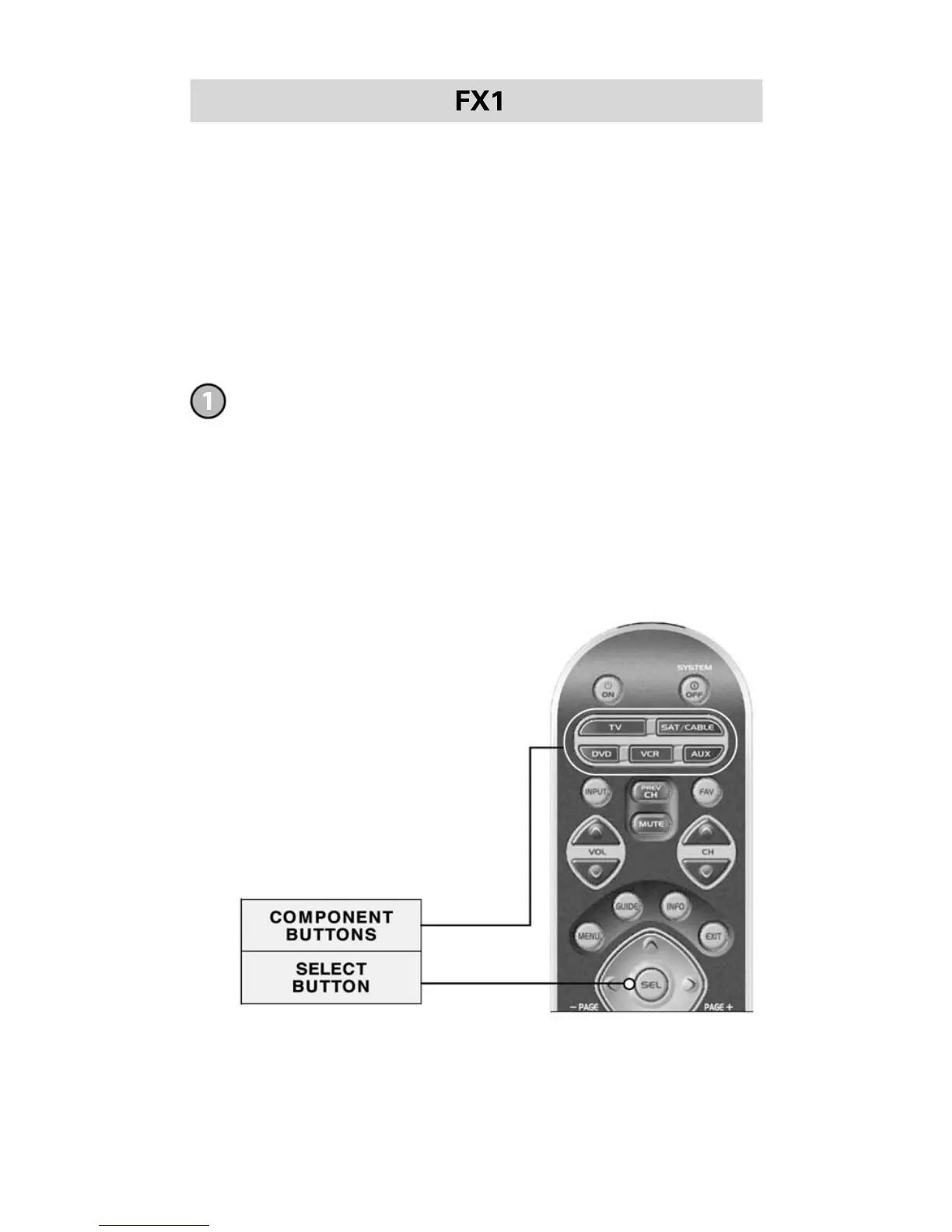
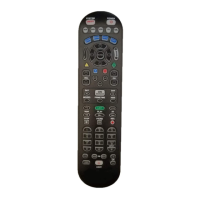
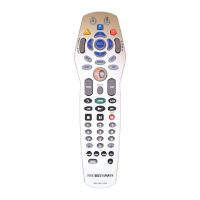
Press and hold both the SEL and the Component
button you would like to verify at the same time for
approximately three seconds until the Component
LED light turns on.






 To Next Page