Page 2
PCL-300 PC UPGRADE
LINK
Installing the Software
The software can be installed from the CD included with the PCL-300 or
downloaded from our website www.universalremote.com.
WARNING! Do not connect the PCL-300 to your PC until installation is
finished as described below:
Install from CD
1. Insert the CD in the PC’s CD drive.
2. Run the Setup.exe file on the CD if needed (it should start automatical-
ly on most PC’s).
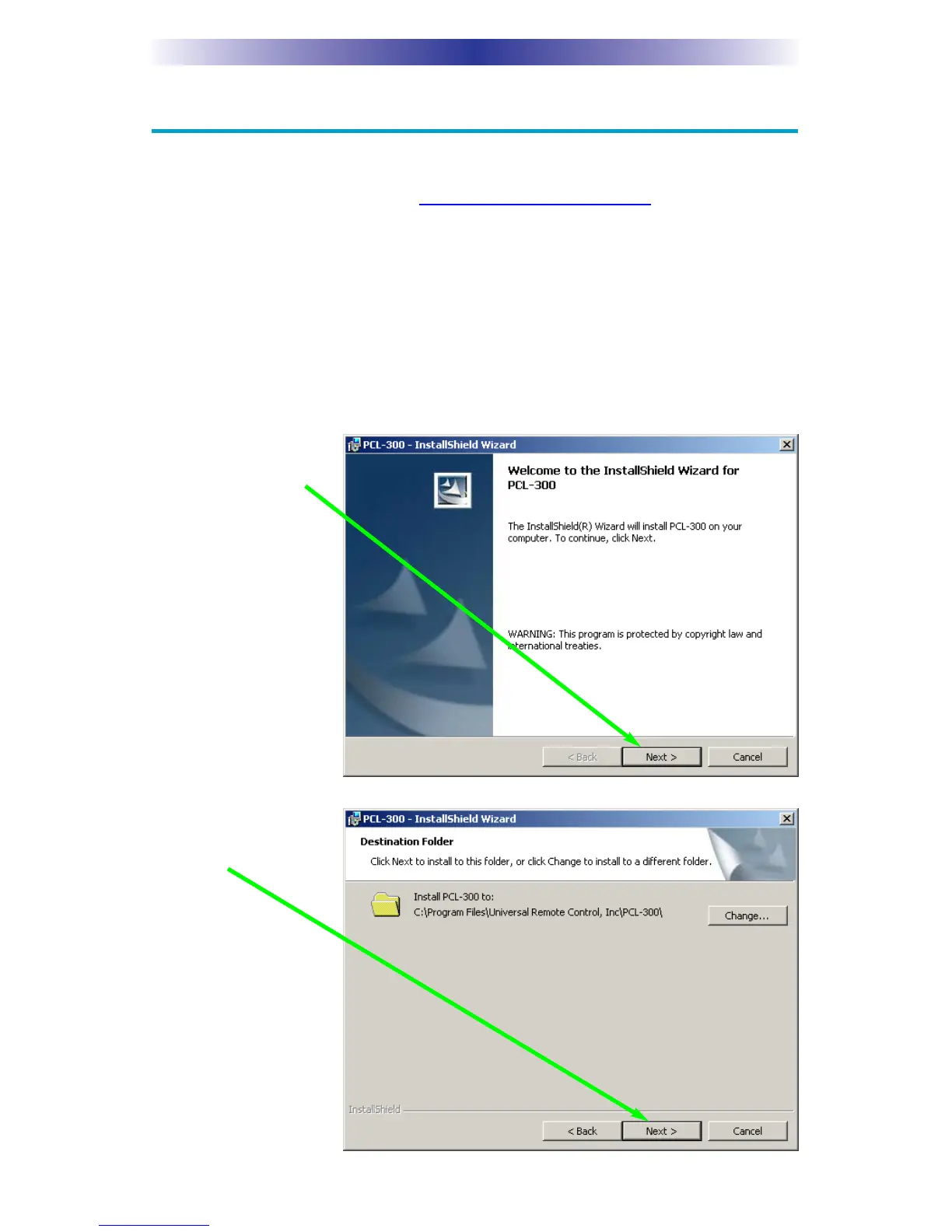
3. When the install
window appears,
click on Next.
4. When the destina-
tion folder window
appears click on
Next.



 To Next Page