7
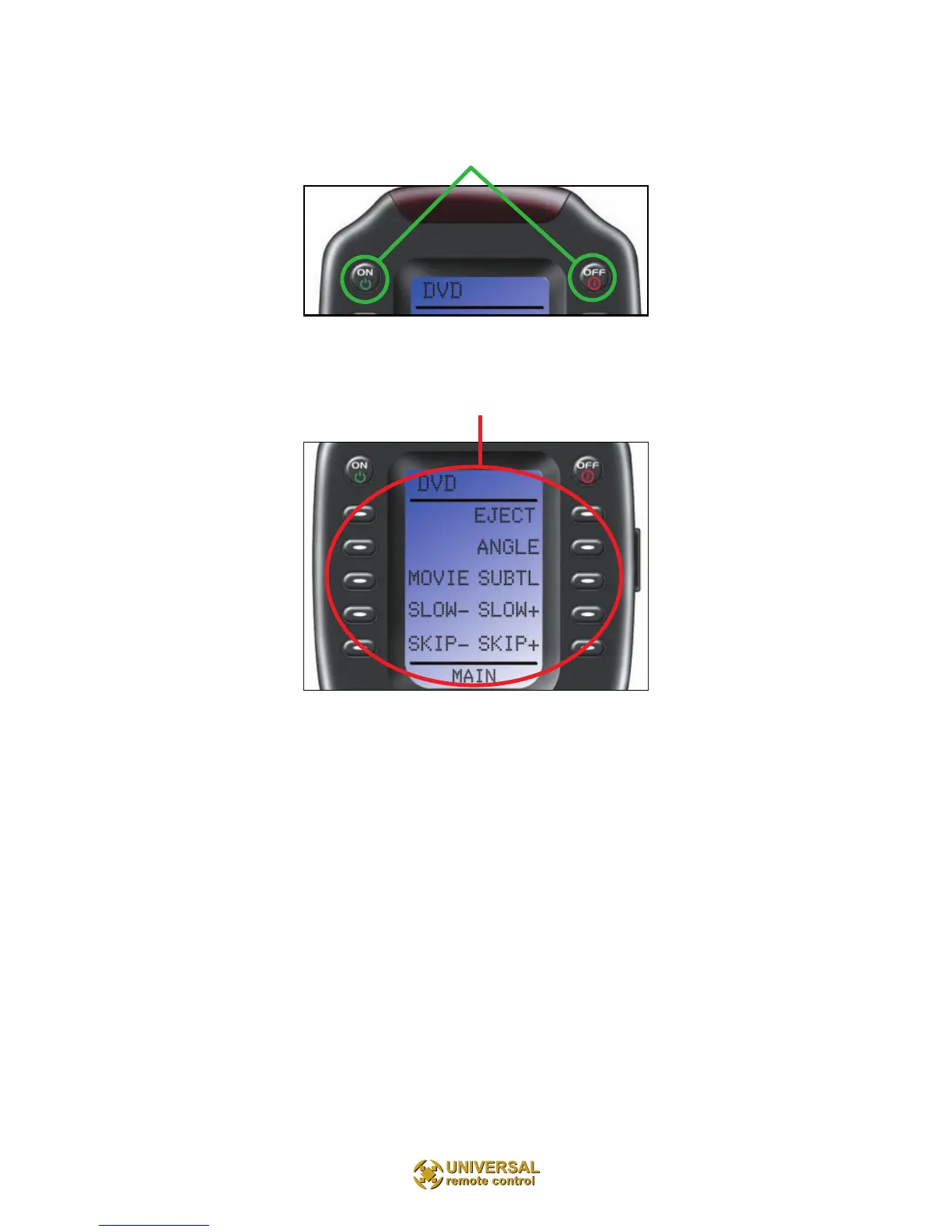
The Power ON and OFF buttons now operate only the
selected device (to turn the entire system on/off, return to
the MAIN Menu).
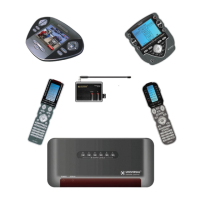
The ten screen labeled buttons are now labeled with any
commands that do not fit one of the buttons with
printed labels.
Up to 40 screen labeled buttons are available for each
device. To view the additional buttons, press the PAGE
button to display additional pages. The remote control
can dis-play up to four pages of screen labeled buttons
for each activity or device! As you scroll through the
pages, notice that the bottom title bar displays which
page you are viewing (PAGE 1, PAGE 2, etc.).



 To Next Page