9
your system. Discuss any non-channel favorite label with your
installer, so that you understand how to use it.
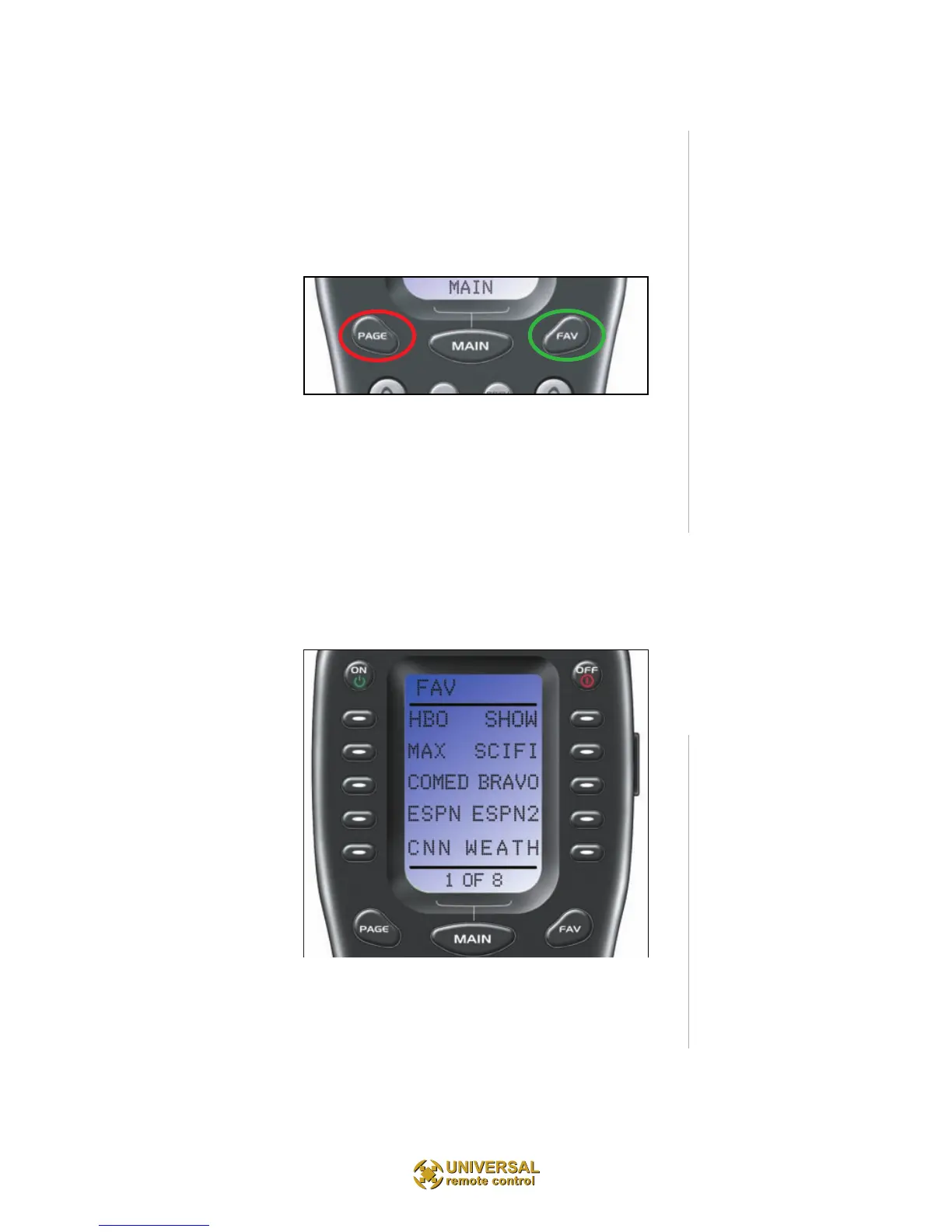
To use the FAVORITE Menu:
1. Press the FAV button. The top title bar will now dis-
play FAV.
Use the FAV button and the PAGE button to navigate
through your var-ious pages of FAVORITES. The FAV
button scrolls up from Page 1 to Page 5, using the
PAGE button scrolls down from Page 5 to Page 1. As
you select a new page, the bot-tom title bar will display
the page number (page 1, page 2, etc.)
To EXIT Fav and return to the last activity/device select-
ed, press the MAIN button ONCE. To EXIT Fav and go
to the MAIN Menu, press the MAIN button twice.



 To Next Page