Need help?
Do you have a question about the Uovision Compact LTE 4G 20MP Cloud and is the answer not in the manual?
Explains the camera's operation via LTE and cloud platform.
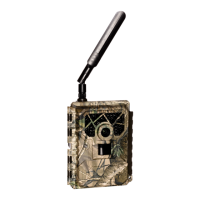
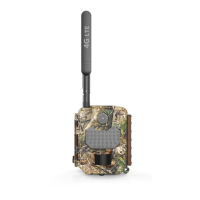
Details the physical components, ports, and indicators of the camera.
Describes the function and operation of each button on the camera.
Guide on inserting AA batteries correctly into the camera.
Instructions for inserting the Micro SD card into the designated slot.
Steps for inserting the Nano SIM card and network compatibility details.
Instructions to download the Linckeazi mobile application from app stores.
Steps for logging into the cloud platform and adding the camera.
Guide for selecting and activating a service plan for the camera.
Configuration options for photo and video resolution, burst, and speed.
Settings related to PIR detection sensitivity and time-lapse intervals.
Configuration for operational parameters like work time, send mode, and remote control.
Describes the meaning of different LED light patterns for status indication.
Procedure to manually capture a photo using the RST button.
Step-by-step guide to power on the camera and establish network connection.
Information on generating and using log files for troubleshooting issues.
 General
| Camera Resolution | 20MP |
|---|---|
| Connectivity | LTE 4G |
| Cloud Service | Yes |
| Image Sensor | CMOS |
| Waterproof Rating | IP66 |
| Type | Scouting Camera |
| Video Resolution | 1080p |
| Memory | MicroSD up to 32GB |
| Operating Temperature | -20°C to 60°C |

 To Next Page