Need help?
Do you have a question about the Uovision L4-E and is the answer not in the manual?
Camera functions on 12AA batteries. Pay attention to (+) or (-) terminals for correct insertion.
An SD card is required to power up the camera. Supports SD cards up to 64GB.
Product supports various LTE, WCDMA, GSM bands. Ensure SIM PIN is disabled and account has sufficient funds.
Search for "Linckeazi" on Google Play/Apple Store or visit the provided URL.
Details the power switch positions (OFF, SETUP, ON) and the functions of the camera's buttons.
Explains camera settings like trigger mode, resolution, PIR sensitivity, and work times.
Provides steps to send a test photo, check its progress, and diagnose any sending failures.
Access https://www.linckeazi.com/index.html to sign up or log in to register your camera.
Select a picture, press MENU, and choose 'send' to upload it to the cloud.
Configure your camera conveniently via the cloud server and mobile application.
 General
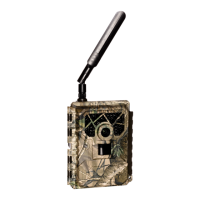
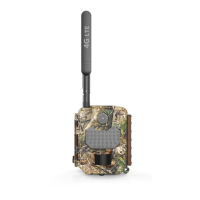
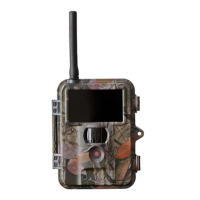
| Brand | Uovision |
|---|---|
| Model | L4-E |
| Category | Scouting Camera |
| Language | English |


 To Next Page