Page 16
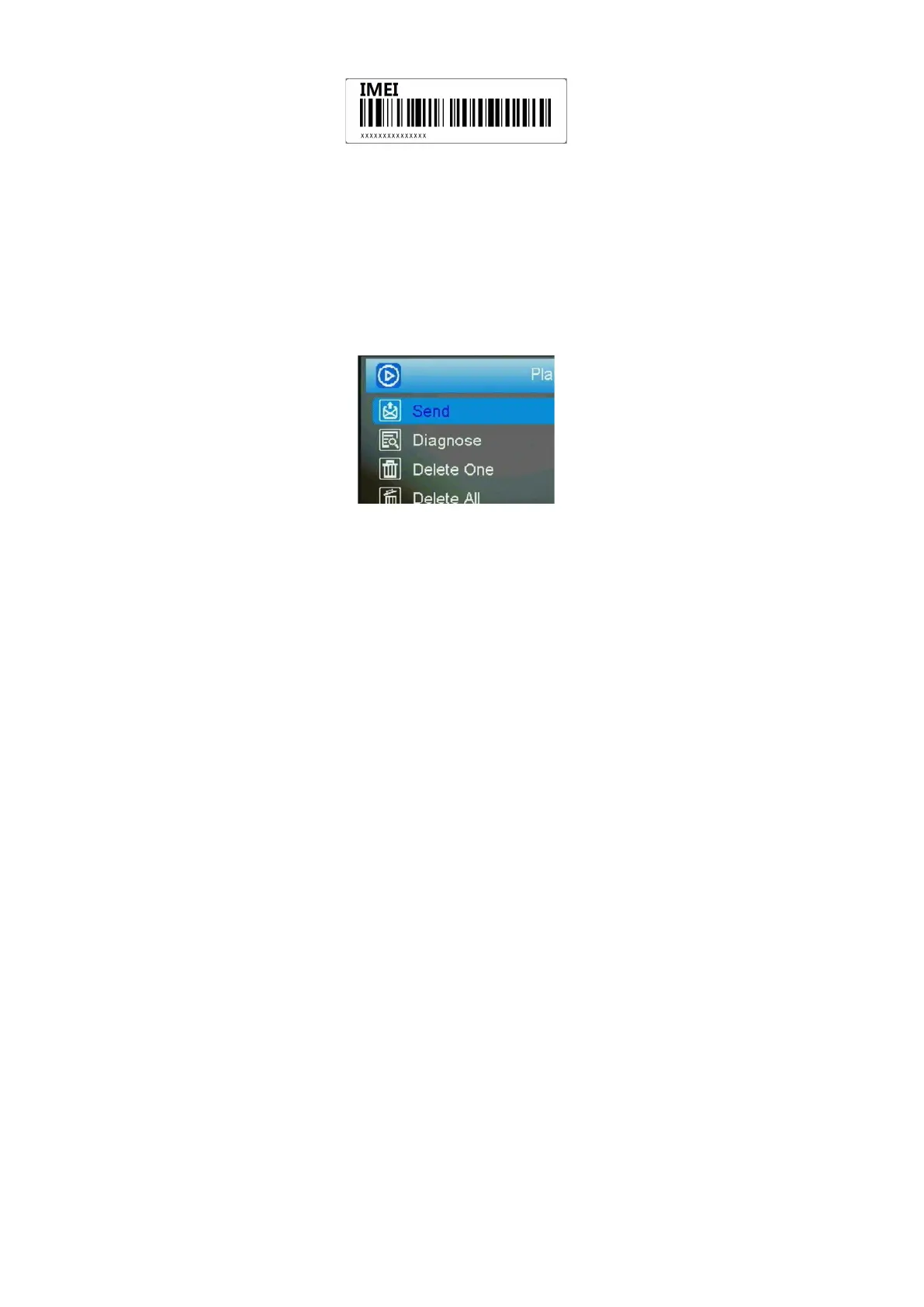
IMEI labeled at the front panel
3.2 Send a photo to cloud server
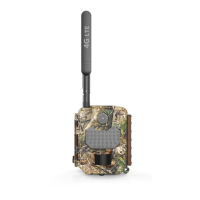
Choose a picture, press MENU, Select ‘send’, the
process of sending photo will present at screen, and
within minutes your cloud account will receive your
photos.
If you have the E-mail transfer function enabled on
your Linckeazi cloud platform, the cloud platform will
also send a photo or video copy to your E-mail address.
Fig 12



 To Next Page