Page 13
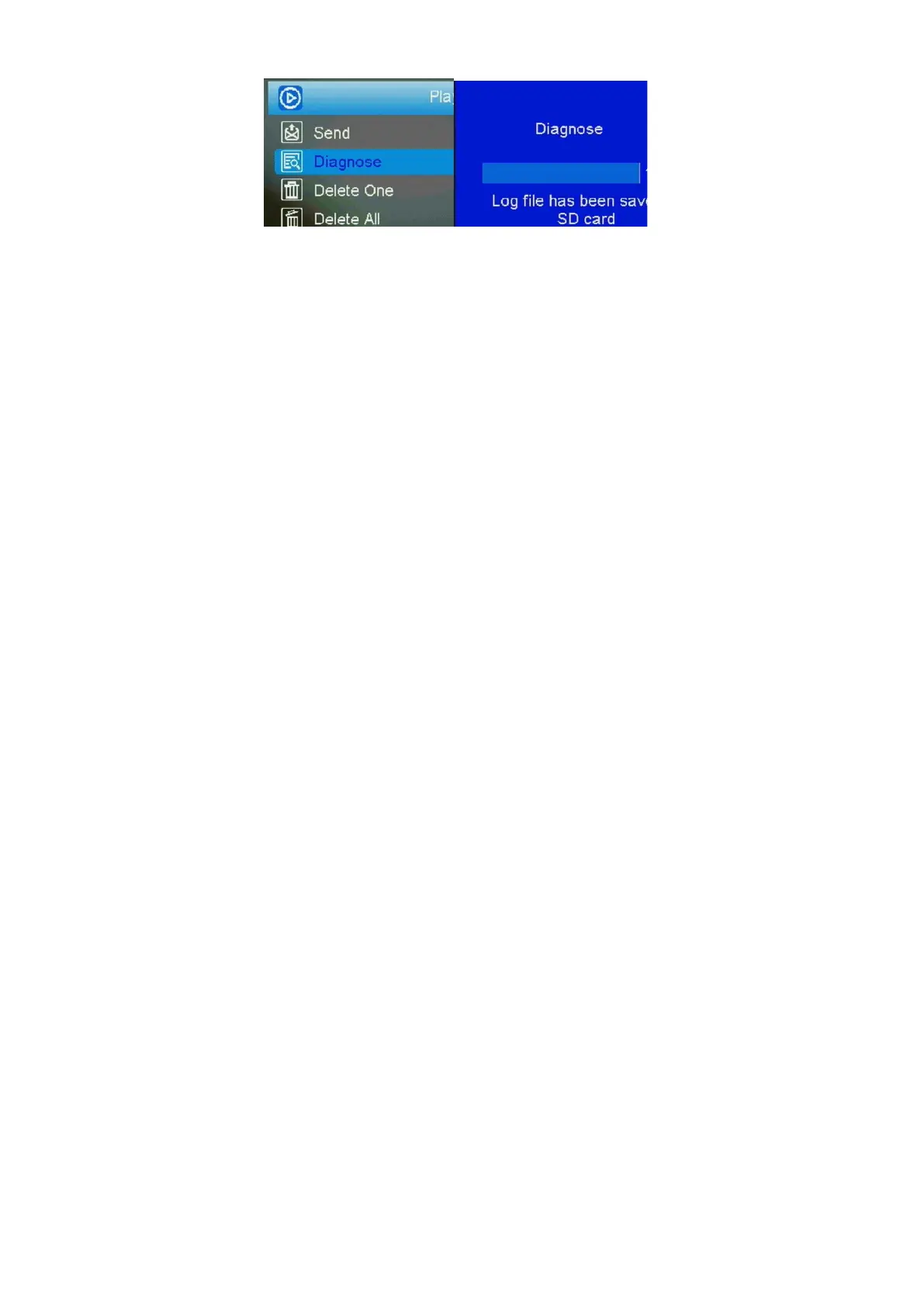
Fig 6 Fig 7
3 Connecting CAM to cloud server
3.1 Connecting CAM to cloud server
Open your browser and access the address:
https://www.linckeazi.com/index.html
Click ‘Sign up’ on the page to pop up the registration
page.
The registered users of the platform need to fill in the
user name, email address, email verification code,
setup password, verification password (re-enter the
setup password), and then agree to the terms and
agreements to complete the platform registration.
If you have registered for the cloud platform, enter
your account and password to log in directly.



 To Next Page