Page 17
If the above test has accomplished, then you can slide
power switch to ‘on’ and start using it take photo or
video automatically.
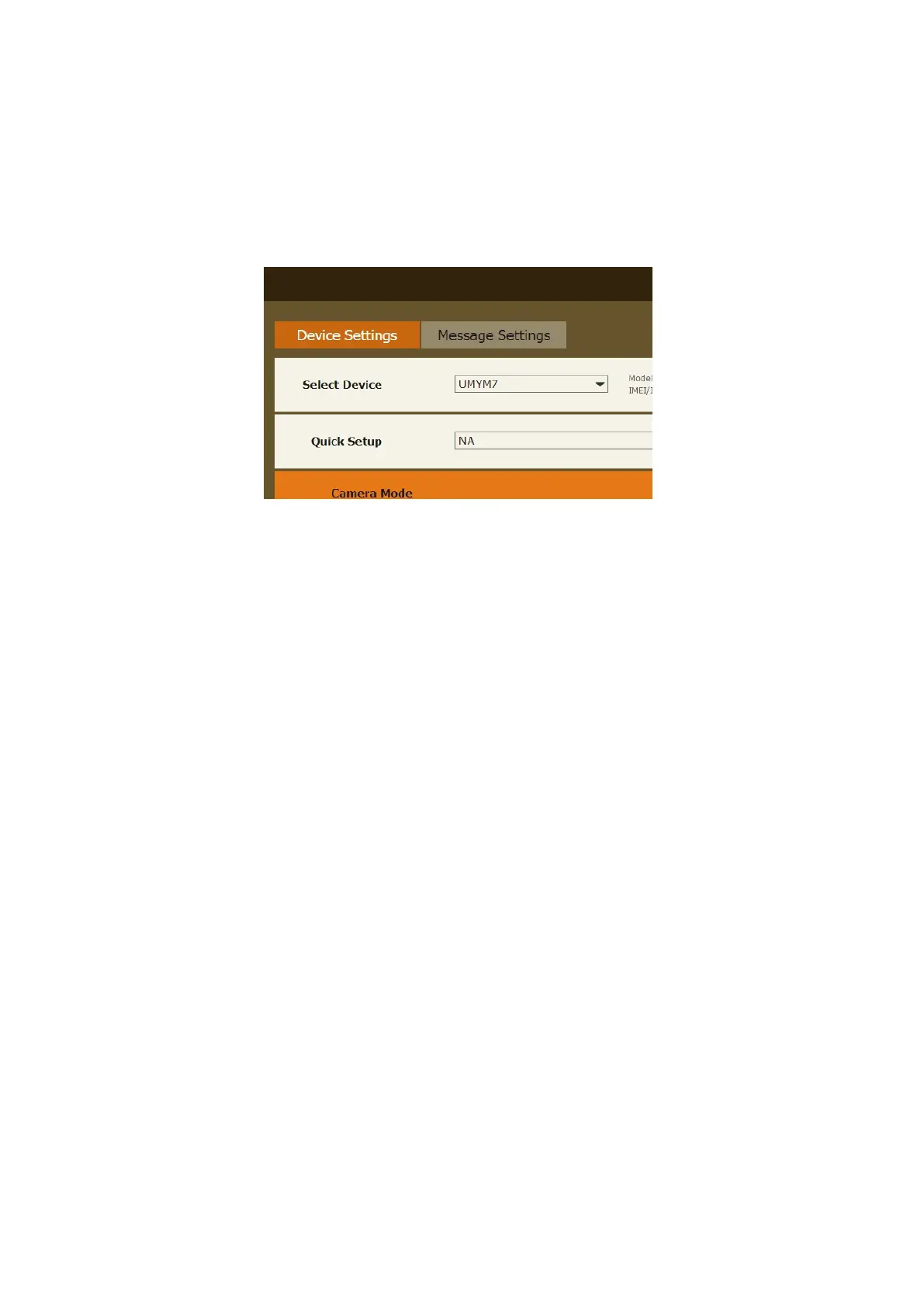
3.3 Setting CAM with Web Portal or APP
The CAM can be set up conveniently with cloud server
and APP as well.
Fig 13
As to APP, Please search “Linckeazi”



 To Next Page