Page 12
2.7 Send a test photo
1) Switch camera to Setup mode, press ► button to
take a picture, then press OK button to check this
picture;
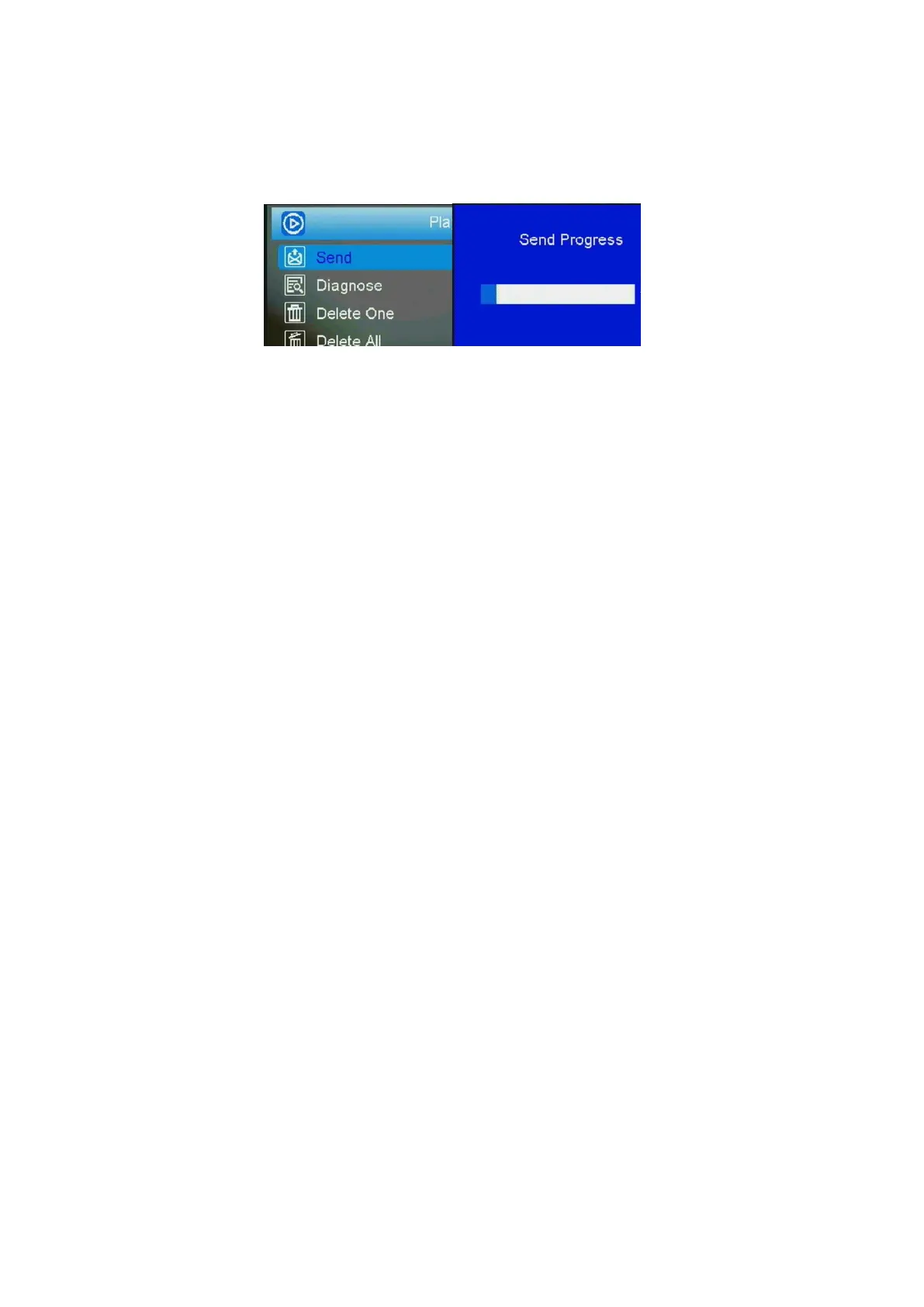
2) Press the MENU button, choose send. You will see
sending progress shows on the LCD screen.
Fig 4 Fig 5
Once you see send successful, check your email account
or phone see if you receive the correct photo.
If the sending is failure, choose Diagnose to generate a
Log file and the FAQ will help you with your Log file.



 To Next Page