5
Total Control
MRX-12
Owner’s Manual
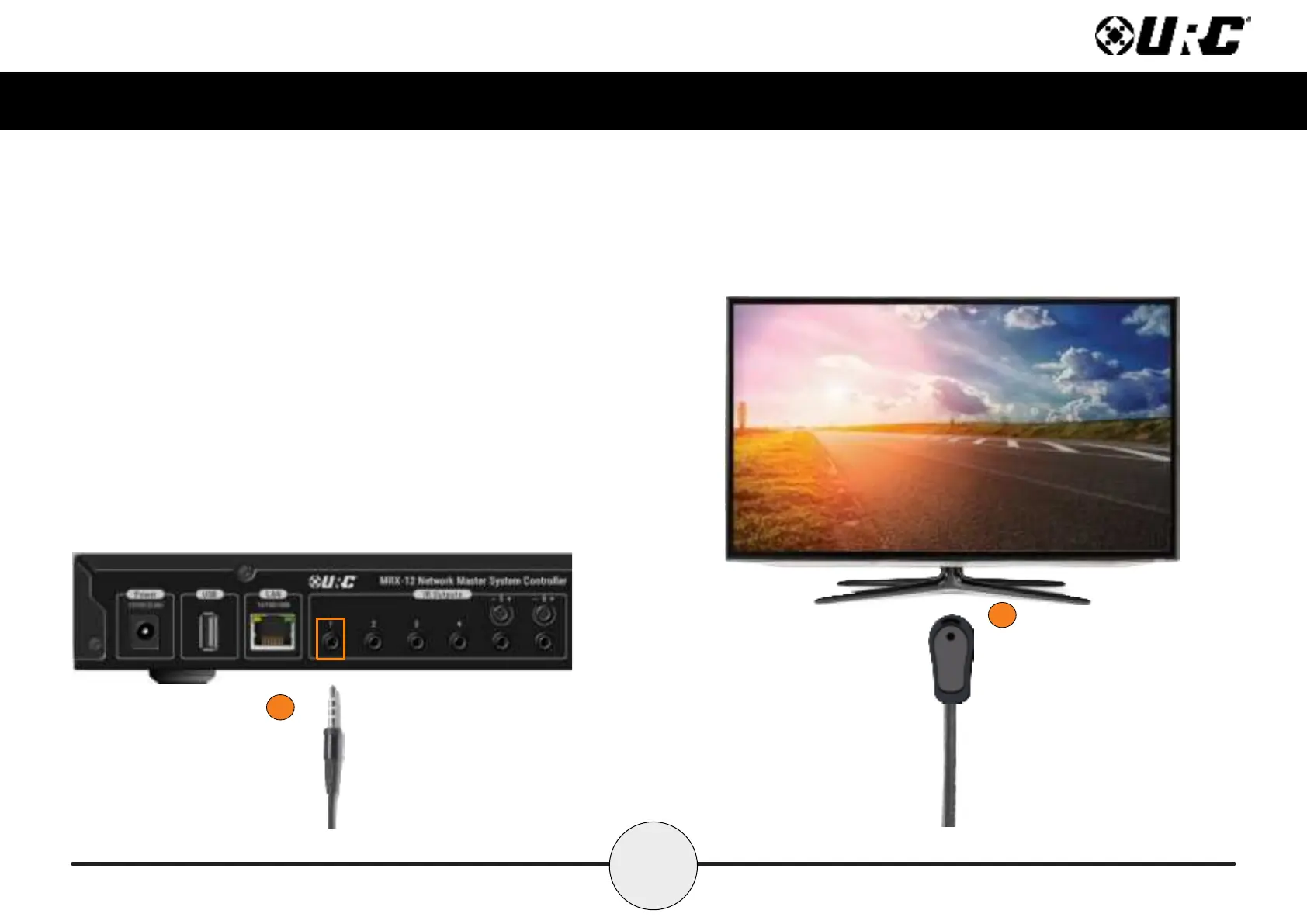
Connecting IR Emitters
IR emitters are used to communicate to AV devices such as cable boxes, televisions,
blu-ray players and more.
1. Plug IR Emitters (six (6) supplied in the box)into any of the six (6) IR outputs
available on the rear of the MRX-12.
IR Output 5 and 6 include an adjustable sensitivity dial. Turn this dial to the
right to increase the gain and to the left to decrease it.
2. Remove the adhesive covering from the emitter and place it over the IR
receiver of the 3rd party device (cable box, television, etc.).
1
2



 To Next Page