6
Total Control
MRX-12
Owner’s Manual
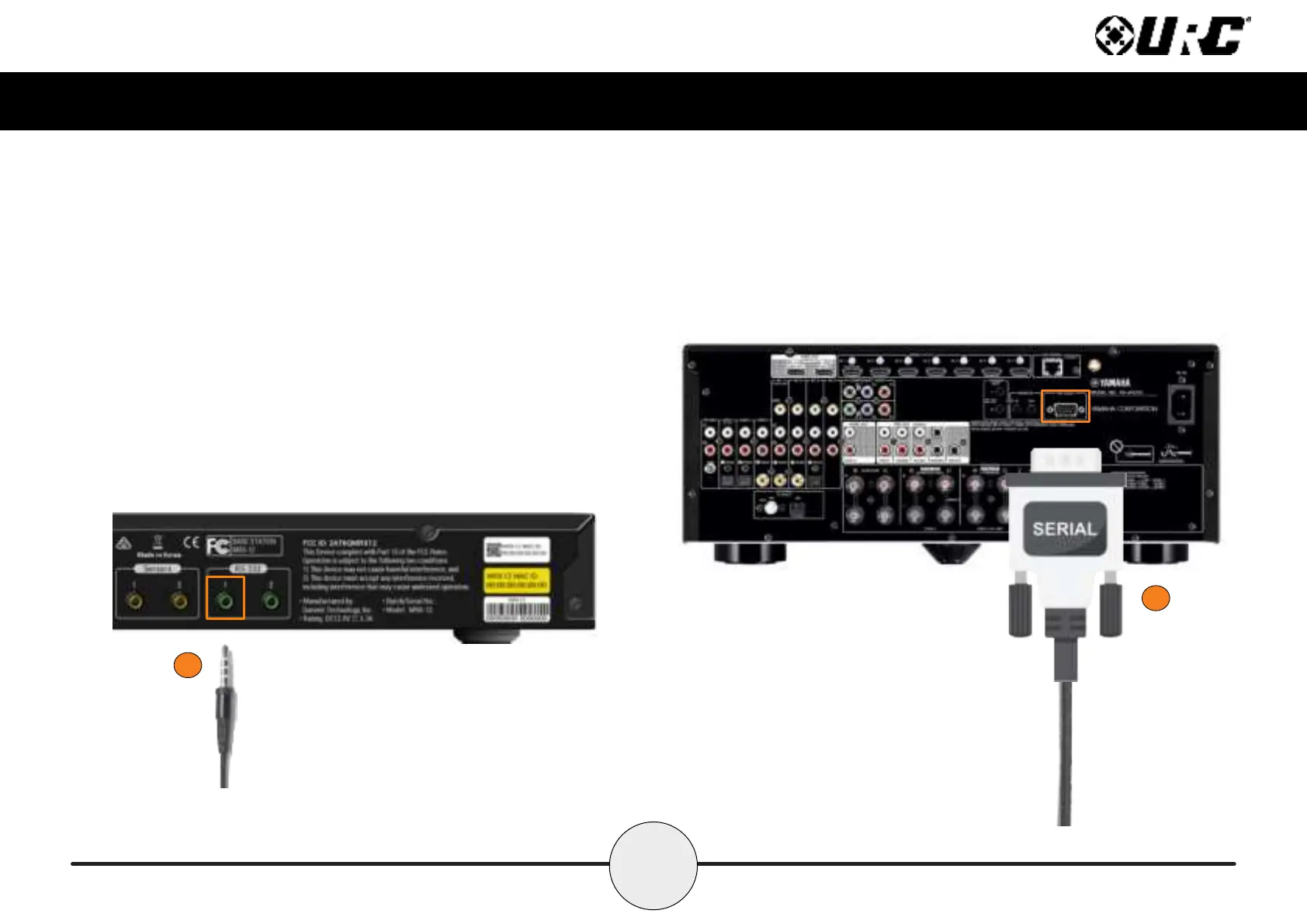
Connecting RS-232 (serial):
The MRX-12 can operate equipment via RS-232 communication. The allows discrete
serial commands to be triggered from the Total Control system.
Connect RS-232 device using URC’s proprietary RS-232 cables. These use either
male or female DB-9 connections with standard pin-outs.
1. Connect the 3.5mm into the RS-232 Output available on the MRX-12.
2. Connect the Serial connection onto the available port on the 3rd party
device, such as AVRs, Televisions, Matrix Switchers, and other devices.
1
2



 To Next Page