EasyManua.ls Logo

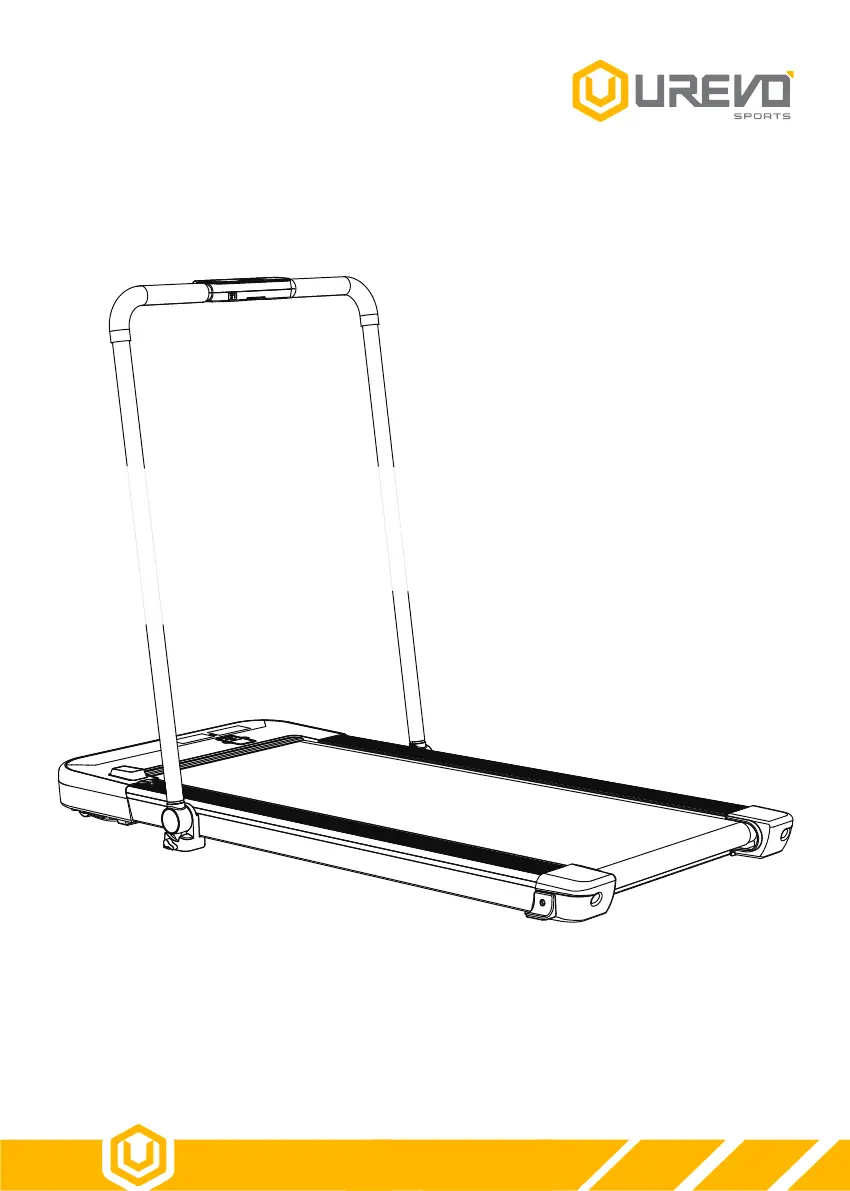
UREVO STROL LITE UR9TM0011 - User Manual

UREVO STROL LITE UR9TM0011
20 pages
Print Icon
To Next Page IconTo Next Page
Loading...
USER MANUAL
MAKING FITNESS FUN
UR9TM0011
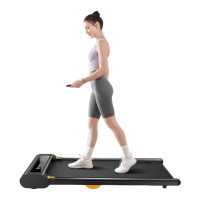
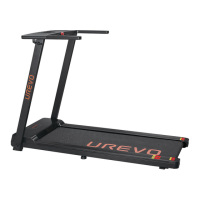
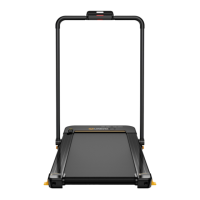
UREVO STROL LITE 2-IN-1
UNDER DESK TREADMILL

Questions and Answers

  • D
    daysusanAug 7, 2025
    Why is there a communication error on my UREVO STROL LITE UR9TM0011 Treadmill?
    • V
      Victoria GonzalesAug 7, 2025
      If you're experiencing a communication error on your UREVO Treadmill, it could be due to connection issues or controller malfunction. First, check that the electric display is properly connected to the controller. If the problem continues, reinsert the main IC of the controller to ensure it is making good contact. As a last resort, the controller's power supply might be abnormal, requiring you to replace the controller.
  • J
    James MyersAug 15, 2025
    What to do if the keyboard and control panel of my UREVO STROL LITE UR9TM0011 Treadmill fail to communicate?
    • M
      Mercedes ThomasAug 15, 2025
      If the keyboard and control panel on your UREVO Treadmill aren't communicating, start by checking the connection between the electric display and the controller. If it is connected properly, try reinserting the controller's plug to ensure a secure connection. If the issue persists, the controller's power supply may be faulty, and you may need to replace the controller.
  • M
    Mr. Matthew DeckerAug 21, 2025
    What to do if my UREVO STROL LITE UR9TM0011 shows 'O v e rc u r re n t p ro te c tio n'?
    • N
      nguyenpatriciaAug 21, 2025
      If your UREVO Treadmill displays an overcurrent protection error, this may be due to an overload or high resistance on the running belt. You can add lubricating oil to the running belt to reduce resistance. If the issue persists, the motor may be damaged and require replacement.
  • K
    Katie HoganAug 29, 2025
    What to do if my UREVO STROL LITE UR9TM0011 Treadmill displays 'E x p lo s io n p ro te c tio n'?
    • T
      Tina WilsonAug 30, 2025
      If your UREVO Treadmill shows an 'E x p lo s io n p ro te c tio n' error, it might be due to the motor or power tube issues. Check the motor connection terminal for an open circuit or contact failure, and replace the motor if necessary. Also, the power tube might be damaged, requiring replacement of the power tube or the controller.

Summary

Service and Support

Contacting Customer Service

How to contact UREVO customer service for product issues, questions, or replacement parts.

Important Safety Guidelines

General Safety Precautions

Key safety rules for operation, environment, user conduct, and product limitations.

Package Contents

Technical Specifications

Product Structure Overview

Identified Product Components

Diagram and labels identifying the various parts of the treadmill.

Assembly and Folding

Assembly Steps

Step-by-step guide for initial setup and assembly of the treadmill.

Power Connection and Activation

Connecting the power cord and turning on the machine.

Folding the Treadmill

Instructions for safely folding the treadmill for storage.

Console Display and Operation

Screen Display Overview

Explanation of the console's readouts for speed, calories, time, and distance.

Console Operation Instructions

How to use the console for starting, stopping, and monitoring workouts.

Remote Control Operation

Remote Control Panel Layout

Identification of buttons and their functions on the remote control.

Remote Control Functionality

Detailed guide on using the remote for speed, start/stop, and prompt clearing.

Speed Control Methods

Adjusting treadmill speed using remote or console shortcut keys.

Stopping Procedures

Methods for stopping the treadmill during operation or automatically.

Instrument Panel Operation

Key Function Descriptions

Explains the purpose of each button on the treadmill's console.

Instrument Operation Instructions

How to use the instrument panel for control, start/pause, and stop functions.

Battery Replacement

Insulating Paper Removal

Steps for removing the battery's insulating paper before first use.

Replacing Remote Battery

Detailed guide for replacing the remote control's button cell battery.

Running Belt Adjustment

Centering Belt to the Left

How to tighten the belt for leftward centering using the rear roller.

Centering Belt to the Right

How to tighten the belt for rightward centering using the rear roller.

Simultaneous Belt Tightening

Adjusting both rear rollers simultaneously for belt tension.

Belt Tension Notes

Important considerations and warnings about belt tightness and potential damage.

Lubrication

Lubrication Schedule and Indicator

When to lubricate the treadmill and how the indicator works.

Lubrication Operation Procedure

Detailed steps for applying lubricant to the running belt.

Troubleshooting

E01: Communication Error

Causes and resolutions for communication errors between components.

E02: Explosion Protection

Causes and resolutions for explosion protection faults.

E05: Overcurrent Protection

Causes and resolutions for overcurrent protection issues.

E06: Overload Protection

Causes and resolutions for overload protection issues.

E10: Control Panel Communication Failure

Causes and resolutions for failures between keyboard and control panel.

Warranty Information

Component Warranty Coverage

Duration of warranty for structural frame and other components.

Warranty Exclusions

Conditions and circumstances not covered by the manufacturer's warranty.

Ordering Replacement Parts

Information required to order replacement parts from customer service.

UREVO STROL LITE UR9TM0011 Specifications

General IconGeneral
BrandUREVO
ModelSTROL LITE UR9TM0011
CategoryTreadmill
LanguageEnglish

Related product manuals