17 ... User's Guide
07. Installation
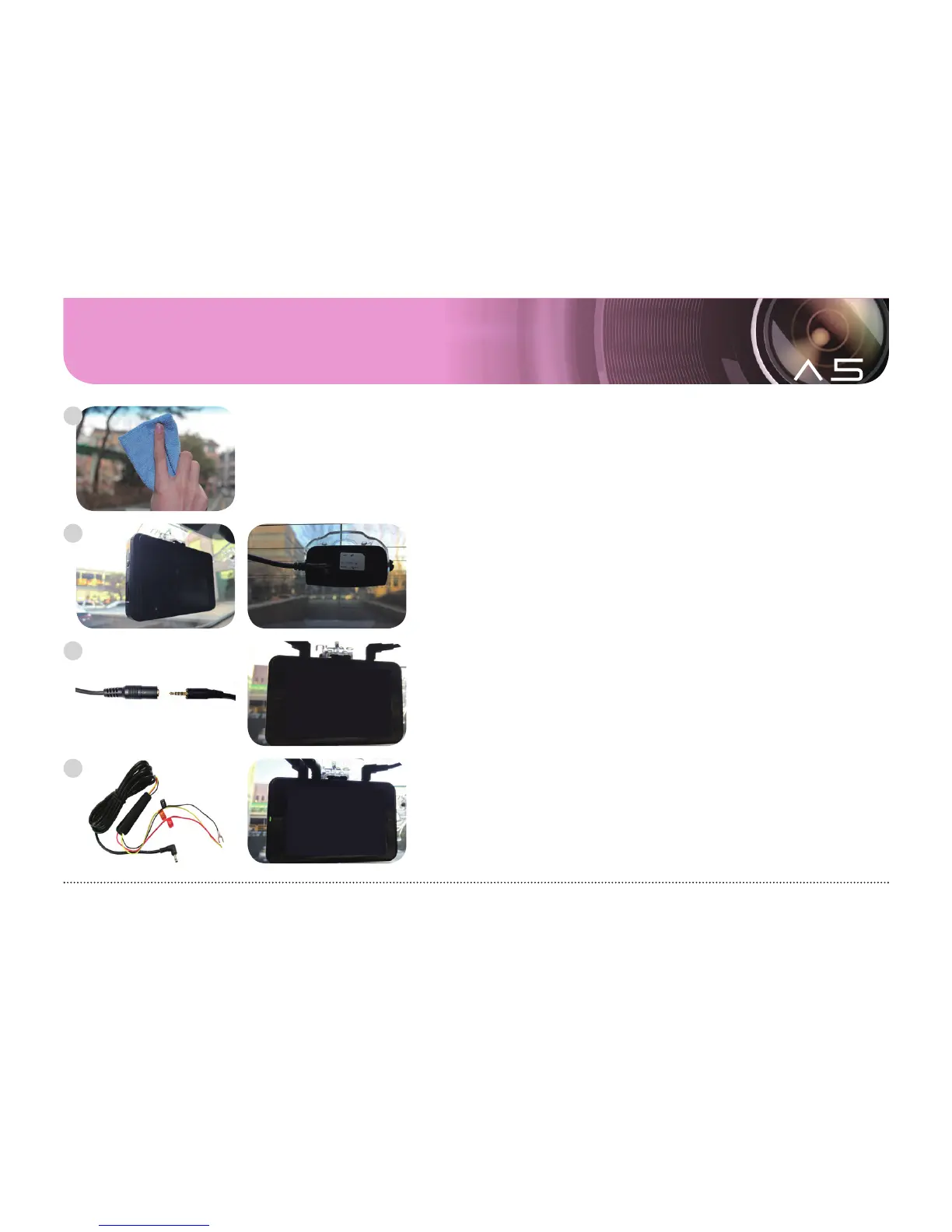
Clean the sections to install front and rear cameras.
Attach the body and rear camera as you desire.
Connect the cable to the rear camera and external GPS (optional)
without the power cable connected.
Connect the power to a fuse box, and power cable to the body.
- Black line: GND, (ex) Chassis
- Yellow line: ACC, (ex) Fuse of cigar jack
- Red line: BAT(B+), (ex) Emergency light
1
2
3
4



 To Next Page