Urive HIT ... 17 ... User's Guide
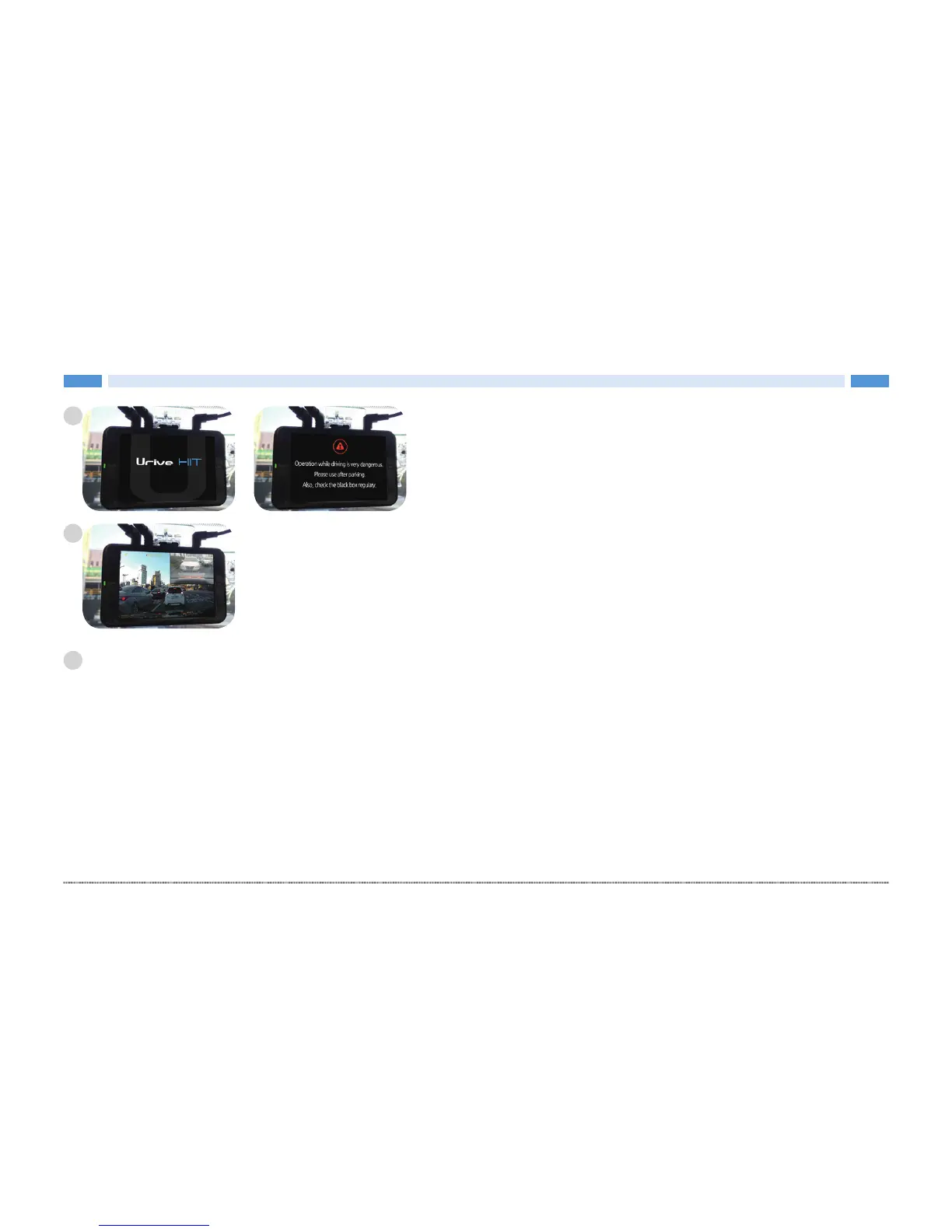
After the intro and caution screens, it starts recording with a
buzzer.
After booting up, front-view image is displayed. Touch [Rear-view image] item to check
the rear-view image, and enable [Setting] · [PIP] to check the front-/rear-view images at
the same time.
• State LED: Drive mode – GREEN LED On / Parking mode – GREEN LED Off
Check if the front-/rear-view image is saved, and, then, hide the cables.
5
6
6


 To Next Page