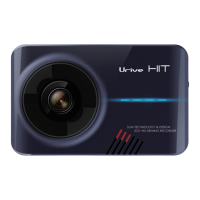
Urive HIT ... 40 ... User's Guide
12
Black box configuration
#
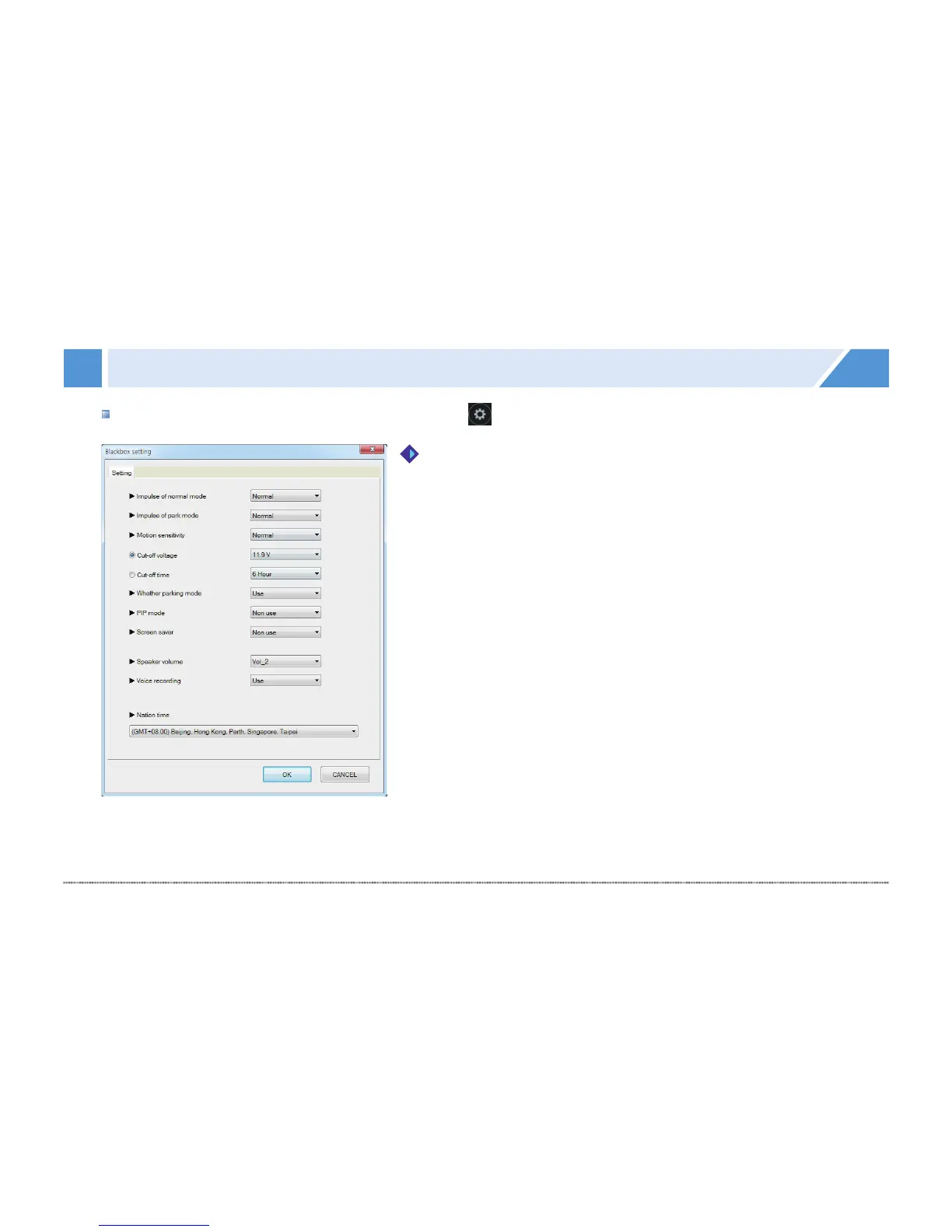
Black box configuration: In the PC Viewer, press to open the Black box configuration window as follows.
1.
#
Impulse level of driving & parking mode: You can adjust 3 levels
(Insensitive,Normal, or Sensitive) for the black box to sense
impulse.
2.
#
Motion sensitivity of parking mode: You can adjust 3 levels
(Insensitive, Normal, or Sensitive) for parking mode to sense
motion.
3.
#
Cut-off voltage & time: Black box can be set to be turned off
automatically in order to prevent battery discharge. 7 steps (None,
11.5 V, 11.7 V, 11.9 V, 12.1 V, 12.3 V, and 12.5 V) and 5 steps (None,
6 hr, 12 hr, 24 hr, and 48 hr) can be set for the voltage and time,
respectively.
4.
#
Whether to use the parking mode: Set the parking mode
recording. Set to “Not Use.” The product power would be turned
off if the ignition is turned off.
Configuration


 To Next Page