Urive HIT ... 18 ... User's Guide
08
Product: functional description
Power
(ACC ON)
Long press Power ON/OFF 1 time of buzzer sound
BLUE LED is turned on and
then off after booting up,
GREEN LED is turned on.
Mode
switching
Parking mode >
ACC(Engine) ON
Driving mode “Shifting to drive mode.” -
Driving mode > ACC
(Engine) OFF
Parking mode “Shifting to parking mode.” -
Driving
mode
(ACC ON)
Driving recording
Continuous recording
(unit: 1 min)
1 time of buzzer sound
BLUE / GREEN
blinks once per a second.
Entering the setting menu
The video recording is
stopped.
1 time of buzzer sound BLUE LED lighting
Impulse or power switch
(Press for a short time.)
It saves a video from 3
seconds before to 17
seconds after (20-second
duration).
2 times of buzzer sound
BLUE / GREEN
blinks 4times per a second.
Receiving GPS(optional)
signal
“G” mark at the bottom of
image; it starts to measure
the speed and save the
operation record.
“GPS is connected” -
During the power cut-off
due to high temperature,
the LCD doesn't turn on.
The LCD doesn't turn on
even if it is pressed.
"The LCD has been shut
down due to the high
temperature."
-
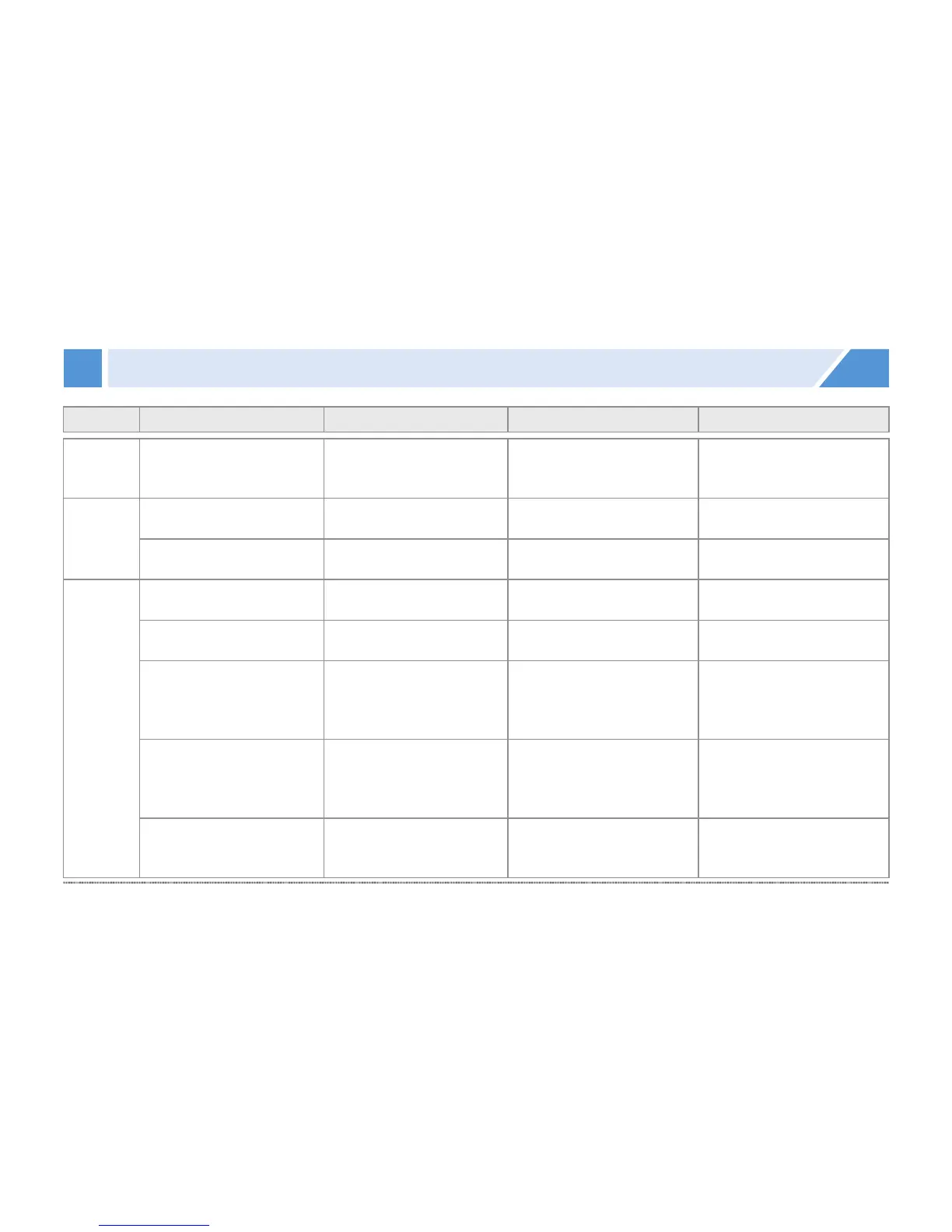
Classification
Situation Action Voice information LED


 To Next Page