Urive HIT ... 34 ... User's Guide
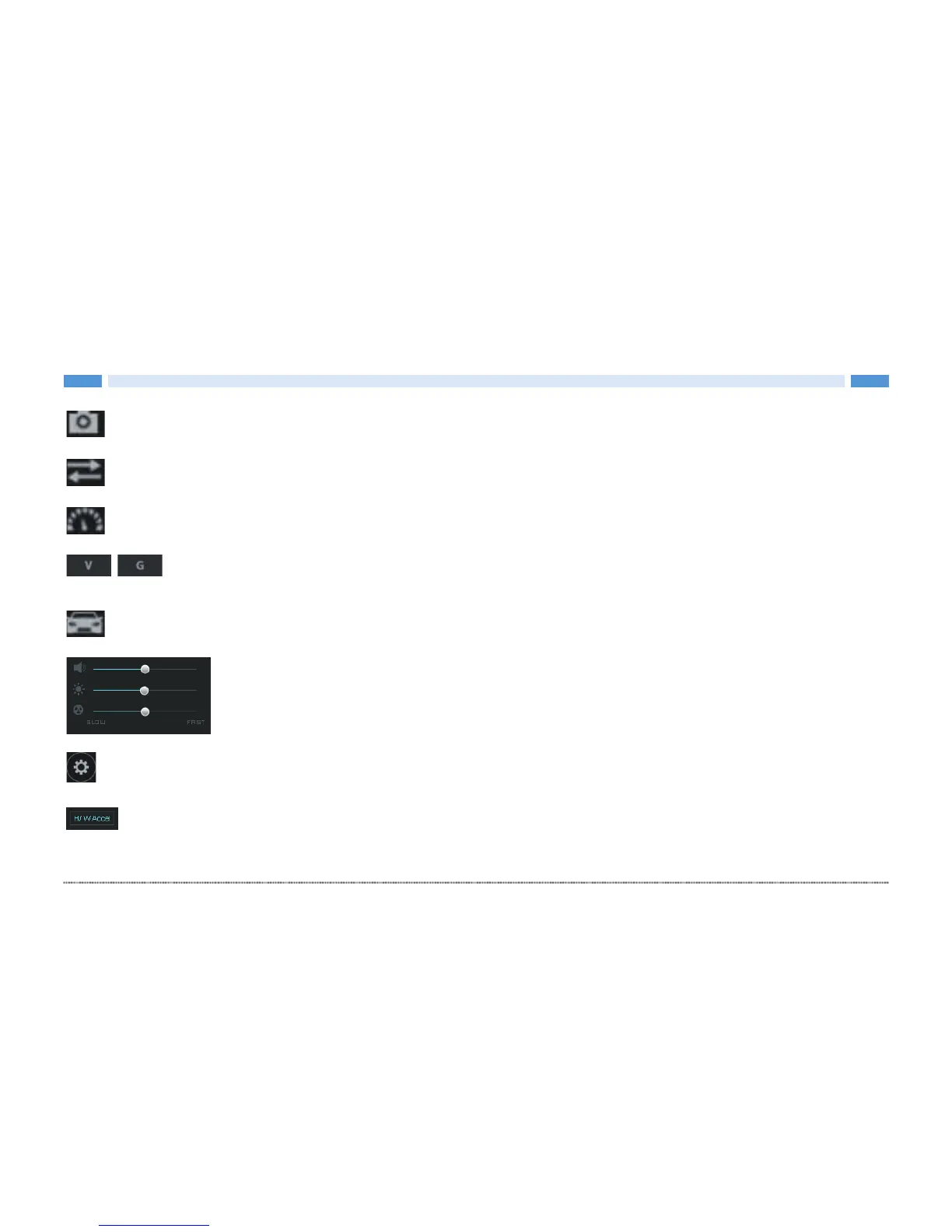
Capture screen Saves the full screen of Viewer to a PNG file.
Switch front/rear view In the PC Viewer, front and rear views are switched.
Speed / acceleration graph Speed/acceleration graph pops up.
Select speed/acceleration graph Speed or acceleration graph can be selected. (Requires external
GPS (optional)).
Driving record Shows the information of driving record. (Requires external GPS (optional)).
Play option Volume, brightness and video play speed can be controlled.
Black box settings Settings of black box are saved to a micro SD card. A micro SD card needs to be
inserted.
Hardware Acceleration On/Off You can enable or disable hardware acceleration of graphics cards.
The PC does not support hardware acceleration enables smooth video playback in the OFF state (default
setting: ON)


 To Next Page