Urive HIT ... 36 ... User's Guide
11
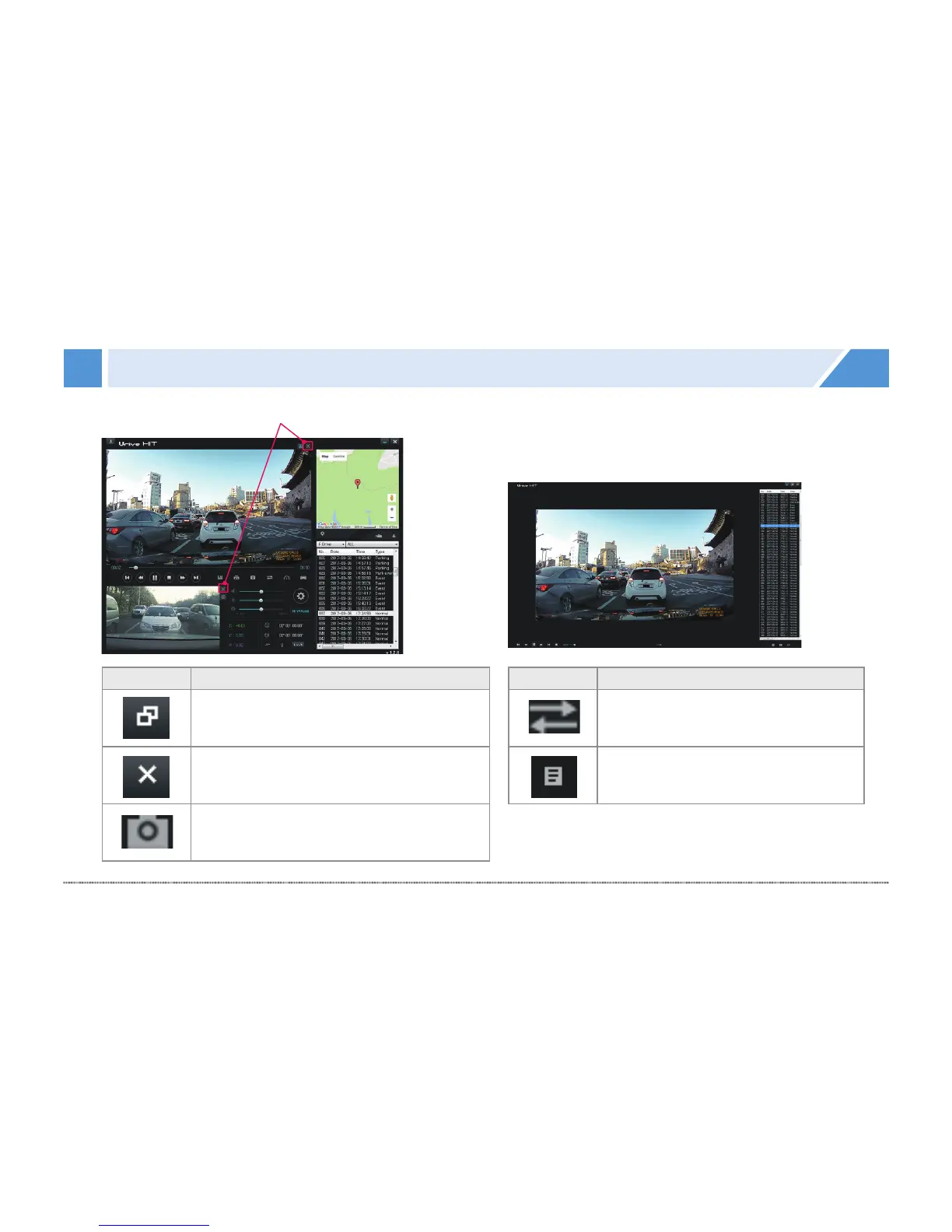
PC Viewer - Full screen view
Switches front/rear view to full screen.
Icon Meaning
Main screen Returns from the full
screen mode to the main screen.
Exit Viewer is exited without returning
to the main screen.
Capture Captures the screen, and
saves as an image file.
Icon Meaning
Switch view Switches between
front and rear views.
Play list
Shows video list of the SD card.


 To Next Page