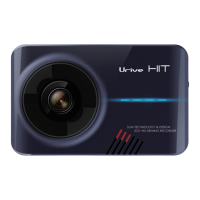
Urive HIT ... 8 ... User's Guide
PIP (picture in picture)
It shows the front and rear videos at the same time.
Easy Configuration
Users can change the configuration on the touch screen by themselves.
Continuous recording
All videos during driving are continuously recorded as a one-minute video file.
Event (impulse) manual recording
It records 20 seconds video files from the 3 seconds before the incidence to the 17 seconds after it in the event folder when
there is an impact or the power button is pressed briefly.
Dedicated CCTV to protect the car, recording in parking
It provides recording in parking to record any damage or accident while your car is parked.
Auto memory management
Even if a memory card is short of space, it provide auto management function to remove files from the oldest ones to record
recent driving videos.


 To Next Page