Urive Zest ... 22 ... User's Guide
09. Urive Zest GUI -Screen saver
#
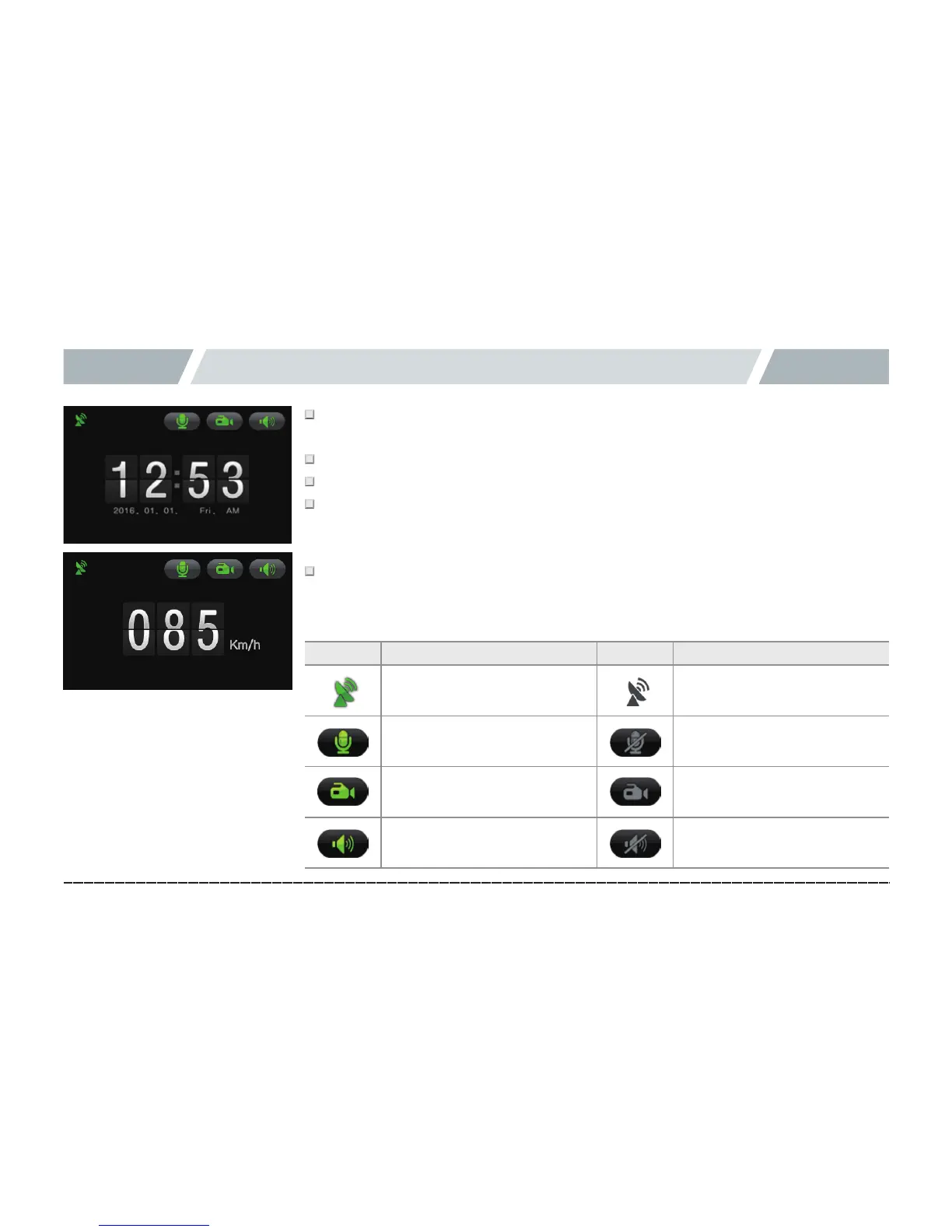
After 1 minute without touching the LCD, the screen saver is activated. If the screen
saver is “Disabled,” the LCD screen is automatically turned off in 2 minutes.
#
Screen saver has 2 types: Clock and Speed.
#
In the screen saver mode, video recording and voice recording do not stop.
#
In the screen saver mode, you can check the voice recording state, event save state,
voice information state, and GPS signal state, and set and press the icons except for
the GPS signal state.
#
The Speed mode of the screen saver shows the speed only if an optional GPS
module is installed. (If the GPS is not installed, the speed is “000 km/h.”)
Icon Meaning Icon Meaning
GPS ON GPS OFF
Mute off Mute on
Keep the LCD on when
saving an event
Keep the LCD off when
saving in drive mode
Volume (in 3 levels) Mute
◆ Icons of screen saver



 To Next Page