Urive Zest ... 25 ... User's Guide
09. Urive Zest GUI -System state
#
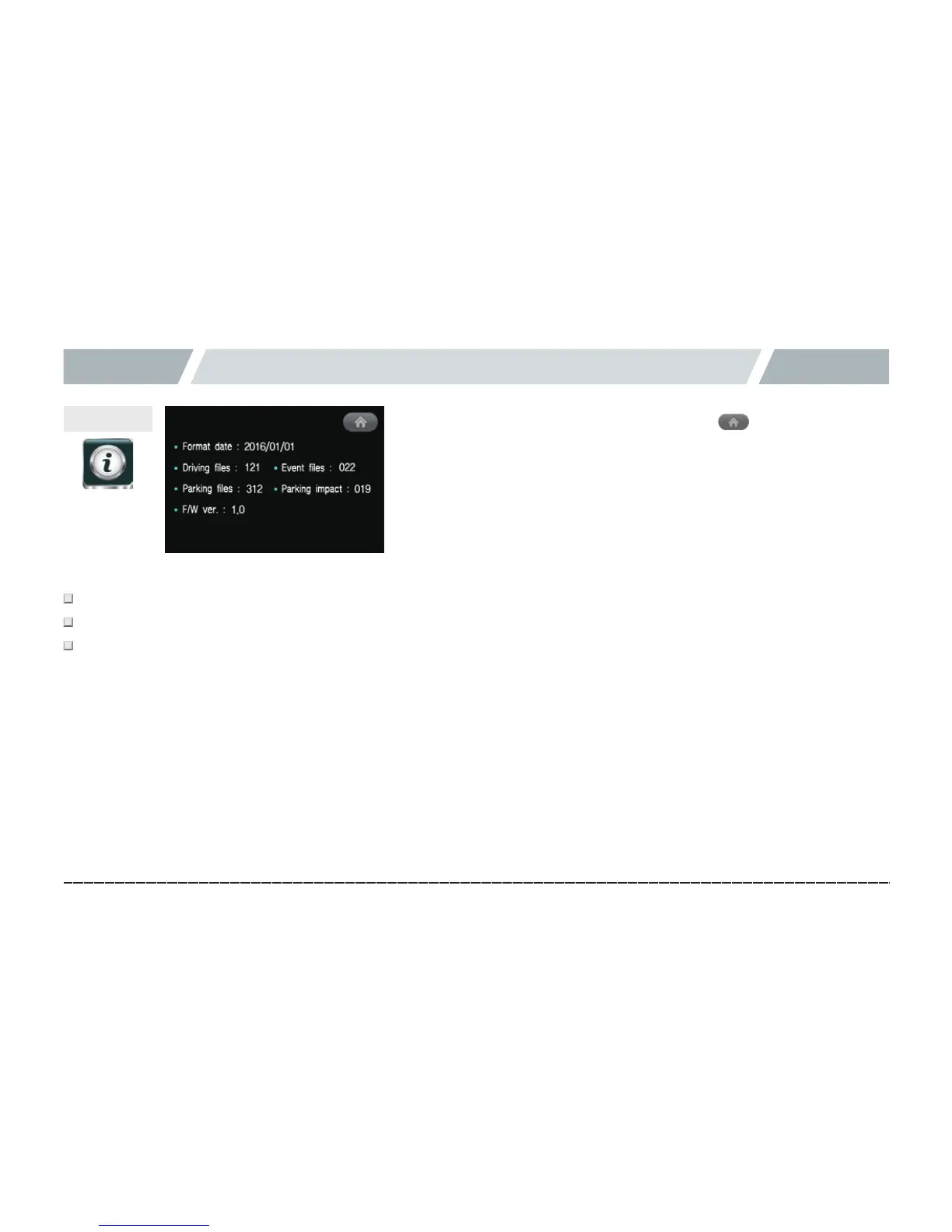
Format date: Shows when a memory card was formatted.
#
Shows the number of saved drives, events, parking instances, and parking impact files.
#
Firmware version: Shows the current firmware version of the black box.
In the System state menu, the video recording and voice recording are stopped. Please take note.
System state
[Menu(home)button]



 To Next Page