Urive Zest ... 26 ... User's Guide
09. Urive Zest GUI -Settings
Icon
Meaning
Details
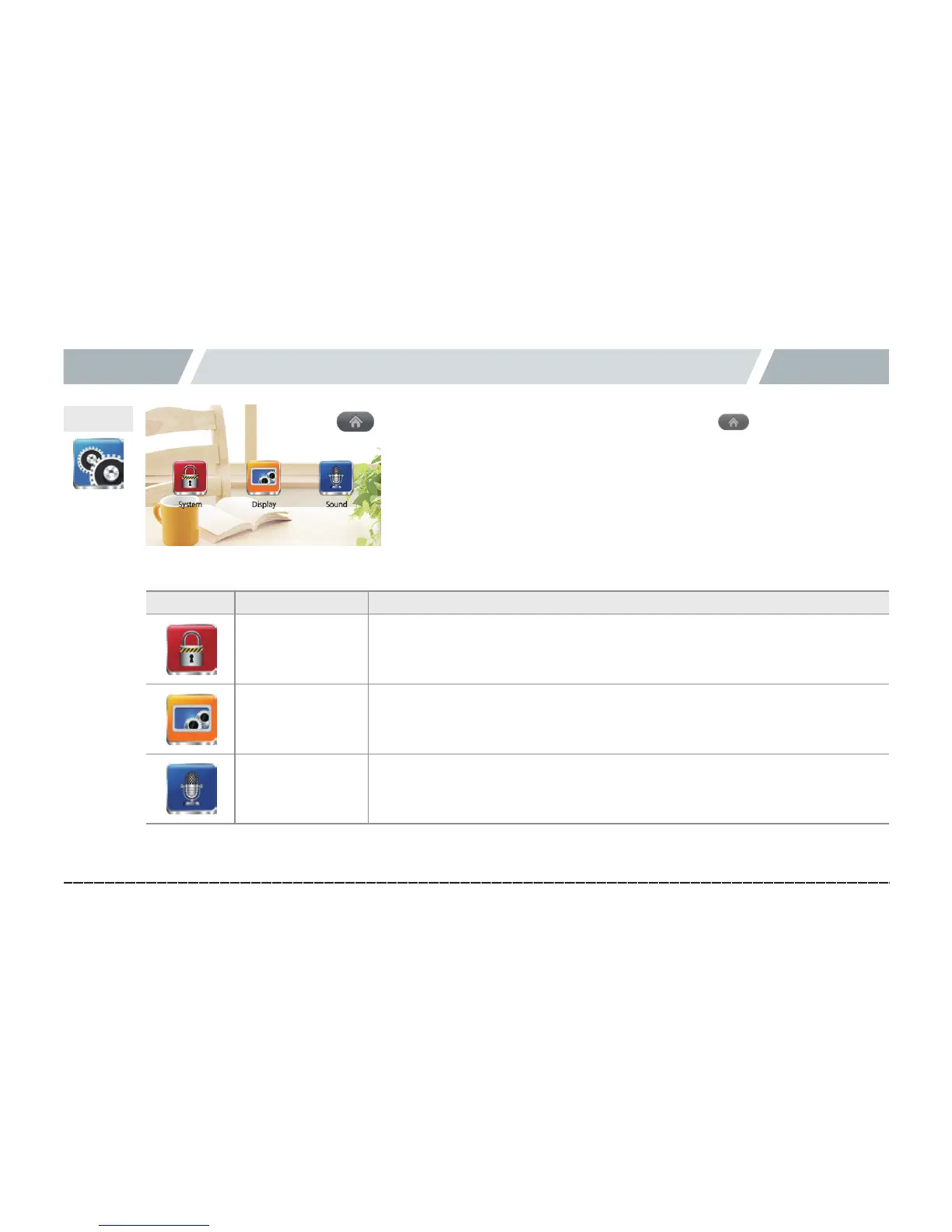
System settings
Impact level of drive/parking mode, motion sensitivity of parking
mode, cutoff setting, SD space for parking mode, and clock setting
Display setting
Coordinate correction, PIP, and Screen saver off: With no action in the
real-time view screen for 2 minutes, the LCD is turned off.settings
Voice setting Voice recording and volume settings
Settings
[Menu(home)button]



 To Next Page