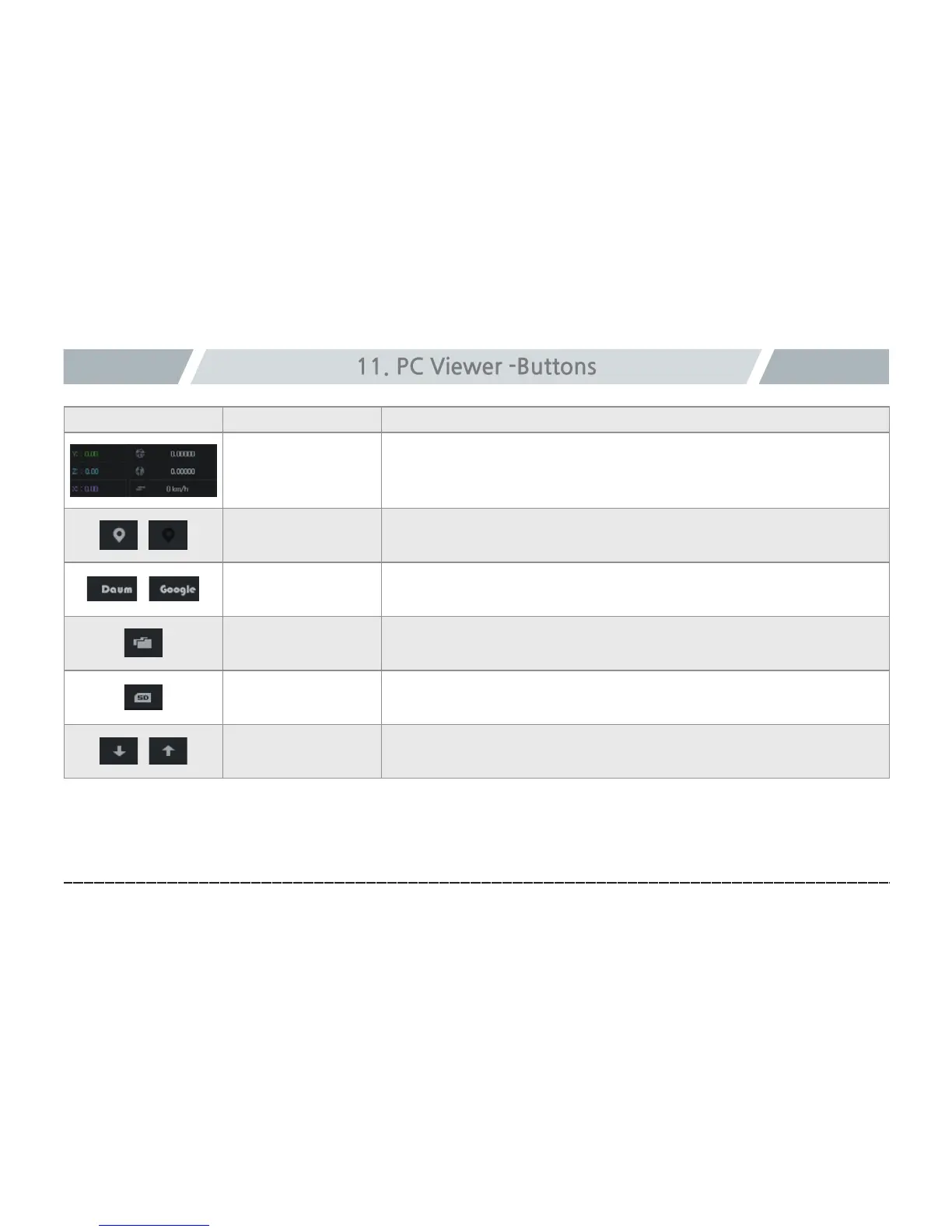
Icon Function Explanation
Impact and location
information
Shows impact level, GPS, and speed information (GPS and speed
information display requires a GPS(optional).
Show/hide map
Shows the information of driving location during video playback.
Switch Daum/
Google Mapgraph
Map service can be selected
Open file
Used to open a saved video file.
Format/check SD
A SD card can be formatted or checked for error.
Sort file list
A file list can be sorted in the ascending/descending order.



 To Next Page