Urive Zest ... 37 ... User's Guide
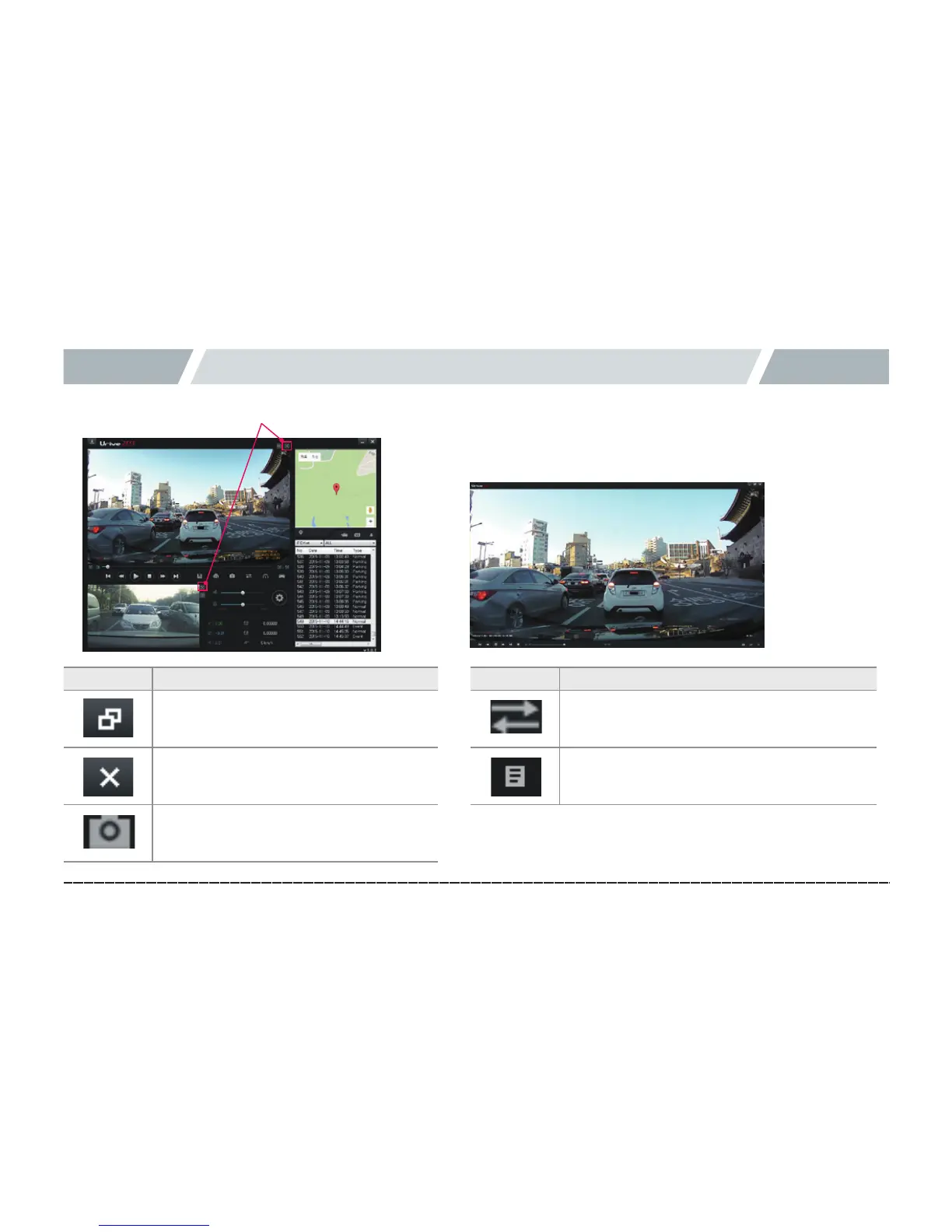
11. PC Viewer -Full screen view
Switchesfront/rearviewtofullscreen.
Icon Meaning
Main screen : Returns from the full
screen mode to the main screen.
Exit : Viewer is exited without
returning to the main screen.
Capture : Captures the screen, and
saves as an image file.
Icon Meaning
Switch view :
Switches between front and rear views.
Play list :
Shows video list of the SD card.



 To Next Page